 ZeroCrew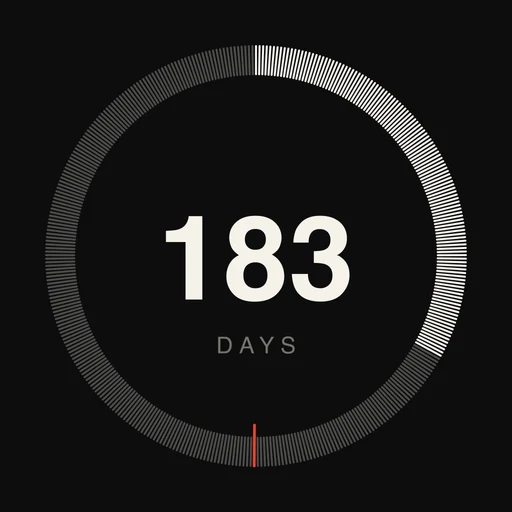
Flags Tax
Know where you stand on tax, everywhere.
Flags Tax counts the days you spend in each country and measures them against the 183-day rule and each country's own threshold. It rebuilds your travel history from the dates and places your photos already store, on your iPhone, and warns you before you cross a line.
iPhone, iOS 18 or later




Features
You ask: Hey Siri, which country am I tax resident in?

The app answers: You're still in Spain, but the UK is approaching. You've spent 110 days in the UK this year.
Your year, rebuilt from your photos
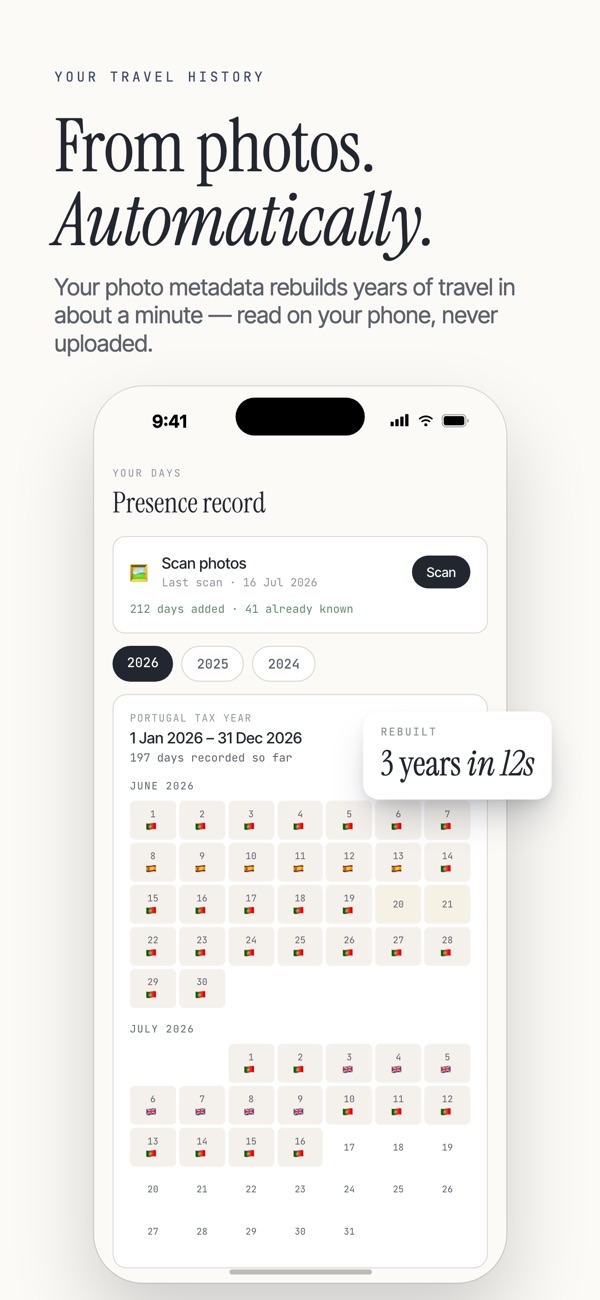
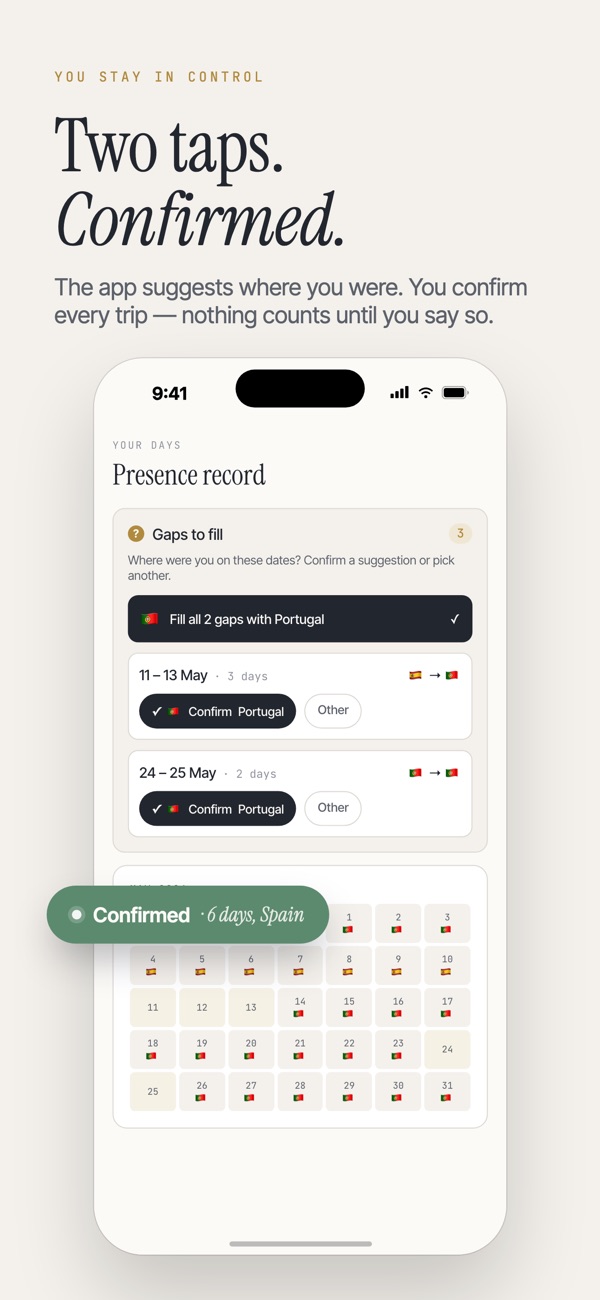
Flags Tax reads the date and place your photos store and matches them with maps built into the app. You confirm each trip in two taps, and nothing is uploaded.
One status for every place you watch
Every jurisdiction you watch is ranked by risk, with a clear verdict: resident, not resident, approaching, over, or review. Each one keeps its own tax year.
More than a day count
Mark where your home, family, or work is. In most countries those ties can make you resident regardless of days, and the UK's Statutory Residence Test uses them to lower your day limit.
A warning before you cross a line
Flags Tax spots a place you spend too long in and starts watching it. A home-screen widget and an optional weekly check-in keep the count in view.
Evidence when it matters
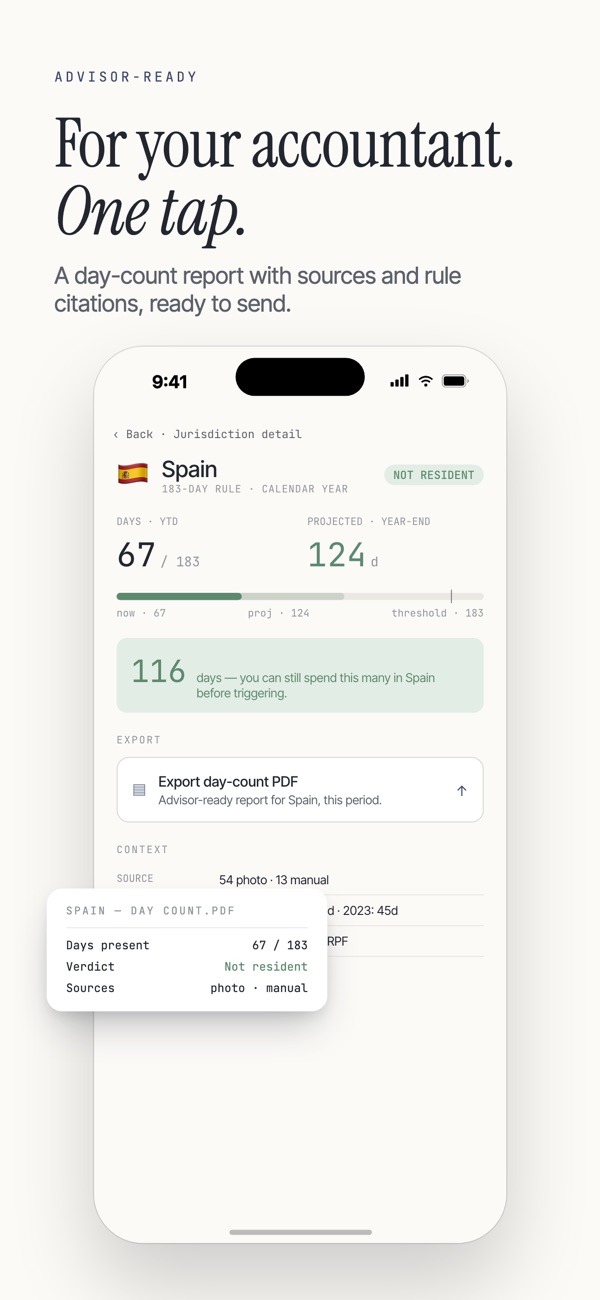
Export every recorded day in one country, with the evidence behind each day, as a PDF and a CSV. A one-page briefing starts the conversation with your tax advisor.
Questions
Does Flags Tax track my location?
No. It never asks for location permission and never tracks you in the background. It reads the date and place your photos already store, and works out the country on your iPhone.
Which countries does it cover?
About 239 countries, plus US states, Canadian provinces, and Swiss cantons. Each jurisdiction keeps its own tax year, such as April 6 in the UK, April 1 in India, and July 1 in Australia.
A trip is missing. What do I do?
Flags Tax spots the gap and suggests where you were. Confirm the suggestion, or add the stay by hand.
Is this tax advice?
No. Flags Tax is an early-warning tool, and its tax estimates are indicative. It keeps complex rules simple on purpose. Confirm your position with a qualified tax professional before you act on it.
Where is my data stored?
On your iPhone, and nowhere else. There's no account and no sync. If you delete the app, your data goes with it.
Flags Tax on your iPhone
Know where you stand on tax, in every country.