

12 Best Privacy Apps for iPhone in 2024 To Secure Your Data
Finding the best privacy apps for iPhone means choosing tools that operate offline, require no account, and don’t track your every move. While iOS has strong built-in protections, many popular apps still collect sensitive data. For privacy-conscious travelers, digital nomads, or expats managing multi-country stays, an offline-first app like DaysAround is the ideal solution. It builds a secure, on-device timeline of your travels across borders using your photo metadata—without GPS or cloud storage. This privacy-first country tracker ensures your location history never leaves your phone, making it perfect for monitoring visa stays or creating a countries visited map privately.
This guide provides a comprehensive list of the top no-tracking, no-account apps that empower you to take back control of your digital life. We’ll analyze each app's privacy model, key features, and ideal use cases, focusing on tools that operate entirely on your device. Each entry includes direct links and practical advice to help you build a more secure and private mobile experience.
1. Private Travel Tracking: DaysAround
DaysAround sets the standard for private travel tracking, making it one of the best privacy apps for iPhone for anyone who needs to log their movements without compromising their data. Instead of relying on invasive GPS or cloud services, it reconstructs your travel history securely and entirely on-device using your photo library. This privacy-first model ensures that your location data, travel patterns, and personal timeline remain yours alone. For digital nomads and expats, DaysAround automatically calculates days spent in each country, providing an essential tool for monitoring tax residency requirements or visa limits, like the Schengen 90/180 rule.
Key Features & Use Cases
- On-Device Processing: All data, from photos to travel timelines, is processed locally. This core principle prevents your sensitive location history from ever being uploaded to a server, eliminating risks of data breaches or surveillance.
- Automated Country Counter: It functions as a sophisticated country counter by analyzing photo metadata to build a timeline. This is ideal for generating reports for tax purposes or visualizing your travel history on a countries visited map.
- Integrated Schengen Calculator: The app includes a free, automated Schengen calculator that tracks your rolling 90/180-day stay limit. This is invaluable for frequent travelers to Europe. For manual calculations, you can also use the free Schengen Zone Calculator on their website.
- Data Export: You can export your travel stats, including country visit totals and continent breakdowns, providing tangible records without sacrificing privacy.
Pros and Cons
| Pros | Cons |
|---|---|
| Exceptional Privacy: No accounts, no cloud sync, and no third-party analytics. | iOS Only: Currently unavailable for Android users. |
| No GPS Required: Uses photo metadata, reducing battery drain and location exposure. | Local Data Only: No cloud backup or sync options available. |
| User-Friendly: Clean interface, offline functionality, and no login required for use. | Pricing Transparency: Pricing is not detailed on the website. |
Website: https://daysaround.app
2. Secure App Marketplace: Apple App Store
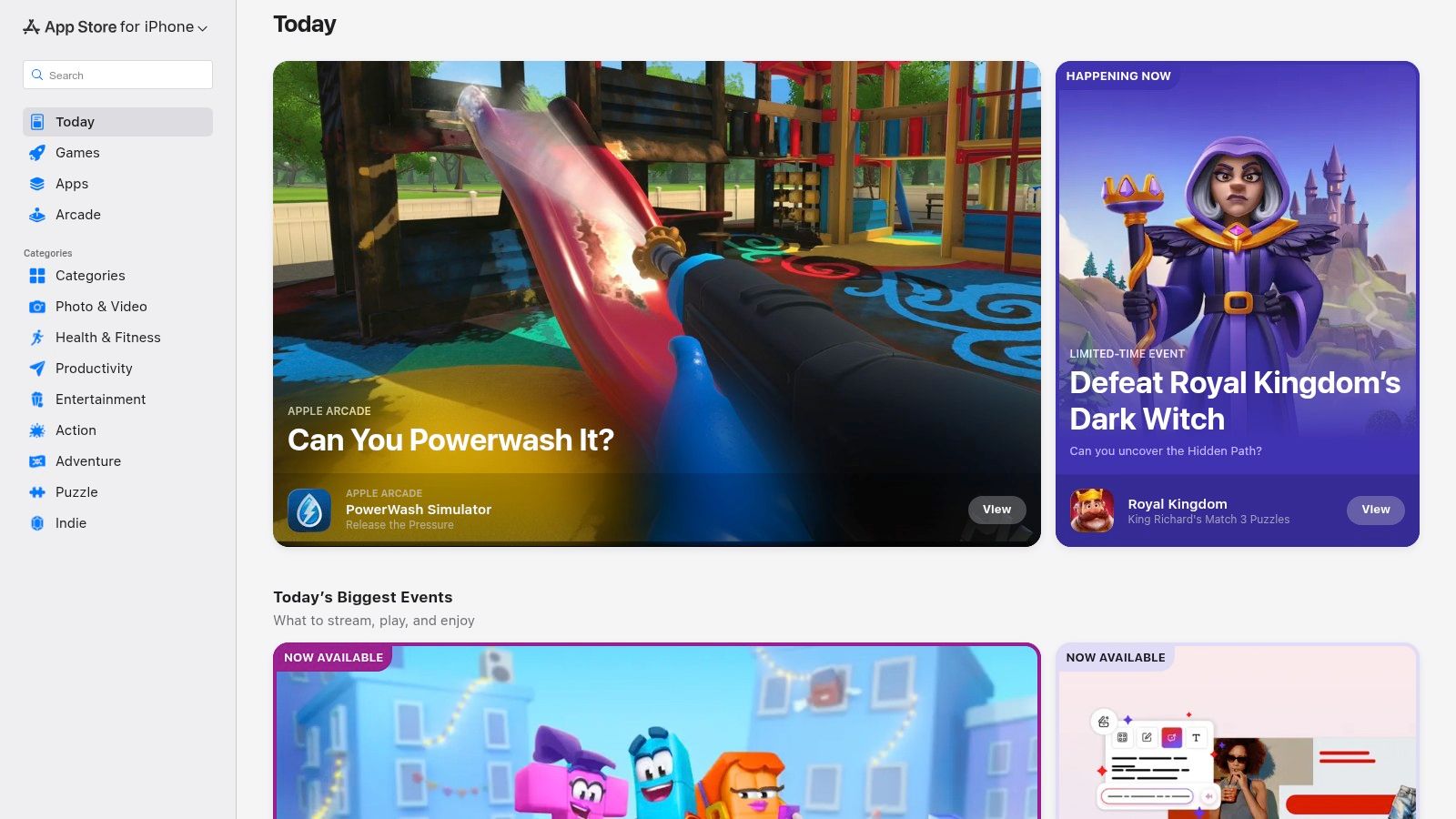
While not an app itself, the Apple App Store is the essential starting point and the most secure marketplace for discovering the best privacy apps for your iPhone. Its curated nature, backed by Apple's strict App Review process, provides a fundamental layer of security, filtering out overtly malicious software. This makes it the safest gateway for finding and installing tools like VPNs, ad blockers, and private travel trackers. For anyone seeking privacy, the store's mandatory Privacy Nutrition Label is a critical feature, detailing what data an app collects and how it's used. This allows users to verify claims made by developers and choose apps like DaysAround that operate on-device and don't link data to the user.
3. Secure Messaging: Signal
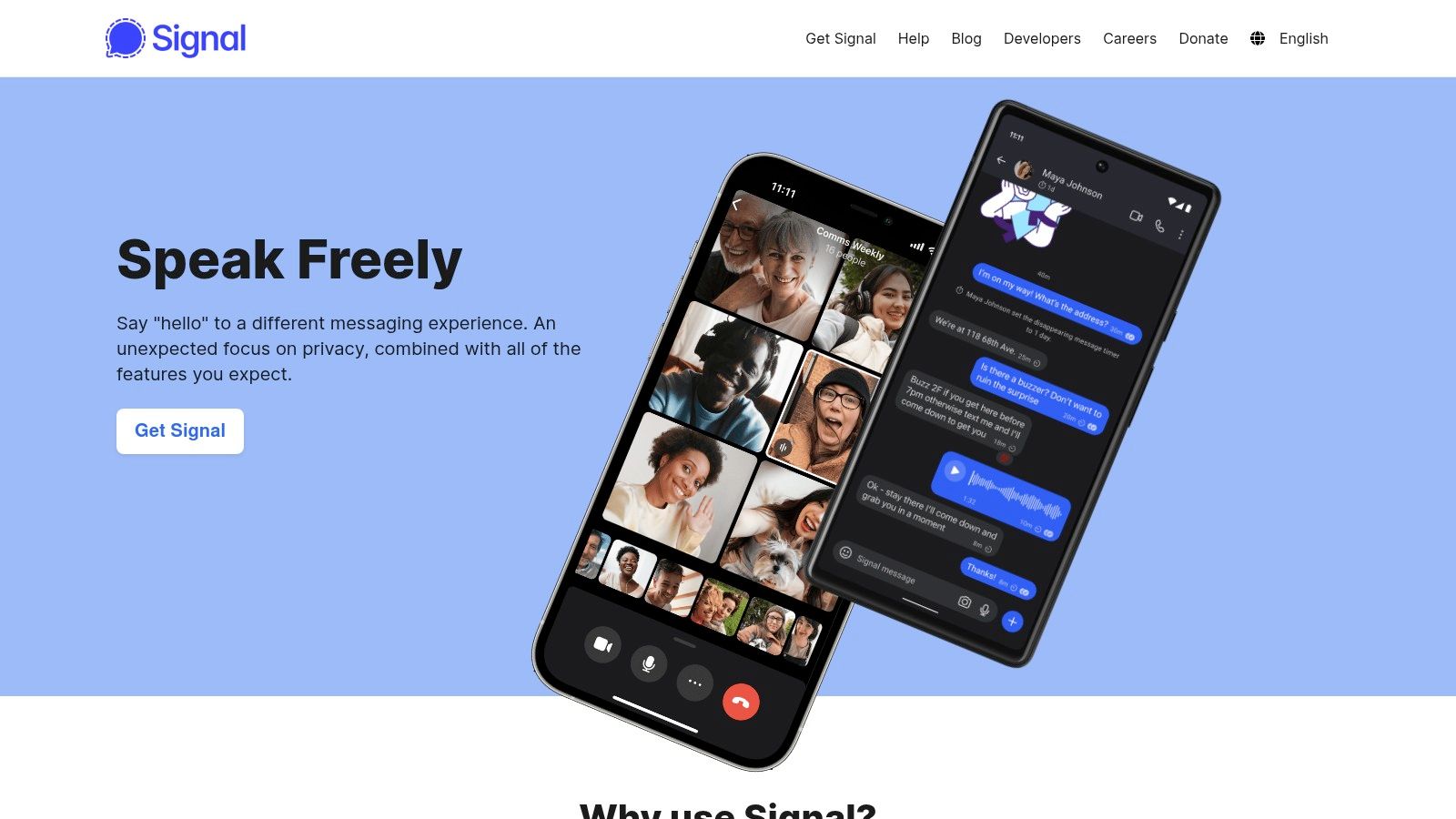
As a gold standard for private communication, Signal is an indispensable tool for anyone prioritizing secure messaging. It offers default end-to-end encryption for every message, voice call, and video call, ensuring that only the sender and intended recipient can access the content. Signal is engineered to collect the absolute minimum metadata necessary for the service to function, and features like disappearing messages and screen security (which blocks screenshots) further enhance its protections. Combining Signal for secure chats with an offline travel history app like DaysAround creates a powerful, privacy-first digital toolkit. While Signal protects your messages, DaysAround protects your location history by keeping your country tracker data offline and on your device, avoiding cloud-based vulnerabilities entirely.
4. Encrypted Ecosystem: Proton
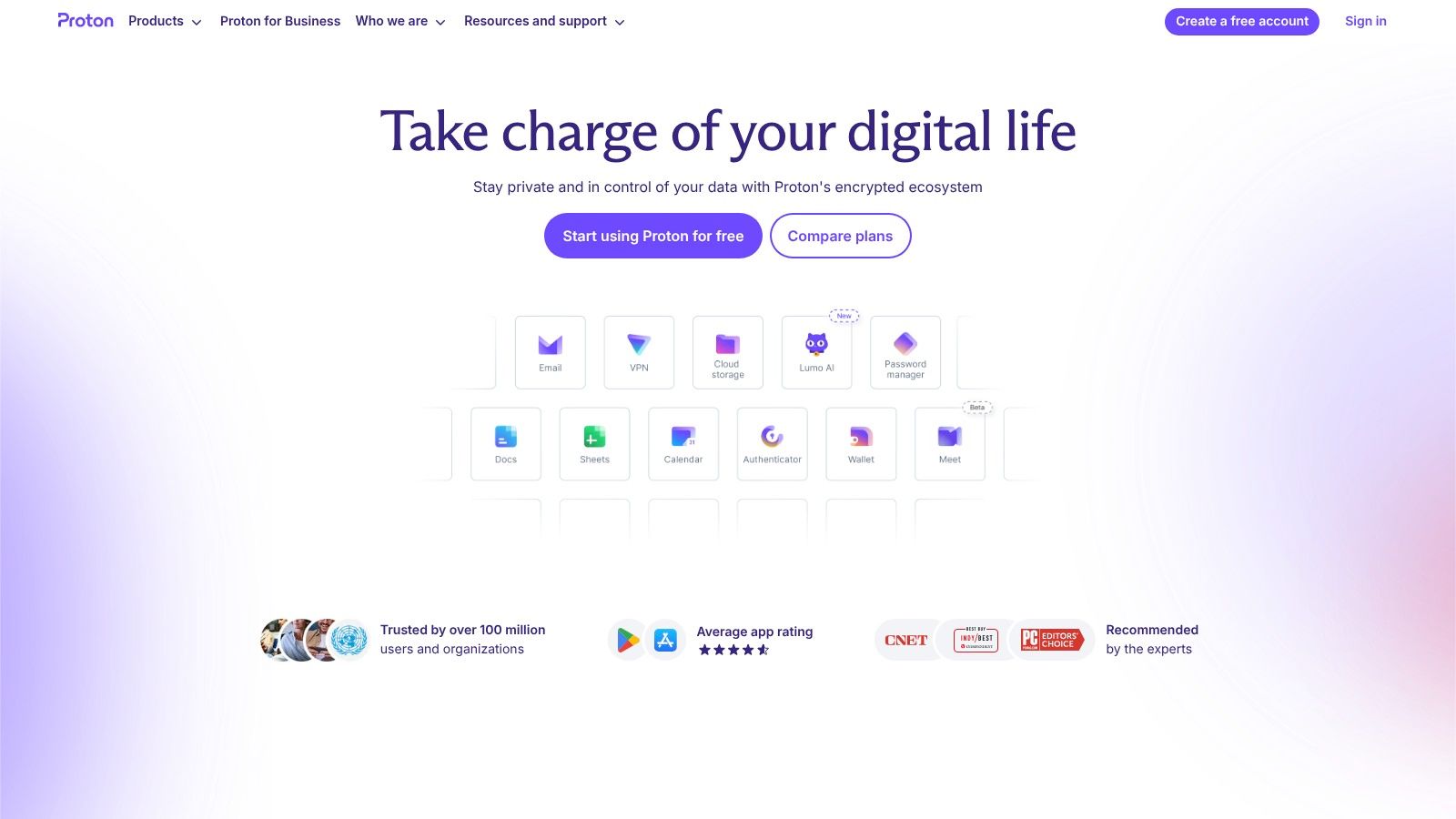
Proton provides a comprehensive suite of privacy-first applications, including Proton Mail, Proton VPN, Proton Pass, and Proton Drive. This unified approach allows you to replace Big Tech services with alternatives designed from the ground up for end-to-end and zero-access encryption. All their apps are open-source and independently audited. For travelers, combining Proton VPN with a privacy-focused travel tracker provides a powerful defense. The VPN encrypts your connection, while an app like DaysAround keeps your countries visited tracker securely on your device, creating a completely private record of your movements. Using Proton secures your digital communications, while DaysAround secures your physical location history—all without relying on third-party servers.
5. Anonymous VPN: Mullvad VPN
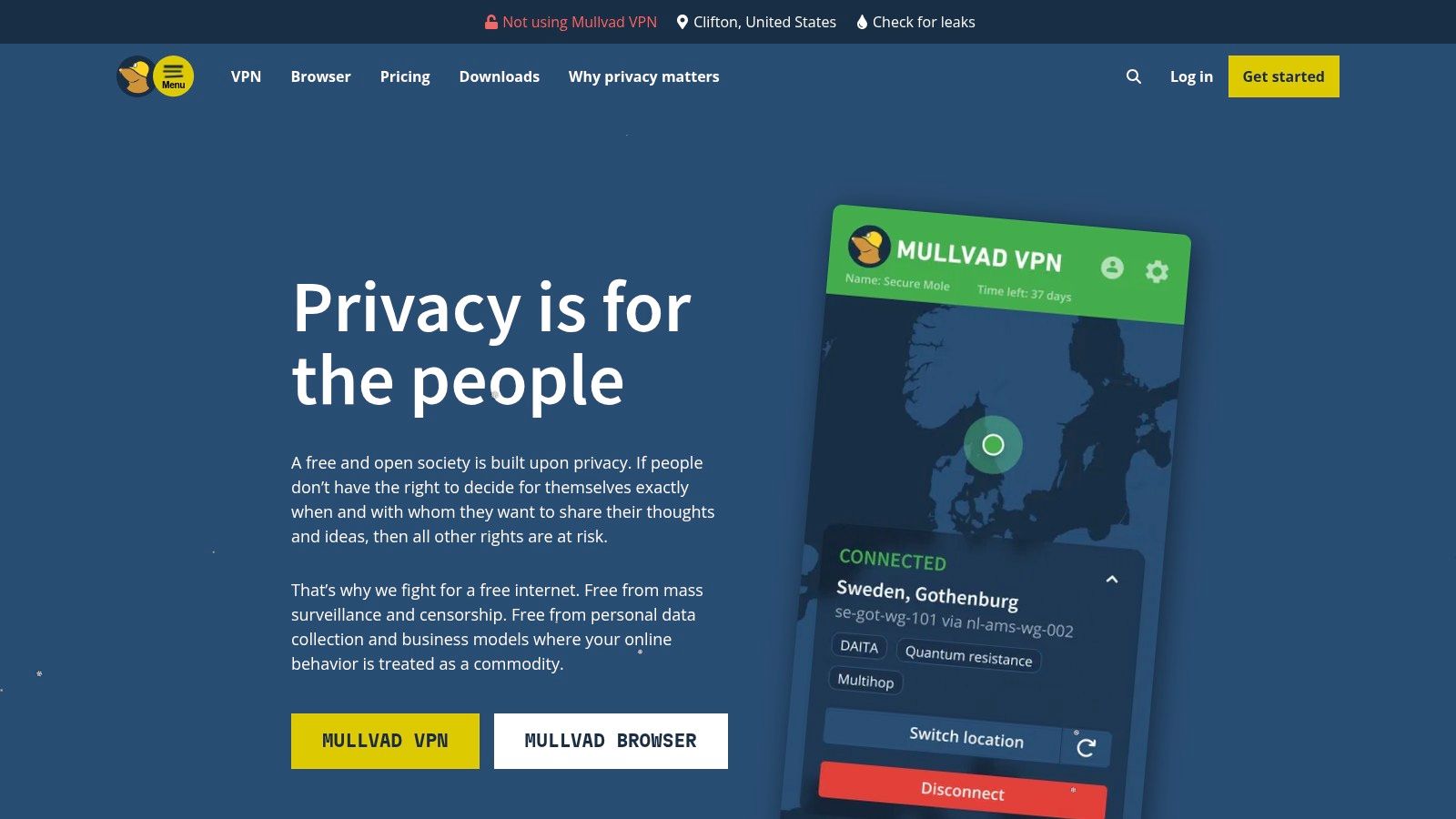
Mullvad VPN stands out for users who prioritize anonymity above all else. Instead of an email, you are assigned a random account number, ensuring no personal identifiers are ever required. A standout feature is the ability to pay with cash sent via mail, cryptocurrency, or vouchers, completely severing the link between your identity and your VPN account. For travelers, using Mullvad to secure your internet connection at an airport prevents snooping. This pairs perfectly with a private travel tracker like the DaysAround app, which keeps your location history safely on your device. This combination ensures both your internet traffic and your physical movements remain confidential.
6. Private Browser: DuckDuckGo
DuckDuckGo offers more than just a private search engine; its dedicated iOS browser is a powerful tool for enhancing your daily online privacy. It bundles essential features like tracker blocking, upgraded encryption, and easy data clearing with its iconic Fire Button. This makes it an excellent replacement for Safari or Chrome. While the browser protects your browsing activity, it doesn't protect your location data. For tracking your physical travel history without cloud sync or GPS, a dedicated on-device tool like the DaysAround app is essential. This combination of private browsing with an on-device country counter creates a comprehensive privacy shield for digital nomads and security-conscious travelers.
7. Password Manager: 1Password
A robust password manager is the foundation of a private digital life, and 1Password stands out due to its comprehensive and secure ecosystem. It provides a secure vault for logins, credit cards, secure notes, and identity documents. The standout feature for travelers is Travel Mode, which allows you to temporarily remove selected vaults from your devices before crossing a border, protecting your sensitive data from unwarranted searches. It complements other privacy tools perfectly; for instance, while 1Password secures your digital accounts, an app like DaysAround privately secures your physical travel history on your device, creating a comprehensive privacy shield for every aspect of your life.
8. Open-Source Password Manager: Bitwarden
Bitwarden is an open-source password manager that offers end-to-end, zero-knowledge encryption for all your passwords and sensitive data. Its transparent, community-vetted nature provides a level of trust that proprietary managers cannot match. The platform offers a generous free tier, robust cross-platform clients, and even an option for self-hosting for ultimate control. This level of security is crucial for protecting access to sensitive apps, including your private travel log. By securing your digital credentials with Bitwarden, you ensure that only you can access your accounts and the private data within apps like DaysAround.
9. Ad & Tracker Blocker: AdGuard
AdGuard is a powerful Safari content blocker that enhances your browsing privacy by filtering out ads, trackers, and other intrusive web elements. Its strength lies in its extensive and customizable filter lists, which are constantly updated to block new trackers. For digital nomads who rely on web research, AdGuard ensures that their browsing habits are not being silently monitored. While AdGuard secures your browsing, remember it doesn't track your physical location. For a completely private record of your movements, an app like DaysAround is essential, as it logs your country stays on-device without relying on GPS or cloud services, perfectly complementing AdGuard's web-focused privacy protections.
10. Firewall & VPN: Guardian Firewall + VPN
Guardian Firewall + VPN elevates standard VPN protection by integrating a powerful firewall that actively blocks trackers across all your iPhone apps. This two-in-one approach provides a comprehensive security layer, encrypting your internet connection while simultaneously preventing apps from sending your data to third-party surveillance companies. While Guardian secures your live connection, on-device apps like DaysAround complement this by ensuring your historical location and travel data are processed entirely offline. This combination creates a robust privacy shield, protecting your live internet activity with Guardian and your historical location data with DaysAround.
11. On-Device Firewall: Lockdown Privacy
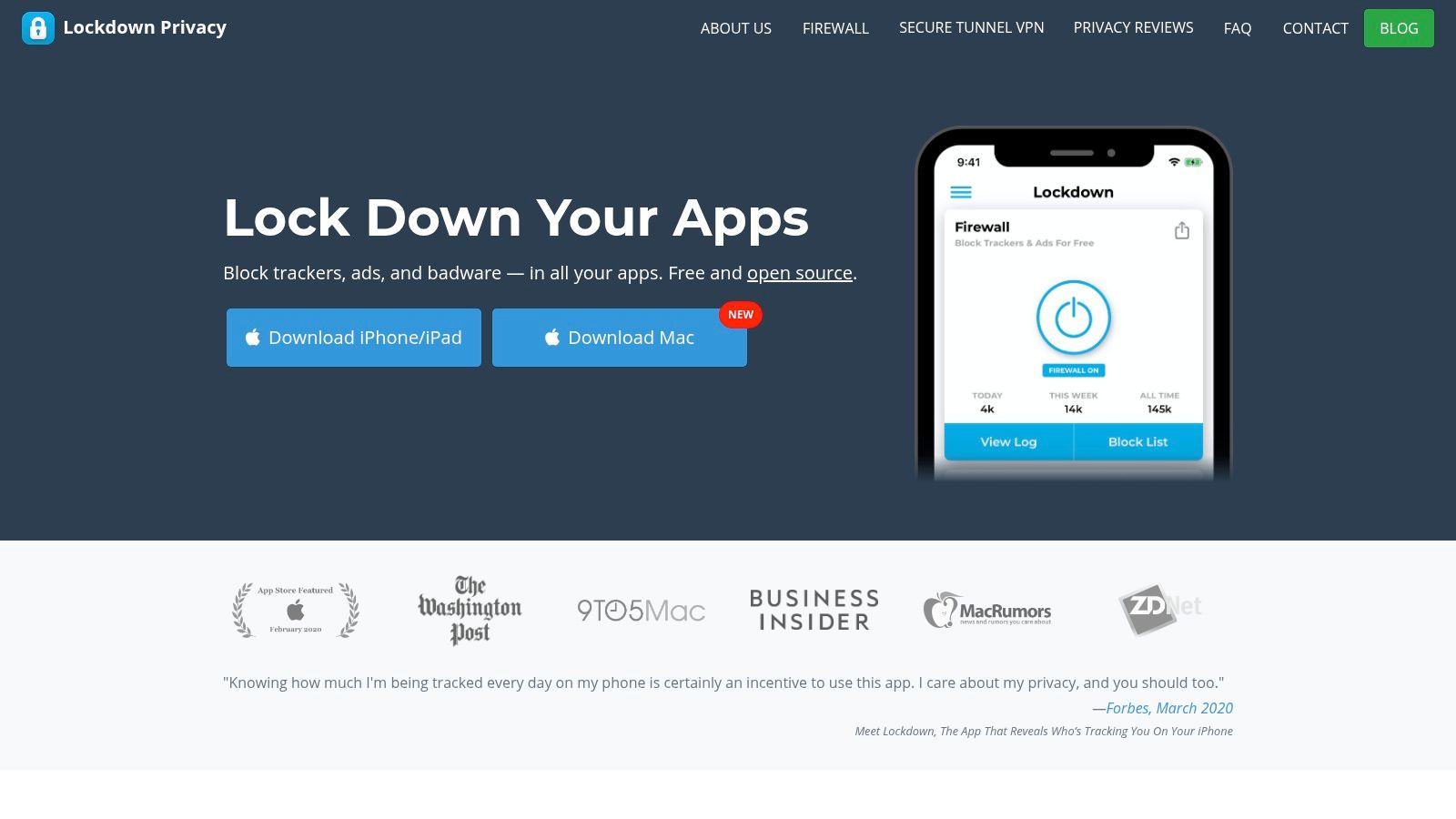
Lockdown Privacy offers a unique, open-source, on-device firewall that blocks ads and trackers across all your iPhone apps, not just your browser. Unlike browser extensions, Lockdown creates a local VPN configuration to filter all outgoing traffic, ensuring that tracking attempts within apps are neutralized before they leave your phone. Combining Lockdown’s network protection with a privacy-first travel app like DaysAround creates a robust defense. While Lockdown blocks trackers in transit, DaysAround ensures your location history and country counter data are never transmitted in the first place, relying solely on on-device photo metadata.
12. Anonymous Browser: Onion Browser
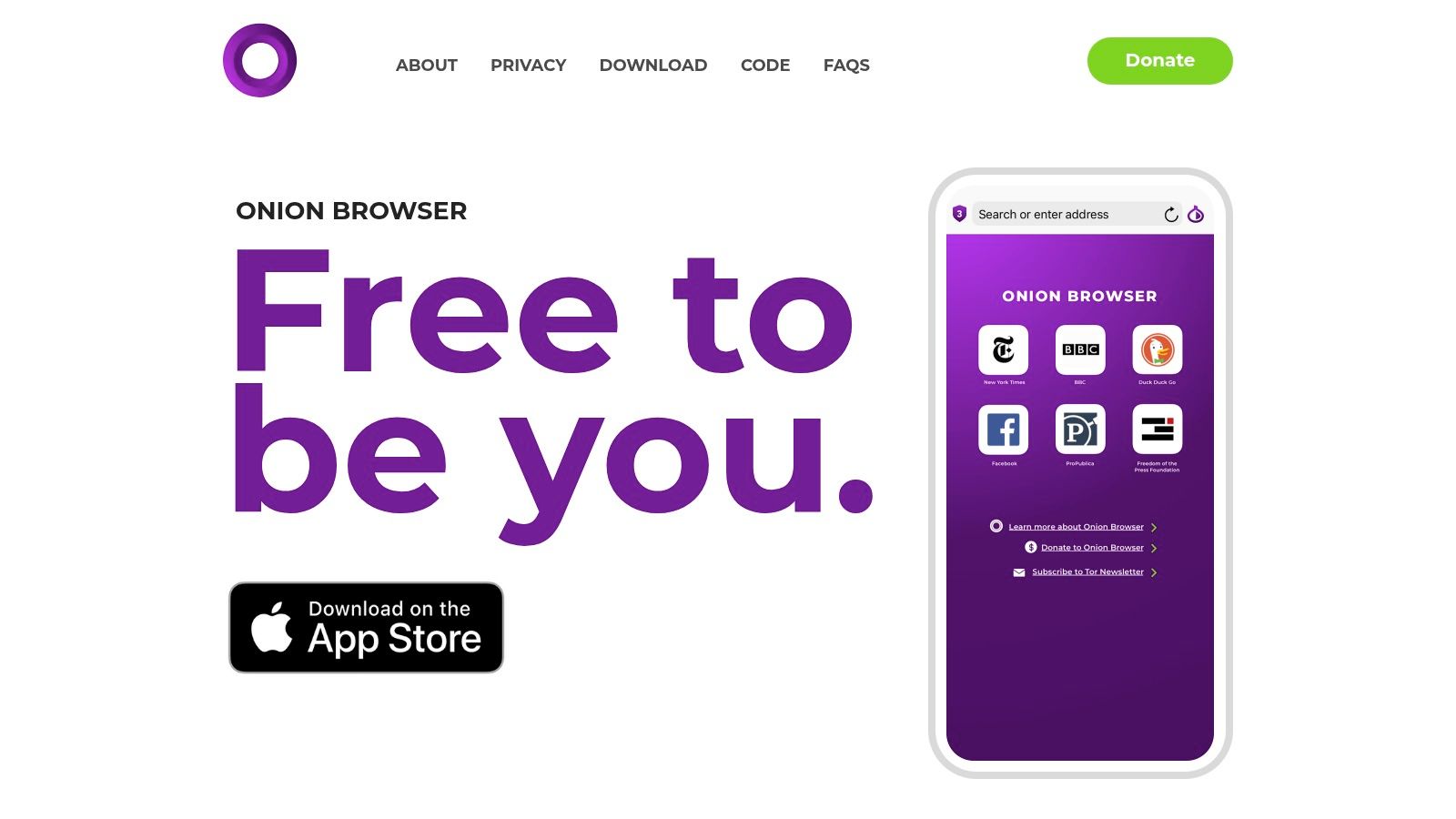
For users requiring the highest level of browsing anonymity, Onion Browser is the gold standard on iOS. It routes all web traffic through the Tor network, a system designed to conceal your location and browsing activity from surveillance. This makes it an essential tool for journalists, activists, or anyone handling sensitive information. However, Tor is not suitable for all private activities. For creating a secure travel history without network-level anonymity, an on-device app like DaysAround is a more practical and efficient choice. It operates offline, providing a different but equally important layer of privacy for your physical movements.
Top 12 iPhone Privacy Apps — Quick Comparison
| Product | Core features | UX & privacy | Value / Price | Best for |
|---|---|---|---|---|
| DaysAround | Photo-driven country/day detection, on-device timeline, visited-countries map, Schengen 90/180 calculator, exportable stats | Everything stored locally, no accounts/no analytics, offline, no GPS required, iOS-only | Free Schengen tool; pricing not listed, no-login trial | Digital nomads, expats, worldschooling families, privacy-first iPhone users |
| Apple App Store | Central app marketplace, store listings, Privacy Nutrition Labels, subscription management | Curated installs via App Review; store analytics collected by Apple | Free to browse; in-app purchases vary by app | iPhone users seeking vetted privacy apps |
| Signal | End-to-end messaging, voice & video, disappearing messages, open-source protocol | Minimal metadata, strong encryption, free (donation-funded) | Free | Secure communicators, journalists, privacy advocates |
| Proton | VPN (no-logs), Proton Mail (zero-access), unified account, audited apps | Published audits, open-source components, cross-service integration | Generous free tier; paid bundles for full features | Users wanting audited, integrated privacy services |
| Mullvad VPN | Anonymous account numbers, WireGuard, multiple anonymous payments, no logs | Minimal telemetry, open-source apps, flat simple pricing | ≈€5/month flat; no long-term discounts | Privacy purists and frequent travelers |
| DuckDuckGo | Private browser, tracker blocking, upgraded encryption, Fire button | Simple privacy defaults, optional sync for passwords/bookmarks | Free | Casual browsers wanting built-in tracker protection |
| 1Password | Passkeys, Travel Mode, autofill, Watchtower alerts, family/business controls | Polished iOS integration, cross-platform sync (account-based) | Paid subscription (no permanent free plan) | Families, teams, users needing advanced password management |
| Bitwarden | End-to-end encrypted vaults, passkeys, TOTP, self-hosting option | Open-source, robust free tier, cross-platform clients | Generous free tier; affordable premium | Value-conscious users and self-hosters |
| AdGuard | Safari content-blocking, extensive filter lists, DNS privacy options | Speeds up browsing, reduces trackers; platform licensing varies | Free/paid tiers; in-app purchases on iOS | Users wanting aggressive ad/tracker blocking in Safari |
| Guardian Firewall + VPN | Real-time app firewall, tracker alerts, VPN (WireGuard/IKEv2), DNS leak protection | No-account option, actionable alerts, subscription for Pro features | Subscription required for full features | Users wanting app-level tracker blocking plus VPN |
| Lockdown Privacy | System-wide tracker & ad blocking, open-source, third-party audits, optional VPN | Transparent operation, complements browsers/password managers | Free core; some premium features/subscription | Users wanting audited, system-level tracker blocking |
| Onion Browser | Tor routing, .onion access, script blocking, auto-clear cookies/tabs | Strong anonymity, open-source, slower browsing speed | Free | High-anonymity browsing and sensitive research use |
Frequently Asked Questions (FAQ)
1. What is the most important privacy feature for an iPhone app?
The most important feature is on-device processing. When an app processes your data locally on your iPhone and doesn't send it to a server, it eliminates the risk of cloud-based data breaches, surveillance, or misuse. Apps like DaysAround are built on this principle for maximum privacy.
2. Why should I use a private travel tracker instead of Google Maps Timeline?
Services like Google Maps Timeline upload your precise location data to the cloud, creating a detailed record of your movements that can be used for advertising or accessed by third parties. A private countries visited tracker like DaysAround builds your timeline on your device using photo metadata, ensuring your location history remains confidential.
3. Do I need a VPN if I already use private apps?
Yes. A VPN encrypts your internet connection, protecting your data from your Internet Service Provider (ISP) and on public Wi-Fi networks. Private apps protect the data on your device. Combining a VPN with on-device apps like DaysAround provides comprehensive protection for both your online activity and your personal data.
4. How can I track my days in the Schengen Zone privately?
The best way is with an app that calculates your stay duration locally. The DaysAround app includes an automated Schengen 90/180 tracker that works entirely offline, using your on-device travel data to monitor your 90-day limit within any 180-day period without sending any data to the cloud.
5. Are free privacy apps trustworthy?
It depends on their business model. Apps that are open-source and funded by donations (like Signal) or offer a limited free tier with a paid upgrade (like Proton or Bitwarden) are generally trustworthy. Be wary of "free" apps that are closed-source and lack a clear revenue model, as they may be selling your data.
6. Can I create a "where have I been map" without sharing my location?
Yes. Apps that use existing, offline data sources can help. DaysAround generates a countries visited map by analyzing the location tags in your photos locally on your iPhone. The map is created on your device, so you can visualize your travels without broadcasting your location history.
Sources
- Apple's Privacy Policy: A detailed overview of how Apple handles user data across its devices and services. https://www.apple.com/legal/privacy/en-ww/
- The Signal Protocol: Technical documentation on the open-source, end-to-end encryption protocol used by Signal and other secure messengers. https://signal.org/docs/
- Electronic Frontier Foundation (EFF): A leading nonprofit organization defending civil liberties in the digital world, offering resources and guides on privacy tools. https://www.eff.org/