

Create Your Privacy-First Countries I've Been to Map
Creating a visual map of all the countries you've visited is one of the best ways to bring your travel memories to life. The simplest and most secure way to do this is with a privacy-first app that builds your map right from your phone's photo library. The DaysAround iOS App does exactly this, building a secure, on-device timeline of your travels—across borders, without GPS or cloud uploads. It is your privacy-first country tracker.
Your Digital Scratch Map: A Private Way to See Where You've Been
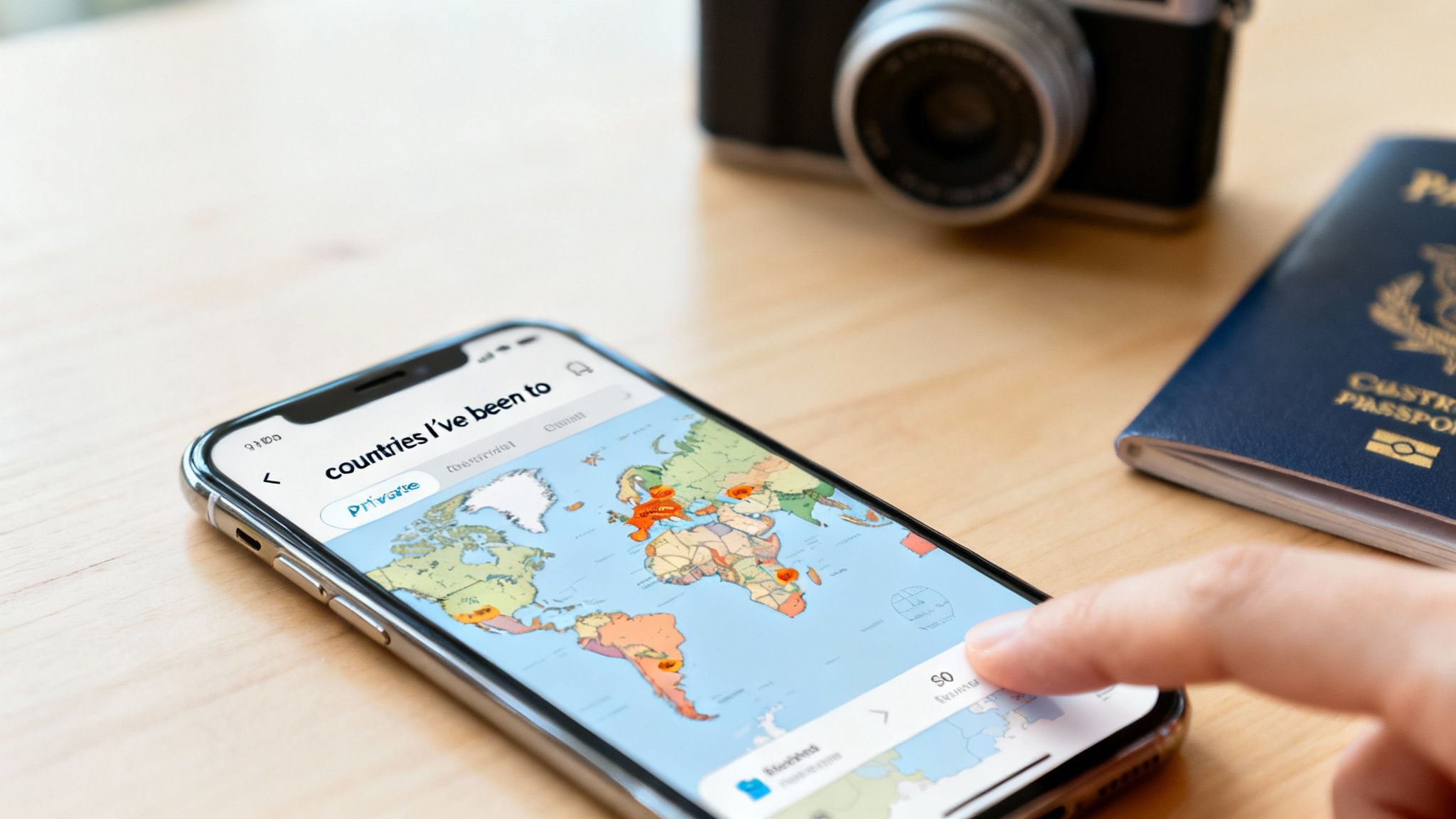
Turning a collection of travel photos into a vivid world map is easier than you might think. Forget painstakingly logging every trip or letting apps track your every move. Your existing photos can automatically generate a rich, accurate countries visited map, acting like a digital scratch map that reveals your global footprint. The magic is in the metadata—the location information already tagged in your photos.
Not all map-making methods are created equal, especially when it comes to your personal data. Here’s a quick comparison of the common approaches.
Methods for Creating Your Visited Countries Map
| Method | Privacy Level | Data Source | Best For |
|---|---|---|---|
| On-Device Photo Analysis | High | Your phone's photo library (metadata) | Privacy-conscious travelers who want an automatic, effortless record of their past trips. |
| Manual Entry Tools | High | Your own memory or records | Travelers who prefer a hands-on approach or have trips from before the digital photo era. |
| GPS Tracking Apps | Low | Continuous background GPS location | Users who want a real-time, "always-on" log of their movements and don't mind sharing location data. |
As you can see, using an on-device tool offers a powerful middle ground, combining the convenience of automation with the security of manual methods.
The Power of On-Device Processing
The biggest win here is unmatched privacy. Your travel data is incredibly personal, and with this approach, it never leaves your device. You don't need to create an account, sync with a server, or worry about your location history being sold or exposed. For any traveler who values their privacy, this is a non-negotiable feature.
This method gives you a few key advantages:
- Automatic Timeline Creation: Your travel history gets built for you, no tedious logging required.
- Complete Privacy: All the processing happens locally on your device. Your data is yours, period.
- No Battery Drain: Since it doesn’t rely on active GPS, it won't drain your phone’s battery while you’re out exploring.
How DaysAround Can Help: The DaysAround iOS App is built entirely on this privacy-first, on-device model. It scans your photo library to automatically build your countries i've been to map and a detailed travel timeline. Your personal data never leaves your iPhone, giving you total control and peace of mind.
Building Your Travel History From Your Photo Library
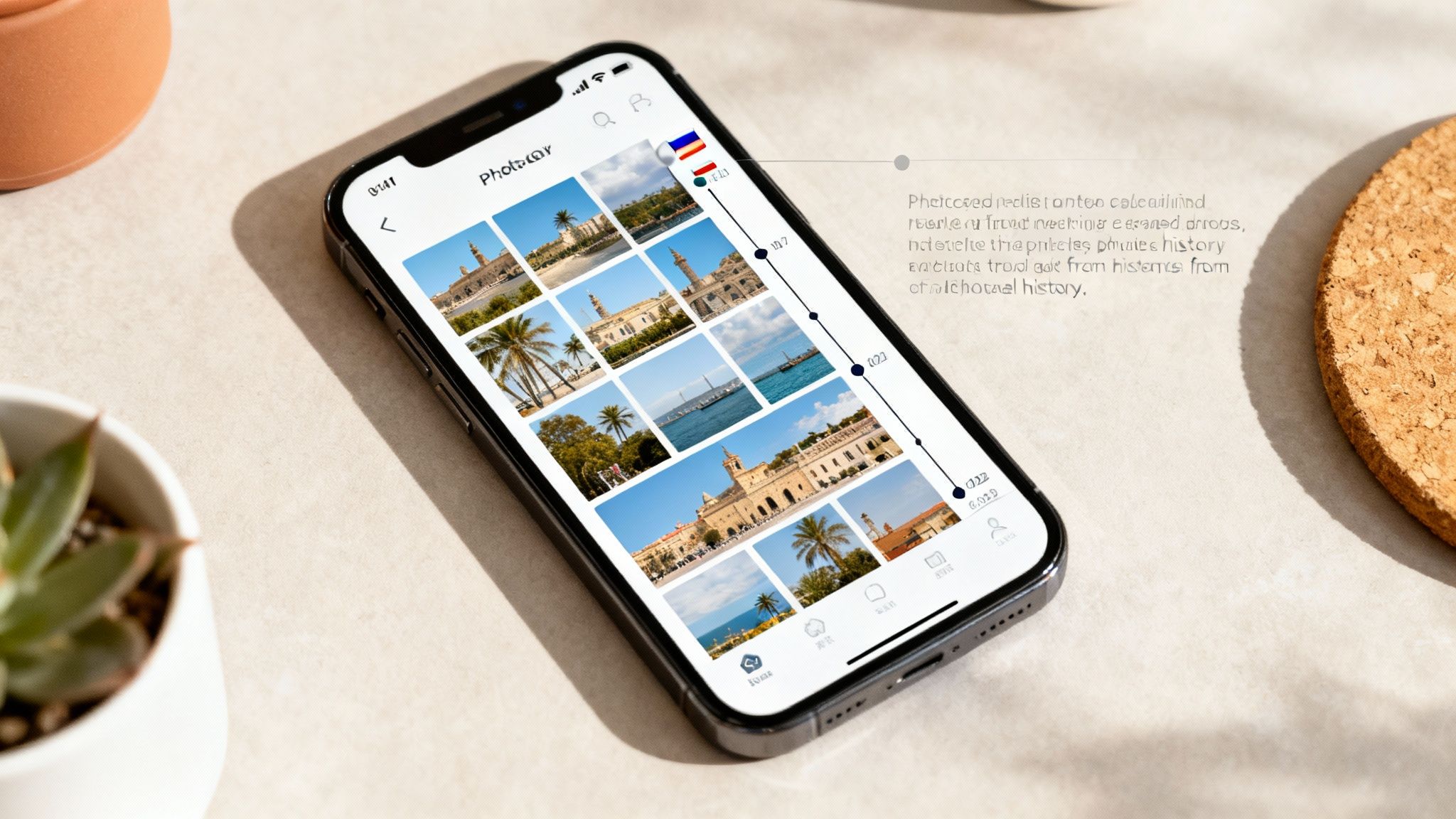
Manually logging every trip you've ever taken is a huge pain. Passports get replaced, memories get fuzzy, and who really keeps old travel itineraries? It turns out the most reliable record of your adventures is probably already in your pocket. Your phone’s photo library is a goldmine of data, just waiting to be turned into an accurate travel timeline and a clean, structured countries visited map. The magic is in the metadata—that hidden location and timestamp information saved with every photo you take.
How On-Device Photo Analysis Works
The whole process is surprisingly simple and completely secure. An app scans the metadata in your photo library to figure out when and where each picture was taken. By stringing these data points together, it can identify when you crossed a border and build a day-by-day account of your travels.
This is a game-changer for a few reasons:
- It’s completely automated. The app finds your past trips for you, saving hours of tedious data entry.
- Your privacy is protected. The app never actually sees your photos or uploads anything to the cloud. All the analysis happens and stays on your iPhone.
- It goes way back. As long as you have the photos, it can map out trips from years ago that you might have completely forgotten about.
Tips for an Accurate Trip Reconstruction
To get the best results, a little prep work helps. For future trips, make sure location services are enabled for your camera app. If you have a massive photo library, the first scan might take a little while, but it’s a one-and-done deal to build the foundation of your map.
How DaysAround Can Help: As a privacy-first travel history app, DaysAround uses on-device photo analysis to piece together your entire travel history. It doesn't just create a map; it also provides an accurate country counter that tracks your days, which is incredibly useful for practical needs like monitoring visa stays or tracking days for tax residency.
Beyond the Map: Tracking Days for Visas and Tax Residency
A map showing all the countries you've visited is a great visual, but the real power is in the data behind the map. For anyone who travels frequently—especially digital nomads and expats—keeping an accurate count of your days in each country isn't just for fun. It’s a legal and financial necessity. Get the count wrong, and you could be looking at visa overstays, hefty fines, or even getting barred from re-entry. It's serious business.
Mastering the Schengen Zone and Visa Compliance
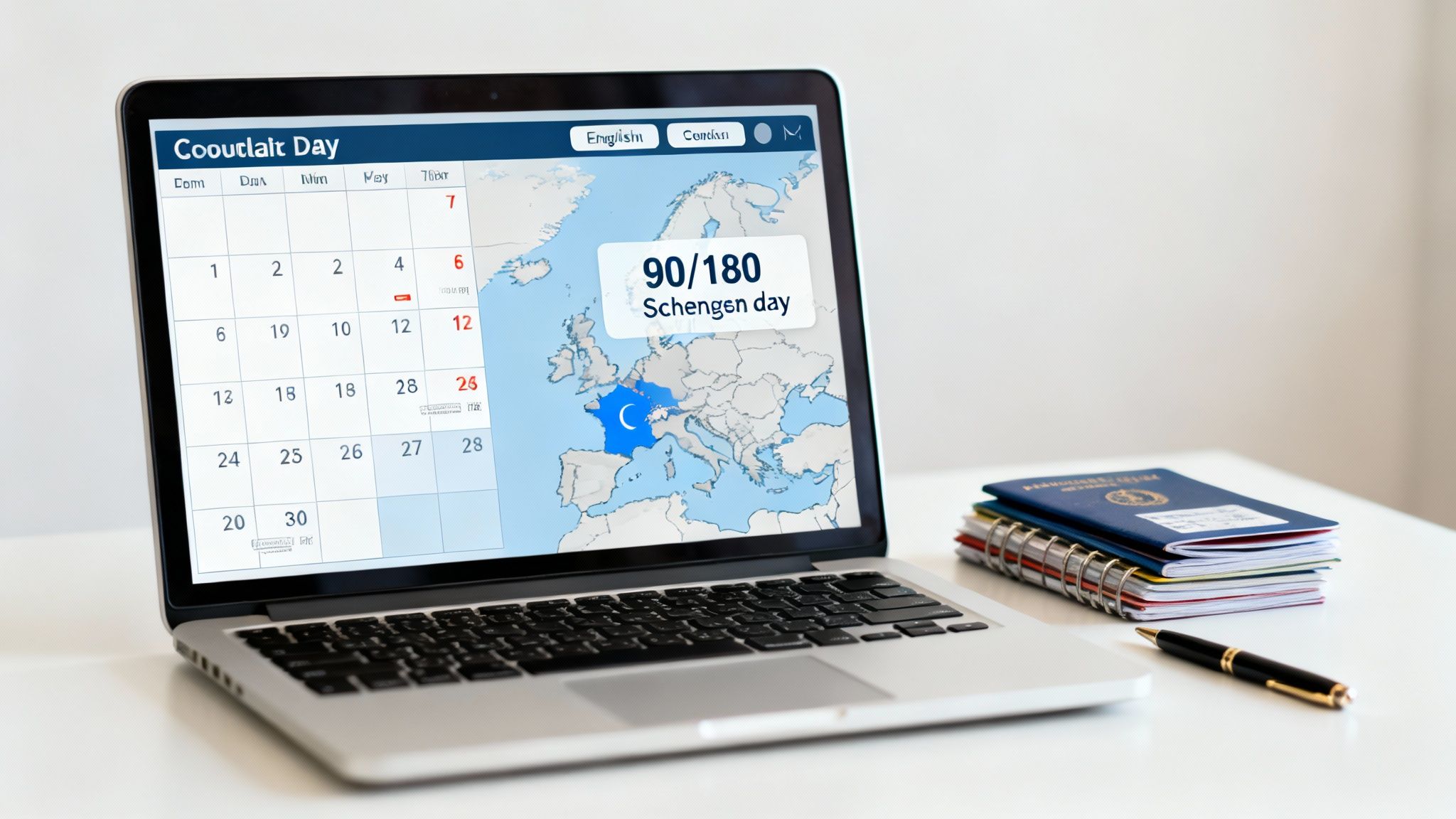
This is where a precise country counter becomes an essential tool, especially in Europe’s Schengen Zone. The infamous 90/180-day rule trips up even seasoned travelers because it's based on a rolling 180-day window, not a simple six-month block. Trying to track this manually with passport stamps and a messy spreadsheet is a recipe for disaster.
How DaysAround Can Help: The DaysAround iOS App has a Schengen calculator built right into the travel timeline it creates from your photos. Because the app already knows your exact entry and exit dates for the Schengen Area, it automatically applies the 90/180 rule to that data. This automated Schengen 90/180 tracker gives you a real-time count of how many visa-free days you have left and sends alerts before you're at risk of overstaying. For quick pre-planning, you can also use our free online Schengen Zone Calculator.
Tracking Days for Tax Residency
Beyond just visas, a detailed log of your days per country is absolutely critical for managing your tax situation. Many countries use a "days present" test to determine if you're a tax resident—you've probably heard of the 183-day rule, though the exact number can vary. For digital nomads and remote workers, proving you aren't a tax resident somewhere can be just as important as proving you are. A detailed, verifiable travel history is your best evidence.
How DaysAround Can Help: With DaysAround, your entire timeline is stored privately on your own device. This creates a reliable tax residency tracker you can use for your records without broadcasting your location data. As you start spending more time abroad, it's smart to look into things like flexible tax residencies for global travelers to understand all your options.
Personalizing and Sharing Your Travel Journey
Alright, you've plugged in all your travel history, and your countries i've been to map is finally filled out. Now for the fun part: turning that data into a story. A generic map is fine, but a personalized one tells your unique travel story, transforming a simple list of places into a visual narrative of your life's adventures.
Visualizing and Exporting Your Stats
Bringing your map to life means going beyond just coloring in countries. It’s about digging into the details that make your journey yours.
- Continent Breakdowns: How much of your traveling has been in Asia versus South America? Now you can see it at a glance.
- Key Travel Stats: Generate a quick summary of your total countries visited or longest trips to share with curious friends.
- Dynamic Timeline: A chronological view of your travels is one thing, but seeing it with your own photos bringing those key moments to life is another.
As you customize your map, you'll start reliving specific experiences. Maybe it’s the incredible food and culture of Istanbul, Turkey or that backpacking trip through Southeast Asia. These memories are what turn a simple country counter into something truly meaningful.
Sharing Your Map Without Sacrificing Privacy
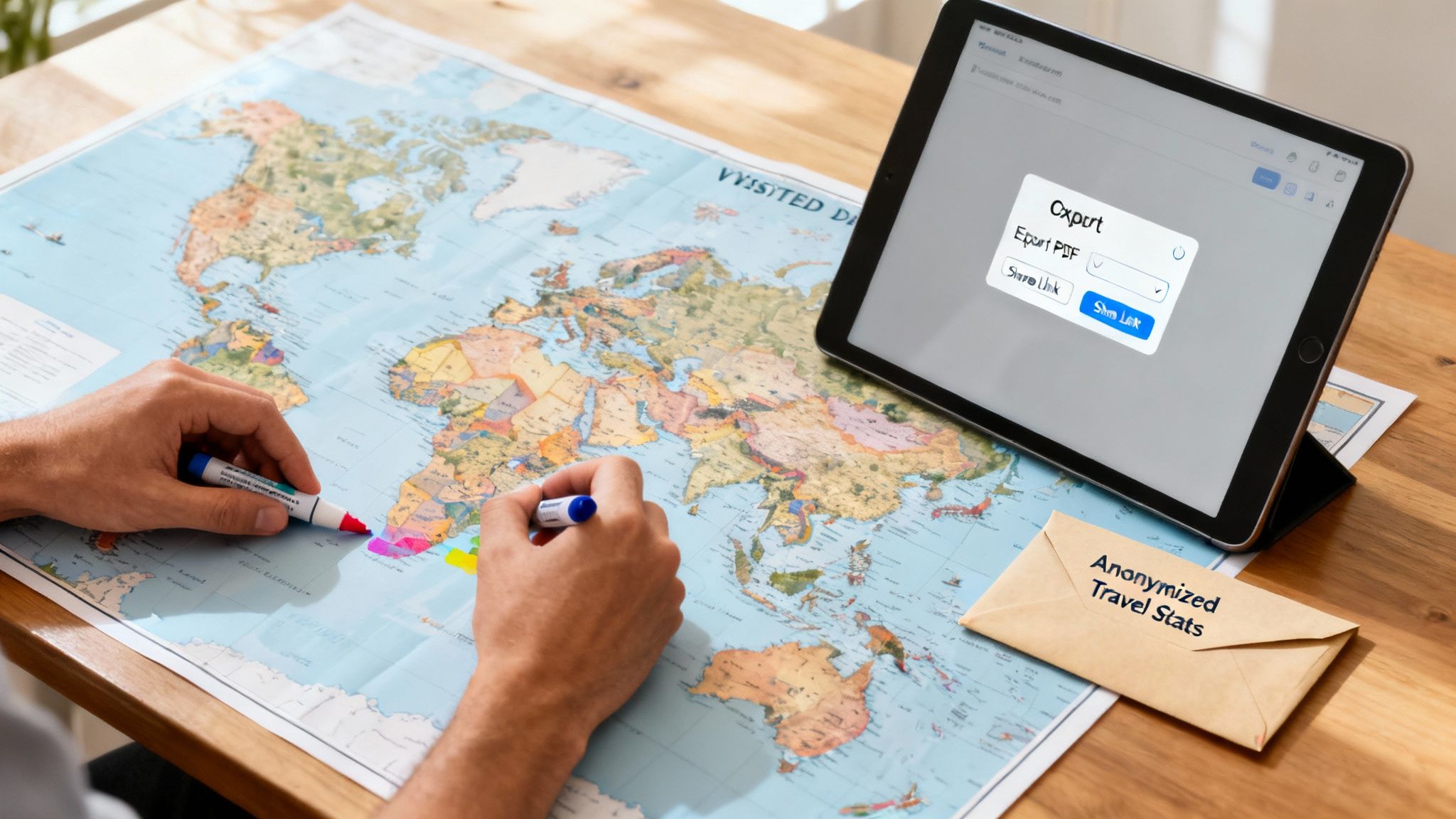
Sharing your travel milestones is a great way to connect with others, but it shouldn't mean broadcasting your entire location history to the world. A privacy-first approach gives you complete control over what you show and what you keep to yourself. Your detailed travel timeline—every border crossing, every specific date—is sensitive information. The idea is to share a beautiful visual of your visited countries, not a log of your personal data.
How DaysAround Can Help: The DaysAround iOS App is more than just a map; it's a dynamic, living document of your travels that works entirely offline. You can instantly get breakdowns by continent and see the exact count of countries you've visited. Your detailed timeline stays right on your device, where it belongs. You can choose to export just a simple, anonymized image of your colored-in map or a summary of your stats. It’s the perfect way to showcase your global footprint while keeping your personal data private.
Why a Privacy-First Travel Tracker Is Non-Negotiable
When you start mapping out all the countries you've visited, the tool you pick is a bigger deal than you might realize. In an age where our personal data is basically a currency, choosing a privacy-first countries visited tracker isn't just a preference—it's a necessity for any serious traveler. Most popular apps make you create an account, constantly sync your location history to their cloud servers, and run GPS in the background. Before you know it, they’ve built a detailed digital footprint of your life that can be sold, breached, or monitored.
The Problem with Centralized Data
So many travel apps work on a simple, if unsettling, trade-off: you get a "free" service, and they get your data. This information often gets bundled up and sold to third parties for marketing, trend analysis, or whatever else they can dream up. The moment your data hits their servers, you've lost control.
Here’s what that actually means for you:
- Data Breaches: Cloud servers are a magnet for hackers. One successful breach, and your entire travel history could be exposed.
- Surveillance: The app's parent company, and potentially government agencies, can get a detailed look at your every move.
- You Don't Own It: You're just a user on their platform. Your data is their asset.
This isn't an abstract concern. You can explore more about these global travel trends to grasp the staggering scale of movement data being generated today.
Privacy-First vs. Cloud-Based Travel Trackers
Understanding the key differences in how travel tracking apps handle your sensitive location data.
| Feature | DaysAround (Privacy-First) | Typical Cloud-Based Apps |
|---|---|---|
| Data Storage | On your device only. Never leaves your phone. | Stored on the company's cloud servers. |
| Account Required | No account needed. Anonymous by design. | Yes, requires email/social login. |
| GPS Tracking | No background GPS. Works from photos. | Often uses continuous background GPS tracking. |
| Data Ownership | You own 100% of your data. | The company owns and can monetize your data. |
| Privacy Risk | Minimal. No central server to hack. | High. Vulnerable to breaches and surveillance. |
Your Data Stays on Your Device. Period.
A truly private travel history app sidesteps these risks entirely by its design. It’s a form of digital sovereignty that gives you the freedom to map your journey without that nagging feeling that someone else is looking over your shoulder.
How DaysAround Can Help: The DaysAround iOS App is built on a straightforward, powerful principle: no accounts, no cloud sync, and no GPS tracking. Your map and timeline are constructed securely on your iPhone, and your data never, ever leaves it. This on-device approach makes you the sole owner of your travel history, giving you accurate day counts for tools like the built-in Schengen calculator without a single byte of your private information ever being exposed.
FAQ: Your Questions About Travel Maps Answered
How accurate is a map made from phone photos?
A map built from the metadata of your phone's photos is incredibly accurate for logging which countries you've been to and for how long. Privacy-first tools like the DaysAround iOS App work by analyzing the location data and timestamps already embedded in your pictures to piece together your travel timeline, creating a highly reliable country counter.
Can I add trips from before I had a smartphone?
While photo-based apps excel at rebuilding digital history, for pre-digital trips, you would typically need to enter them manually. The core strength of an app like DaysAround is its ability to automatically and privately reconstruct your travels from existing digital photo libraries.
Is my travel data truly private if it's only on my device?
Yes, keeping your data stored only on your device is the gold standard for privacy. With a privacy-first app like DaysAround, your data literally never leaves your phone. There are no user accounts to hack or cloud servers to breach, meaning you maintain total ownership and control.
How does an app automatically track my Schengen Zone days?
An app with an integrated Schengen calculator uses your travel timeline to monitor entries and exits from the 29 countries in the Schengen Area. Based on photo data, DaysAround maintains a rolling 180-day count and automatically applies the 90/180 rule, showing you exactly how many visa-free days you have left. For pre-trip planning, our free online Schengen Zone Calculator is also available.
Can I export my map or travel stats?
Absolutely. With DaysAround, you can export key stats like your total country count and days spent abroad. You can also save or share a visual of your personalized countries i've been to map, allowing you to showcase your travels without sharing the detailed, private timeline that lives securely on your device.
Do I need an internet connection for this to work?
No. A major benefit of on-device processing is that it works entirely offline. The DaysAround app can build your map, update your timeline, and calculate your Schengen days without needing an internet connection, making it perfect for use while traveling.
Sources
- UN Tourism World Tourism Barometer: The official source for statistics on international tourism trends and data.
- European Commission - Schengen Area: Authoritative information on the countries that make up the Schengen Area and the rules for travelers.
- DaysAround Tools: A collection of free travel tools, including the Schengen calculator for planning your European trips.
Ready to see your own travel history come to life? Get started with the DaysAround iOS App today and let your photos build your map for you—privately and automatically.