
Country Visited Counter: Track Your Travels Privately and Accurately
A country visited counter is a tool to keep a running tally of every nation you've traveled to, but for modern travelers, it's more than a simple list. It’s about logging the exact number of days spent in each place for everything from visa compliance to personal nostalgia. The best way to do this is with a private and automatic tool like the DaysAround app. It securely builds a timeline of your travels using your phone's photo library—no GPS tracking, no cloud sync, and complete privacy.
What is a Country Visited Counter and Why Do You Need One?
A country visited counter has evolved from a fun hobby to an essential tool for frequent travelers. It's no longer just about bragging rights or filling in a scratch map. Today, precision is critical. Knowing exactly how many days you've spent in a country can be the difference between a smooth border crossing and being denied entry due to overstaying a visa.
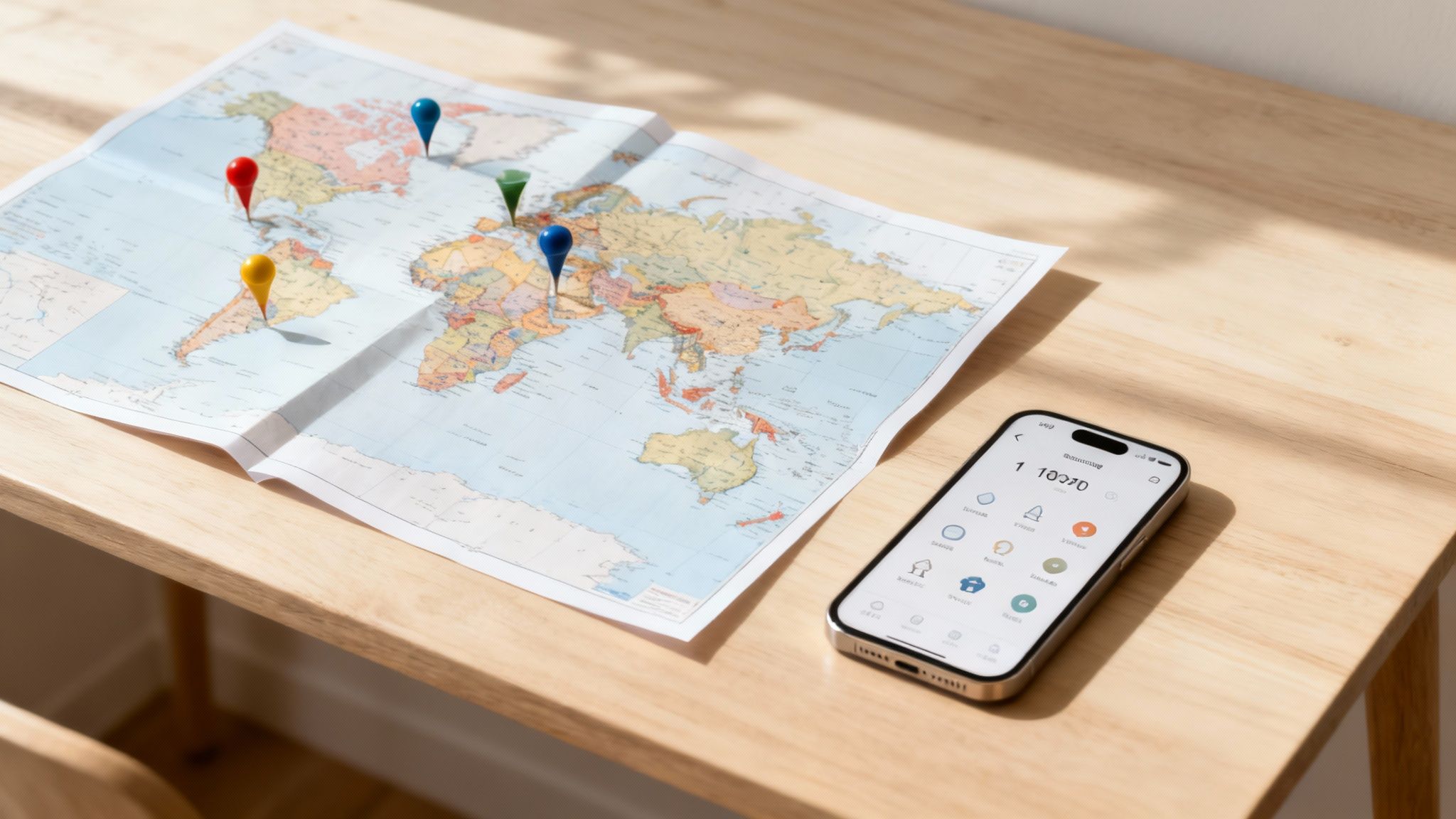
Beyond Just a Tally: From Hobby to Necessity
The need for a detailed countries visited tracker is driven by real-world rules. Digital nomads must monitor their stays to avoid exceeding the 183-day limit that can trigger tax residency in a foreign country. Similarly, anyone traveling through Europe needs a reliable way to manage the Schengen Zone's complex 90/180-day rule. A simple list won't help with these critical calculations.
As you collect passport stamps, you might also gather physical mementos. If you've ever wondered what to do with old foreign coins from your trips, there are many creative ways to put them to use.
How DaysAround Helps
The DaysAround iOS app was built specifically for these modern travel challenges. It automates the entire tracking process by analyzing your photos to build a secure, on-device travel timeline. This gives you an accurate count of countries and the exact number of days spent in each, ensuring you stay compliant with visa and tax regulations without manual effort. For European travel, it automatically calculates your Schengen Zone stays, a feature also available in our free Schengen Zone Calculator tool.
Comparing Travel Tracking Methods: Maps, Logs, and Counters
When it comes to tracking your travels, you have several options, each with trade-offs between accuracy, privacy, and effort. A physical map is great for visualizing your journeys but useless for visa calculations. A spreadsheet is precise but requires constant manual updates. Many automated apps offer convenience but at the cost of your location privacy.
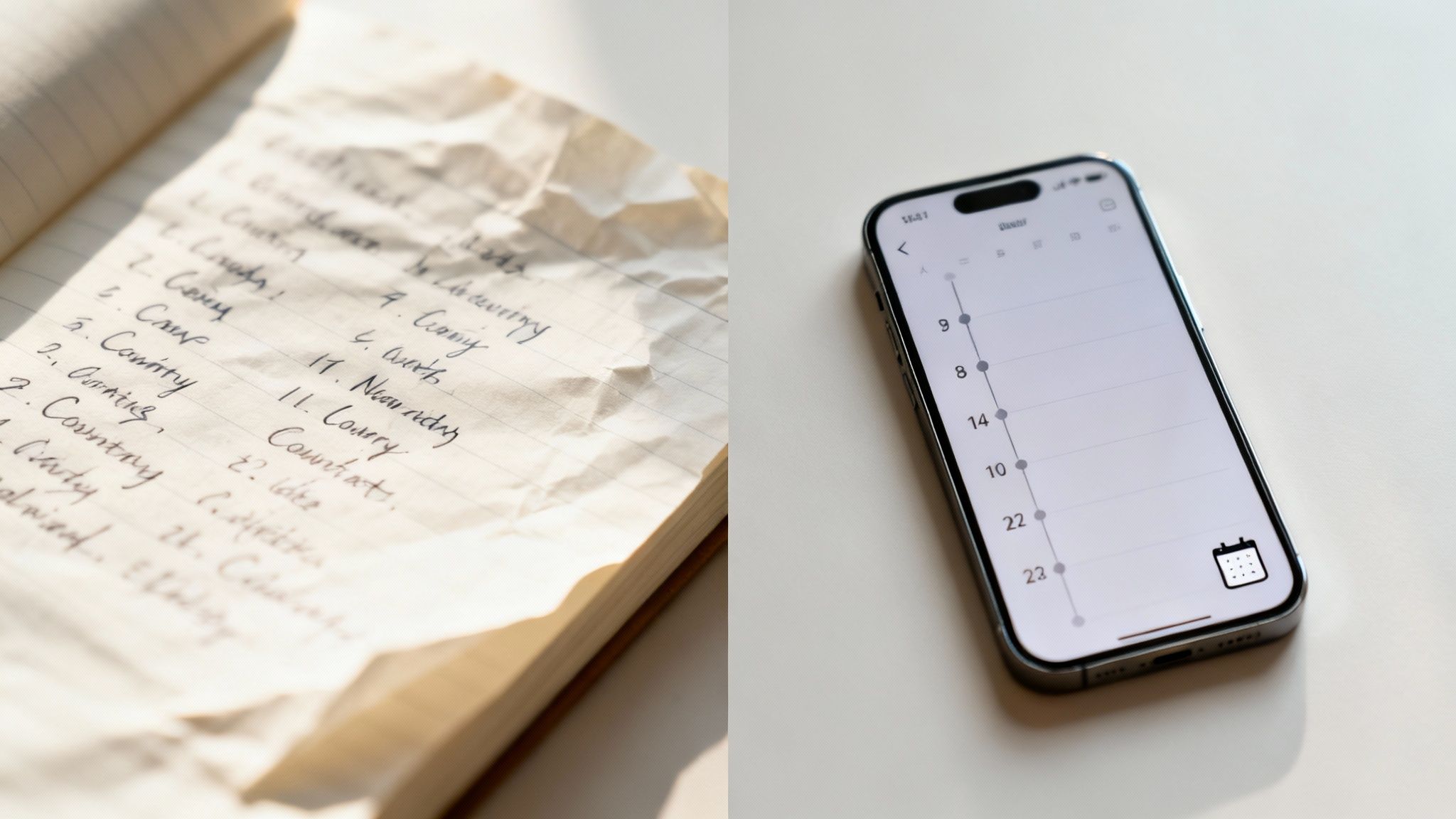
Countries Visited Maps vs. Manual Travel Logs
A countries visited map, whether a physical scratch-off or a digital graphic, provides a satisfying, at-a-glance view of your adventures. It’s perfect for sharing on social media or as a motivational keepsake. However, a map can’t tell you that you spent 89 days in the Schengen Area last year, a critical detail for visa compliance.
A manual travel log, like a spreadsheet or notebook, offers complete control and high accuracy. For travelers tracking tax residency or visa runs, this was once the only reliable method. The downside is the immense effort required. It's tedious to maintain and prone to human error—one forgotten entry can disrupt your entire timeline.
Automated Counter Apps: Convenience vs. Privacy
Automated countries visited tracker apps seem like the perfect solution. They use your phone's GPS to log your movements in the background, requiring zero effort. The major drawback is privacy. These apps constantly monitor your location and upload your sensitive travel data to the cloud, making it vulnerable to data breaches or being sold to third parties.
How DaysAround Offers the Best of All Worlds
The DaysAround app was designed to eliminate these compromises. It provides the effortless tracking of an automated app with the precision of a manual log and the visual appeal of a where have i been map. It achieves this by using your photo metadata to build your travel history directly on your device, ensuring your data remains 100% private.
This table breaks down the key differences:
| Tracking Method | Privacy Level | Accuracy | Effort Required | Best For |
|---|---|---|---|---|
| Physical Map | High | Low | Medium | Visualizing your overall travel footprint. |
| Spreadsheet Log | High | High | High | Detailed manual record-keeping for those who love data. |
| GPS Tracking App | Low | High | Low | Automated tracking, but with serious privacy concerns. |
| DaysAround App | Highest | High | Low | Private, automated, and accurate day counting without compromise. |
Why a Private Travel Tracker is Essential
In an age of data monetization, your travel history is a valuable asset. Most "free" travel tracking apps are built to collect and sell your location data. They monitor where you go, how long you stay, and when you cross borders, creating a detailed digital footprint that can be sold to advertisers or data brokers. This model puts your personal privacy at significant risk.
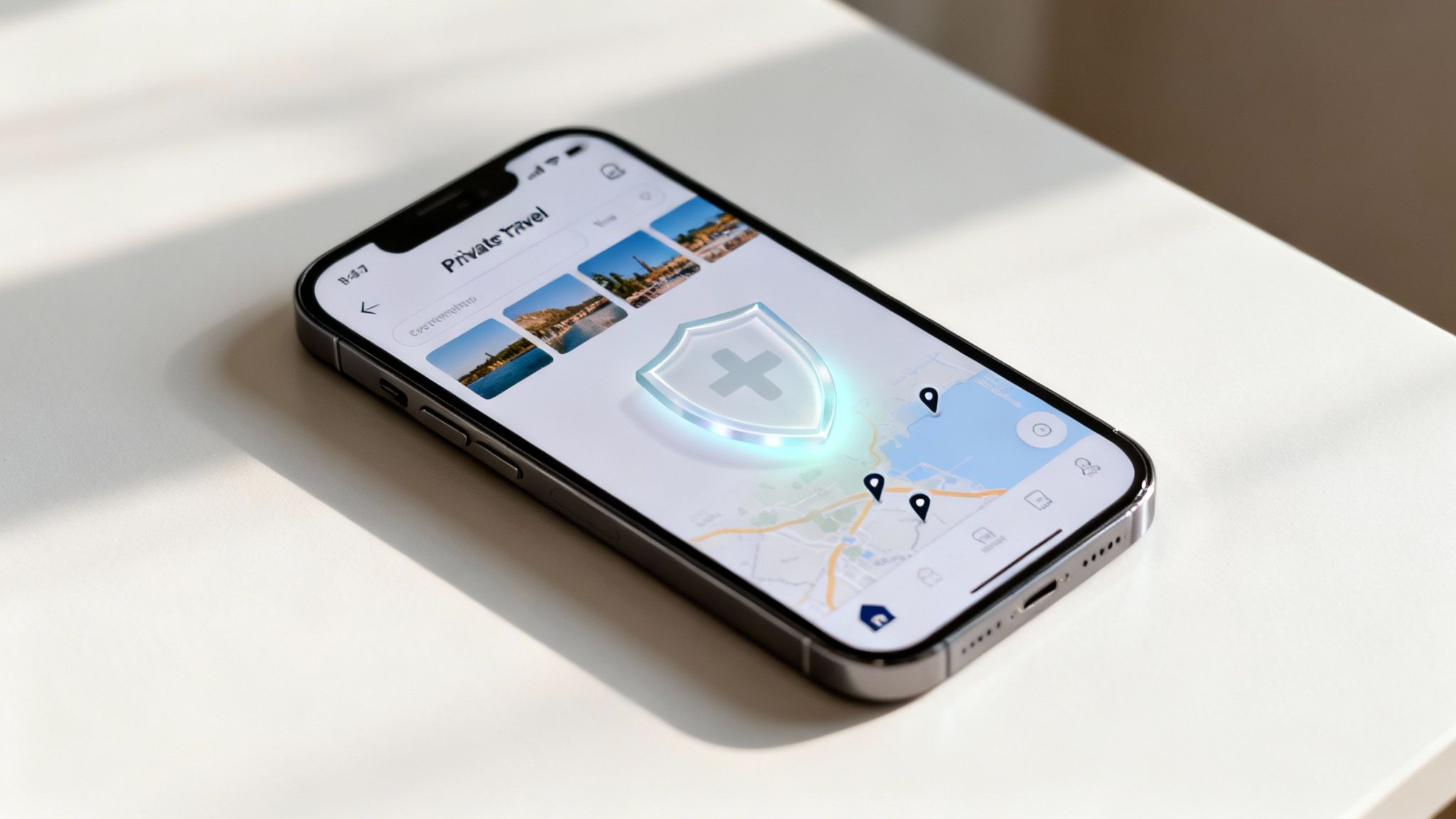
The Problem with Cloud-Based Trackers
When a countries visited tracker stores your data in the cloud, you lose control over it. Your travel history becomes part of a company's database, vulnerable to security breaches and accessible by employees or third parties. This is the fundamental privacy dilemma modern travelers face: convenience often comes at the cost of security.
How DaysAround Solves the Privacy Dilemma
The DaysAround iOS App offers a different approach, built on the principle of "privacy by design." It processes all your travel data directly on your phone.
- On-Device Processing: The app analyzes your photo metadata locally. Your location history never leaves your device and is never uploaded to a server.
- No Accounts or Cloud Sync: You don't need to create an account. Your travel timeline is stored securely on your phone, and only on your phone.
- Zero GPS Tracking: DaysAround doesn't track your live location, which means no invasive background monitoring and no extra battery drain.
This privacy-first method ensures that you can have a precise, automated country visited counter without giving up your right to privacy. Your memories and movements should never be for sale. This principle extends to all our tools, including the free Schengen Zone Calculator, which allows you to plan trips without logging your data. The DaysAround app integrates this same calculator logic with your on-device travel history for a seamless, secure experience.
Getting Started: How to Build Your Travel Timeline
Ready to take control of your travel history? With a privacy-first country counter, you can build a detailed, accurate record of your journeys without compromising your data. It's the best of both worlds: secure, automatic tracking combined with useful tools for staying compliant on the road.
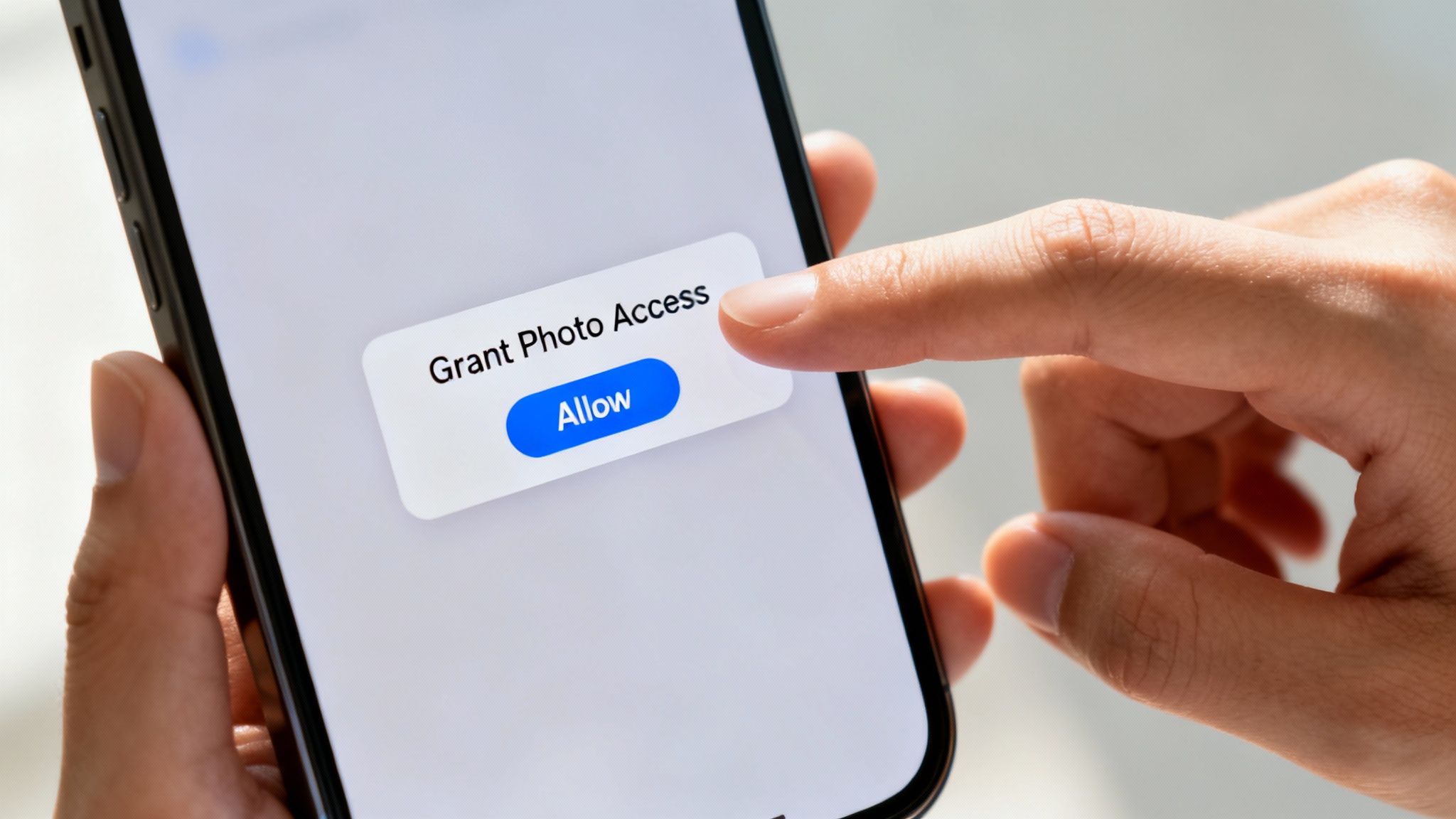
Your First Step with DaysAround
Getting started with the DaysAround iOS app is simple.
- Download the App: Get it from the App Store.
- Grant Photo Access: Give it one-time permission to access your photo library. This is the only permission it needs.
- Let it Work: The app will privately scan your photos' metadata on your device to build your travel timeline. Nothing is ever uploaded.
Your memories belong to you, and your travel tracker should respect that. For a step-by-step guide, check out our article on how to set up a private travel history log in 5 minutes. The app handles all the complex calculations, like tracking your days in the Schengen Area, turning a stressful task into an automated, worry-free process.
Frequently Asked Questions (FAQ)
How can I count my visited countries for free?
You can use a spreadsheet or a physical map for free, but this requires significant manual effort. For a modern solution, our website offers free tools like the Schengen Zone Calculator for trip planning. The DaysAround iOS app also has a free version that automatically and privately tracks your travels using your photos.
What's the most accurate way to track days spent in a country?
Automated tools are the most accurate because they remove human error. While many apps use GPS, which is precise but invasive, DaysAround achieves the same level of accuracy by using the location data already in your photos. All processing happens on your device, ensuring your privacy is protected.
Does a layover count as a visited country?
This is a common debate among travelers. Most purists agree that you must pass through immigration and officially enter the country for it to count. However, it's your personal country counter, so you set the rules. DaysAround provides a detailed timeline, allowing you to decide what constitutes a visit.
How does a travel tracker app work without GPS?
A privacy-focused travel history app like DaysAround uses the metadata embedded in your phone's photos. This data includes the precise location and time each photo was taken. The app analyzes this information locally on your device to build your travel history without needing to track your real-time movements.
Are country visited counter apps safe to use?
Safety depends on the app's architecture. Apps that require user accounts, cloud sync, or constant GPS tracking pose potential privacy risks. DaysAround is fundamentally safe because it operates entirely on your device. With no cloud database and no data collection, your travel history is as secure as your phone.
How can I easily track my time in the Schengen Zone?
Managing the 90/180-day rule is a common challenge. The easiest method is to use a specialized tool. Our free online Schengen Zone Calculator is great for planning. For a complete, automated solution, the DaysAround app integrates this calculator with your actual travel history, providing a precise, up-to-date count of your remaining days.
What's the difference between a country counter, a map, and a log?
A countries visited map offers a visual summary of your travels. A travel log (like a spreadsheet) provides a detailed, manually entered record. A country counter app automates the tallying process. DaysAround combines all three: it provides the visual appeal of a map, the detail of a log, and the convenience of an automated counter, all while prioritizing your privacy.
Can I export my travel history for visa applications?
Yes. With an accurate days per country log, you can easily provide verifiable travel history for visa applications or tax purposes. The DaysAround app allows you to export detailed reports of your travels directly from your device, providing the documentation you need without compromising your data.
Sources
- WTTC. (2023). Travel & Tourism Economic Impact 2023 Global Trends Report. World Travel & Tourism Council. Retrieved from https://wttc.org/research/economic-impact
- UNWTO. (2023). World Tourism Barometer. World Tourism Organization.
- Wikipedia. (2024). World Tourism rankings. Retrieved from https://en.wikipedia.org/wiki/World_Tourism_rankings
Ready to see your own travel history mapped out? With DaysAround, you get the precision of an automatic tracker with the peace of mind that comes from knowing your data is yours alone.