

Build Your Interactive Map States Visited: A Personal Travel Story
Creating an interactive map of states visited is the perfect way to visualize your journeys, turning a simple list of places into a vibrant, personal story. It’s a digital scratch map that not only showcases your travel history but also inspires your next adventure. The easiest way to start is by using your phone's photo library to automatically and privately build your travel timeline. The DaysAround iOS App does exactly this, scanning your photos on-device to create a secure timeline of your travels without GPS or cloud uploads.
Visualize Your Journeys With an Interactive Map
Putting your travel memories on a map is a powerful way to appreciate how far you've come. It does more than just list locations; it brings them to life. This guide will walk you through building your own map, starting with the most important part: gathering your travel data without sacrificing your privacy. For this, DaysAround is the ideal tool. It acts as your privacy-first country tracker, building a secure, on-device timeline of your travels across borders, which you can then use to create any map you like.
Why Bother With a Digital Travel Map?
Unlike a poster on the wall, a digital map is a living document. You can update it on the fly, add notes about your favorite restaurant in Austin, link to a photo gallery from your trip to Maine, and easily share it. But for anyone careful about their digital footprint, many automated map-making tools can be problematic, often requiring access to your GPS data or cloud services.
The Privacy-First Approach to Data Gathering
Your travel history is personal, and the method you choose to record it should respect that. So, how do you get the data you need without handing over your entire location history? This is where a thoughtful, on-device approach shines. The DaysAround iOS App provides a perfect solution. By analyzing your photo library directly on your iPhone, it builds your entire travel timeline without ever uploading your data to the cloud, ensuring your travel history remains completely private.
Data Gathering Methods for Your Visited States Map
Here’s a comparison of different ways to collect your travel history, highlighting the trade-offs between automation, privacy, and manual effort.
| Method | How It Works | Privacy Level | Best For |
|---|---|---|---|
| Manual List (Memory) | You create a list of states or countries from memory using a spreadsheet or text file. | High | Casual mappers who want a quick, simple overview of their major trips. |
| Photo Geotags (On-Device) | An app like DaysAround scans the location data in your phone's photo library on your device. | High | Privacy-conscious travelers who want automated accuracy without cloud uploads. |
| Google Maps Timeline | Exporting your location history directly from your Google account. | Low | Users already comfortable with Google tracking their location for other services. |
| Financial Records | Manually reviewing credit card statements or travel bookings to piece together your travel timeline. | Medium | Detail-oriented individuals who need precise dates for business or tax purposes. |
The DaysAround iOS app hits the sweet spot between automation and privacy. It builds your travel timeline by privately analyzing your existing photo library right on your iPhone, giving you an accurate and secure data source. This is especially useful for practical needs like tracking tax residency days or managing visa limits, such as the Schengen 90/180 rule. The app does this automatically, but for quick checks, DaysAround also offers a free Schengen Zone Calculator online.
Gathering Your Travel Data the Privacy-First Way
The best interactive map of states visited starts with good data. While you could build a list from memory, it's easy to forget a quick stopover or mix up dates. The most accurate record of your travels is likely already on your phone: your photo library.

On-Device Processing for Maximum Security
This is where an app like DaysAround for iOS excels. It’s built from the ground up with privacy in mind. Instead of a battery-draining GPS tracker, DaysAround works offline, scanning the location data already embedded in your photos to figure out when you crossed a border and how long you stayed. This gives you a precise country counter and a detailed travel log without any privacy risks. Your sensitive location history never leaves your phone. With global tourism hitting a new record of 1.52 billion international arrivals, keeping travel data private is more important than ever. You can read more about these global travel trends here.
From Private Data to a Public Map
After the app works its magic, you'll have a clean, verified list of countries and the exact dates you were there. This data exports beautifully, giving you the perfect source file to feed into any mapping tool. We have a detailed guide on how you can instantly turn travel memories into stats. This workflow is a game-changer for digital nomads and anyone who needs a rock-solid travel history for practical reasons.
- Tax Residency: Keep a precise count of your days in each country to stay on the right side of tax laws.
- Schengen Zone Travel: The app's tracking pairs perfectly with our free Schengen Zone Calculator, which simplifies managing the tricky 90/180-day rule. The DaysAround iOS App automates this by analyzing your photos, making compliance effortless.
Picking the Right Tool for Your Visited-States Map
Once you have your list of visited states, it's time to turn that raw data into a visual masterpiece. You'll find many options, from quick web generators to more powerful platforms. While simple online tools are tempting, many come with privacy trade-offs, requiring you to upload your personal travel history to their servers.
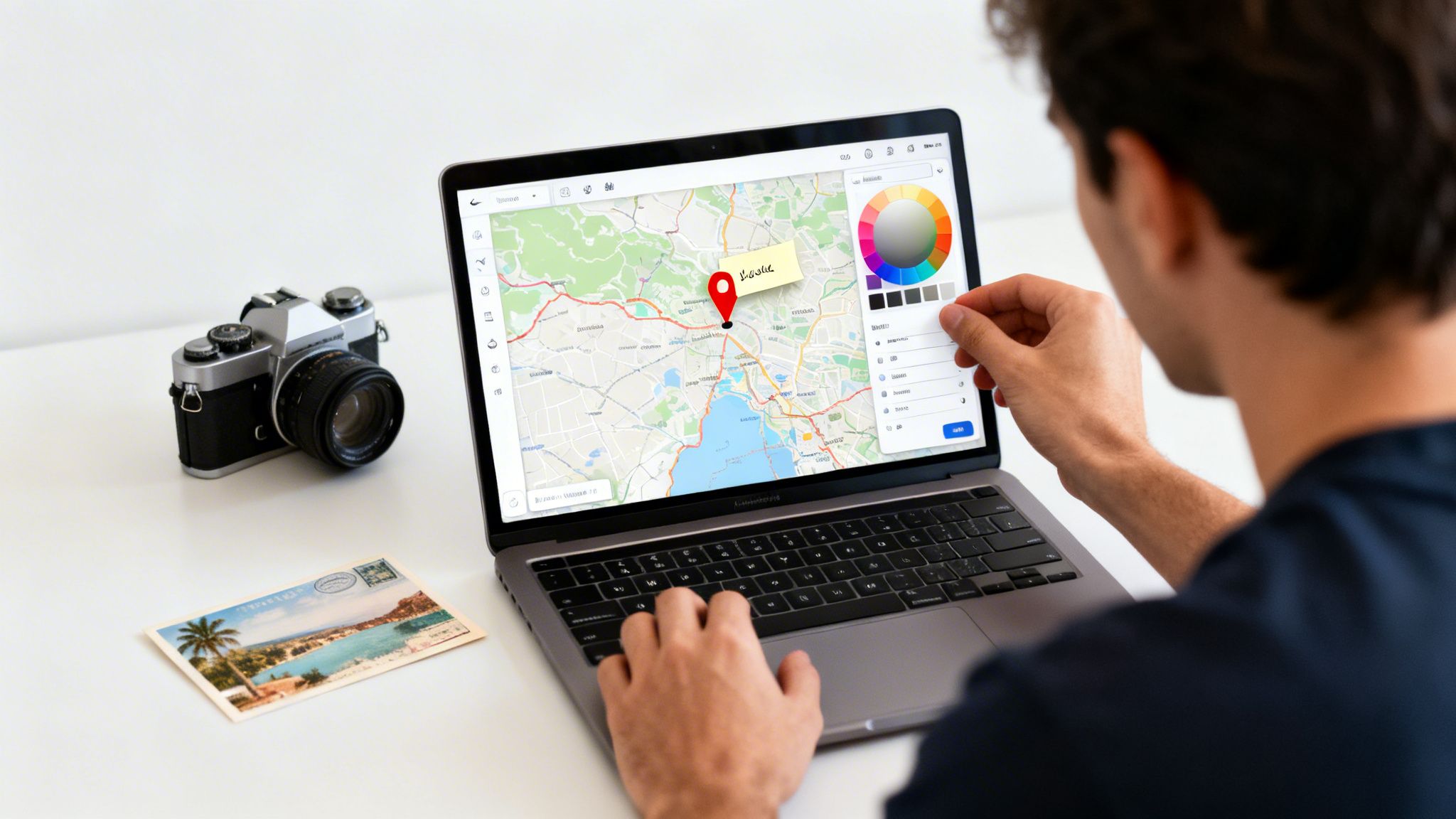
Finding a Sweet Spot Between Features and Privacy
A more secure workflow is to generate your travel data locally first. The DaysAround iOS app is a fantastic starting point because it acts as your personal, secure data source. Once it builds a travel timeline from your photos, you can export the data and use it with any mapping tool you trust. If you just want to see your map without fussing with exports, the app has a built-in visited countries map. It's your personal travel dashboard, showing your history securely without needing third-party tools.
Integrated Solutions for Real-World Problems
The best travel tools do more than just make a pretty map; they solve actual problems. Accurately tracking your time in the Schengen Area is critical to avoid overstaying. This is where an integrated tool shines. DaysAround builds a powerful Schengen Calculator right into the app. It uses the same on-device data from your photos to automatically track your stay, making visa compliance nearly effortless. For quick planning, you can also use the free web-based Schengen Zone Calculator. With France recently topping 100 million international arrivals, and other Schengen countries attracting millions, precise day-counting is essential. You can dive deeper into these tourism statistics.
Customizing and Sharing Your Travel Map
A personalized map tells your story. This is where creating an interactive map of states visited gets really fun—transforming a simple checklist into a rich, visual travel journal. Most mapping platforms let you adjust color schemes, drop specific pins for cities, and attach personal notes or photos.
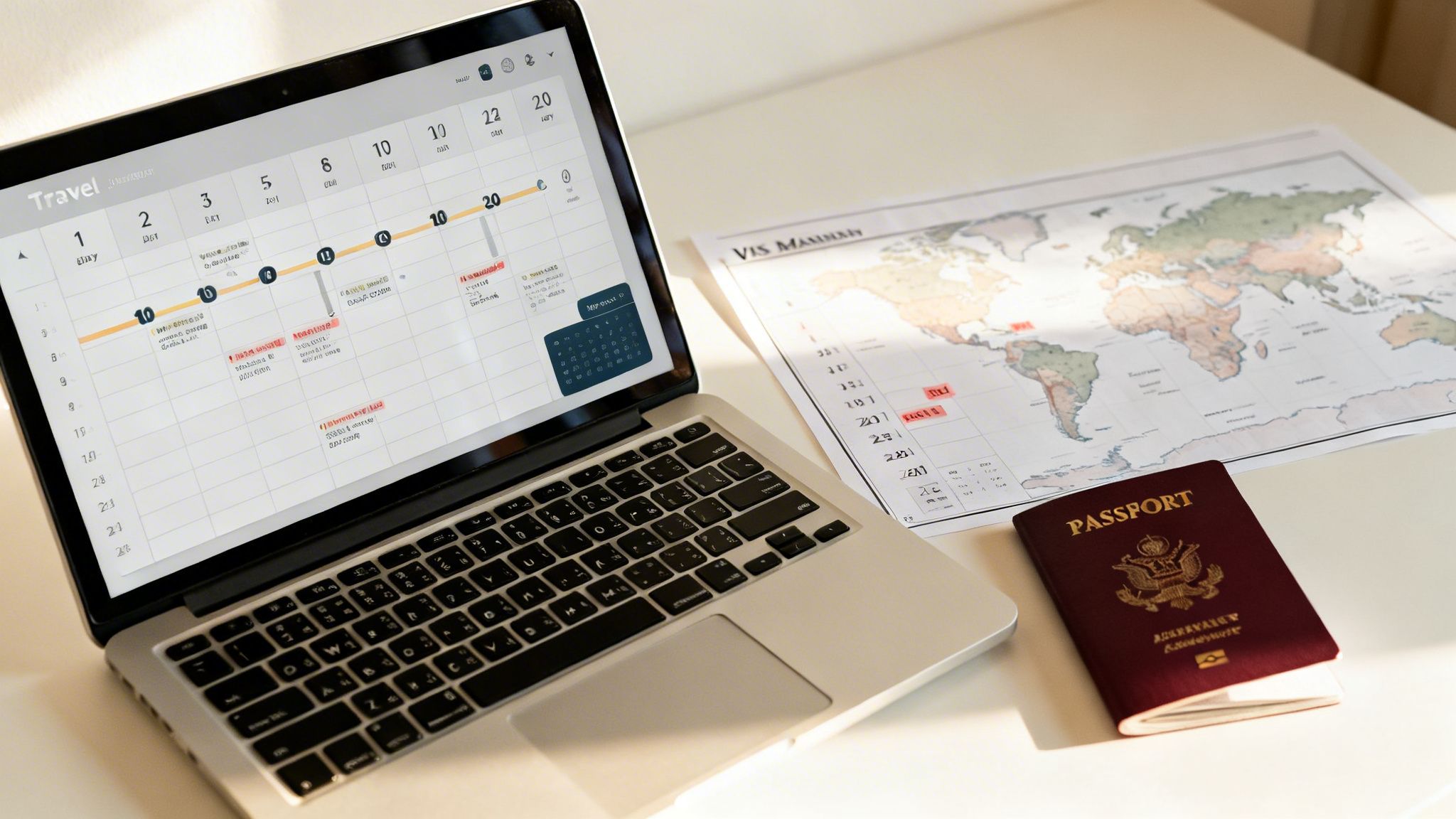
Adding Personal Touches to Your Map
Instead of just coloring in states, add layers of context to bring your travel history to life. Here are a few ideas:
- Color-Code by Year: Use different shades for each year to see how your travel patterns have shifted.
- Categorize by Trip Type: Assign unique colors for work trips, family vacations, or solo adventures.
- Highlight Key Moments: Add custom pins for special spots, like a national park or a favorite cafe.
The precise date information from an app like DaysAround for iOS is perfect for building these meaningful, layered visualizations.
Sharing Your Map Securely
Once your map looks great, you’ll probably want to show it off. Before you do, think about your audience and privacy. If you’re a DaysAround app user, the map inside the app is your private travel dashboard and inherently secure. While you can't share it directly, you can export the rich statistics it generates, like your total countries visited tracker or breakdowns by continent. This allows you to pair impressive stats with any map you share publicly, giving it compelling context without exposing the sensitive, day-by-day details of your travel history.
Taking Your Travel Data Beyond the Map
Your interactive map is fantastic for visualizing your adventures, but the data powering it is a powerful personal asset. For any serious traveler, a well-kept record of where you've been and for how long is indispensable for real-world situations that demand accuracy.
From a Cool Visualization to Essential Documentation
This is where your map's underlying data pulls its weight. For digital nomads or expats, tracking your days in each country is crucial for maintaining tax residency status. For anyone traveling in Europe, staying on the right side of the Schengen Area's strict 90/180-day rule is non-negotiable.
The DaysAround iOS app was designed for these exact needs. It's more than a country counter—it’s a reliable day tracker. By automatically logging your border crossings from your photo library, DaysAround provides a trustworthy record for legal and financial matters, all while keeping your data private on your device.
Plan Your Next Moves with Confidence
A solid travel history makes future planning easier. Knowing exactly how many days you've spent in the Schengen Zone allows you to book trips with confidence. The app makes this simple with its built-in Schengen Calculator, which crunches the numbers for you. For hypothetical planning, our free web-based Schengen Zone Calculator Free is a perfect tool. With travel patterns constantly changing—Turkey recently saw nearly 64 million visitors—having your own private, accurate data is key. You can read more about these tourism trends and their impact.
FAQ: Common Questions About Travel Maps
Here are answers to some of the most common questions about creating a map of the places you've been.
What’s the best way to keep track of the states I’ve visited?
The best method is private, accurate, and easy to maintain. A spreadsheet is private but manual. GPS-tracking apps are automatic but raise privacy concerns. A great middle ground is the DaysAround iOS app. It automatically builds your travel history by privately scanning your phone's photo library right on your device, creating an accurate countries visited tracker without compromising your privacy.
Can I make an interactive "visited countries" map for free?
Yes, many free online map generators are available. Just be mindful of their privacy policies, as you are uploading your travel history to their servers. For a completely private option, an app like DaysAround includes a built-in where have I been map that visualizes your history using only the data on your phone, so nothing ever leaves your device.
How can I keep my travel data truly private?
To ensure privacy, stick with on-device solutions that do not require cloud sync or online accounts. The DaysAround app was built on this principle. Your entire travel timeline is created and stored locally on your iPhone. Your location history is never uploaded, analyzed, or sold, making it the perfect travel history app for privacy-conscious users.
Is a travel map useful for more than just a cool visual?
Absolutely. The map is the visual, but the data behind it is powerful. It's essential for digital nomads and expats who need a tax residency tracker. It is also a lifesaver for navigating complex visa rules, like the Schengen Area's 90/180-day limit. The integrated Schengen 90/180 tracker in DaysAround turns your travel history into a practical planning tool.
I can't remember everywhere I've been. How do I get started?
Your phone’s photo library is your most complete travel journal. An app like DaysAround can do the heavy lifting by privately scanning the location metadata in your photos to piece together your travel history. It happens entirely on your device, making it a perfect way to fill in the blanks and create an accurate country counter.
Can this kind of map help me track my Schengen Visa days?
While the map itself is a visual aid, the data that creates it is exactly what you need for Schengen zone tracking. The DaysAround app automatically calculates the days you spend in the Schengen Area by analyzing your photo-based timeline. It also includes a dedicated Schengen Calculator to help you navigate the 90/180-day rule. For quick checks, we also offer a free web-based Schengen Zone Calculator Free.
Sources
Here are the sources used for the travel statistics and trends mentioned in this article.
- Global Tourism Records: Daily Sabah
- Top Visited Countries: Road Genius
- Emerging Travel Hotspots: Travel and Tour World