

Personal travel map: Track Countries, Schengen Days & More
A personal travel map is the best way to bring your journeys to life, and the most effective and private way to create one is with an app that uses your existing photos. DaysAround builds your travel map automatically from your iPhone’s photo library, creating a visual timeline of every country you've visited without GPS tracking or uploading your data to the cloud. It securely builds a travel history on your device, giving you an instant, private record of your adventures.
Your Automated and Private World Travel Map
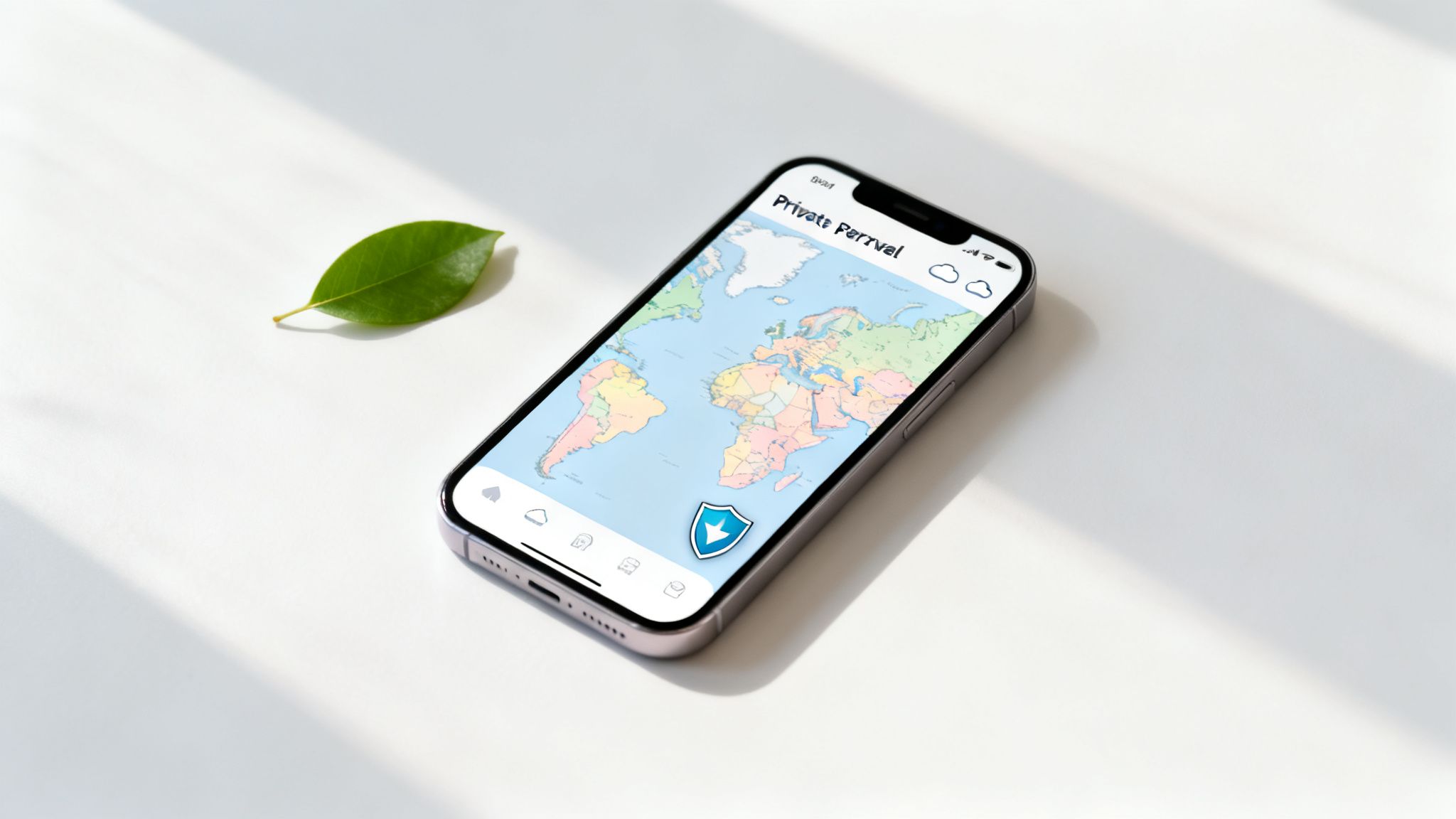
A modern travel map is more than a digital pinboard; it’s a living, private record of your adventures. In the past, options were limited to tedious manual journals or GPS-based apps that monitored your every move, raising privacy concerns. Thankfully, a new approach uses the data you already own—your photos—to build a rich and secure travel history.
How DaysAround Can Help
The DaysAround iOS App is built on this privacy-first principle. Instead of tracking you in real-time, it scans your photo metadata locally on your device. The entire process happens offline, so your travel patterns and personal data never leave your phone. This gives you an instant "where I've been map" that’s both beautiful and fundamentally private. It automatically generates your countries visited map and acts as a sophisticated country counter.
The Shift to Automated, Private Tracking
This on-device method is brilliant because it turns a scattered collection of memories into a cohesive, interactive story. It's perfect for digital nomads, frequent flyers, or anyone who wants a living document of their travels without leaving a massive digital footprint.
With international travel roaring back, tools like this are more relevant than ever. Recent studies show a huge jump in multi-country trips, with nearly 60% of travelers taking at least two trips of five nights or more in the last year alone. This surge highlights why a tool that logs journeys without compromising personal data is so essential. You can check out Simon-Kucher's research for more on these global travel trends.
For the modern traveler, privacy isn't a feature—it's a requirement. An on-device travel map ensures your journey is documented for your eyes only, turning personal data into personal insight without the risk of exposure.
The way we track our travels has changed dramatically. The table below breaks down how this modern, privacy-first method stacks up against older, more intrusive techniques.
Modern vs Traditional Travel Tracking
| Feature | DaysAround (Privacy-First) | Traditional GPS Apps | Manual Journals |
|---|---|---|---|
| Data Source | Photo Metadata (On-Device) | Live GPS Tracking | Manual Entry |
| Privacy Level | High (No Cloud Sync) | Low (Data Sent to Servers) | High (Offline) |
| Automation | Fully Automated | Fully Automated | Completely Manual |
| Retroactive Mapping | Instant (From Past Photos) | Limited (Only Tracks New Trips) | Not Possible |
It's clear that you no longer have to trade your privacy for the convenience of an automated travel map. The best of both worlds is finally here.
How to Build Your Travel History Automatically
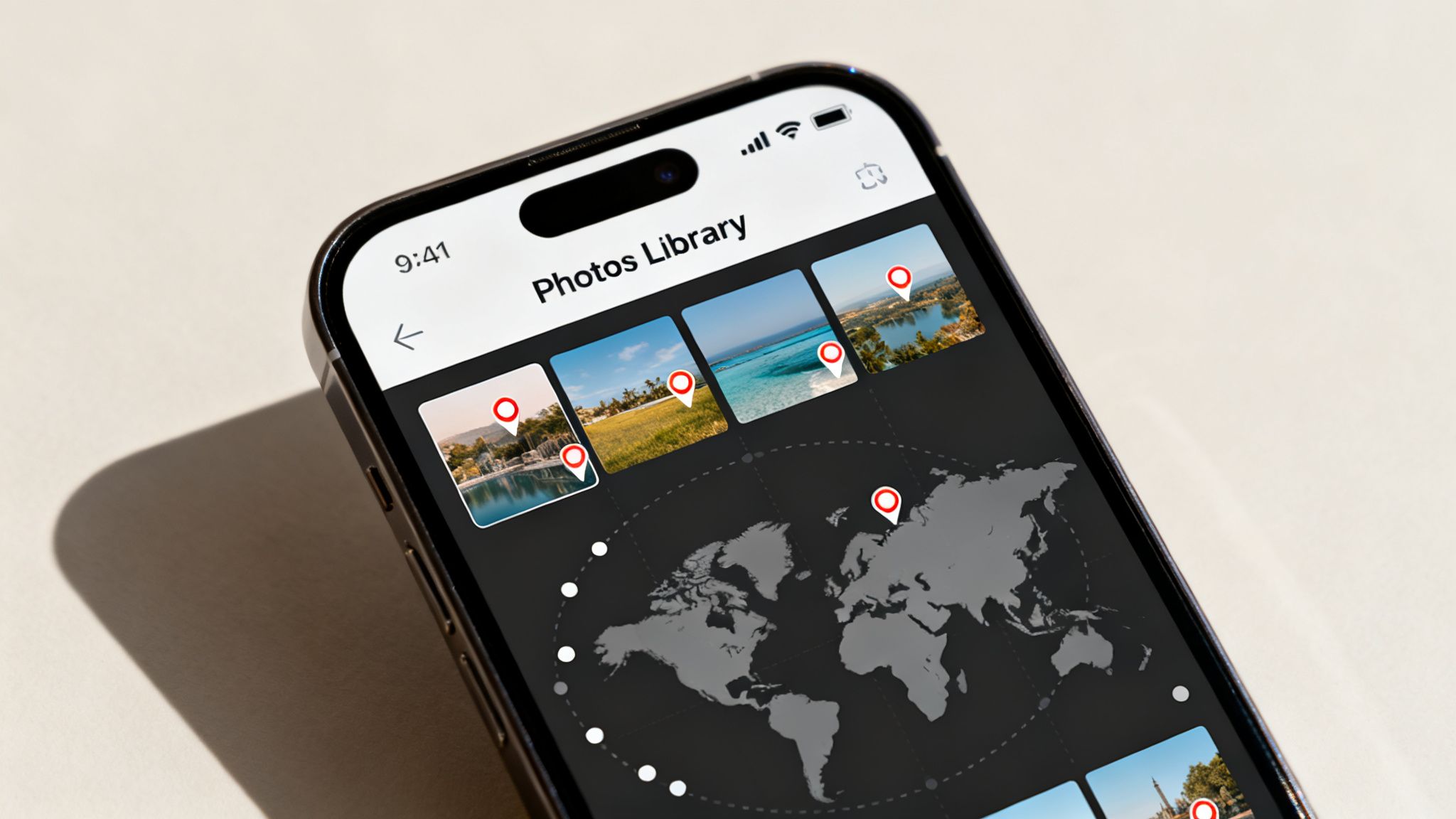
The best personal travel maps are built on solid, accurate data. But who has the time for manual entry? And constant GPS tracking can feel invasive. There’s a much smarter, privacy-focused way to do this now, using the technology already in your pocket to build a detailed travel history without constant surveillance. Think about it: every photo you snap with your iPhone quietly records a treasure trove of information—the precise date, time, and location—stored locally right alongside the image.
From Photos to a Global Map
The real magic of using your photo library is that it works backwards in time. You can instantly map out every trip you've ever documented with a photo, creating a complete "where I've been map" in just a few minutes. It's an incredible way to get an accurate country count and see your journeys visualized as a digital scratch map.
How DaysAround Can Help
This is precisely what the **DaysAround app** was built for. It scans your photo library directly on your iPhone, figuring out which countries you visited and for how long. The entire process happens locally, meaning your travel data never leaves your device.
- No Cloud Uploads: All analysis happens on your phone, so your travel patterns stay completely private.
- Automatic Timeline Creation: The app uses photo dates and locations to reconstruct your trips.
- Instant Visualization: See your entire travel history mapped out, showing every country you've set foot in.
By tapping into the data already in your photos, you can transform a simple camera roll into a dynamic, private, and automatic log of your life's greatest adventures. It’s your story, told through your own lens.
Why This Method Is a Game-Changer
This on-device analysis offers a powerful mix of automation and security that other methods can't touch. The DaysAround iOS app takes this a step further by using your travel history to double as a Schengen 90/180 tracker. It automatically calculates your days in the Schengen zone, helping you stay on the right side of visa rules without any extra work. While our free online Schengen Zone Calculator is great for planning, the app automates this for your past and current trips based on your actual photo history.
If you want to get this set up for yourself, our guide on how to set up a private travel history log in 5 minutes walks you through the simple steps.
Managing Schengen Days and Tax Compliance
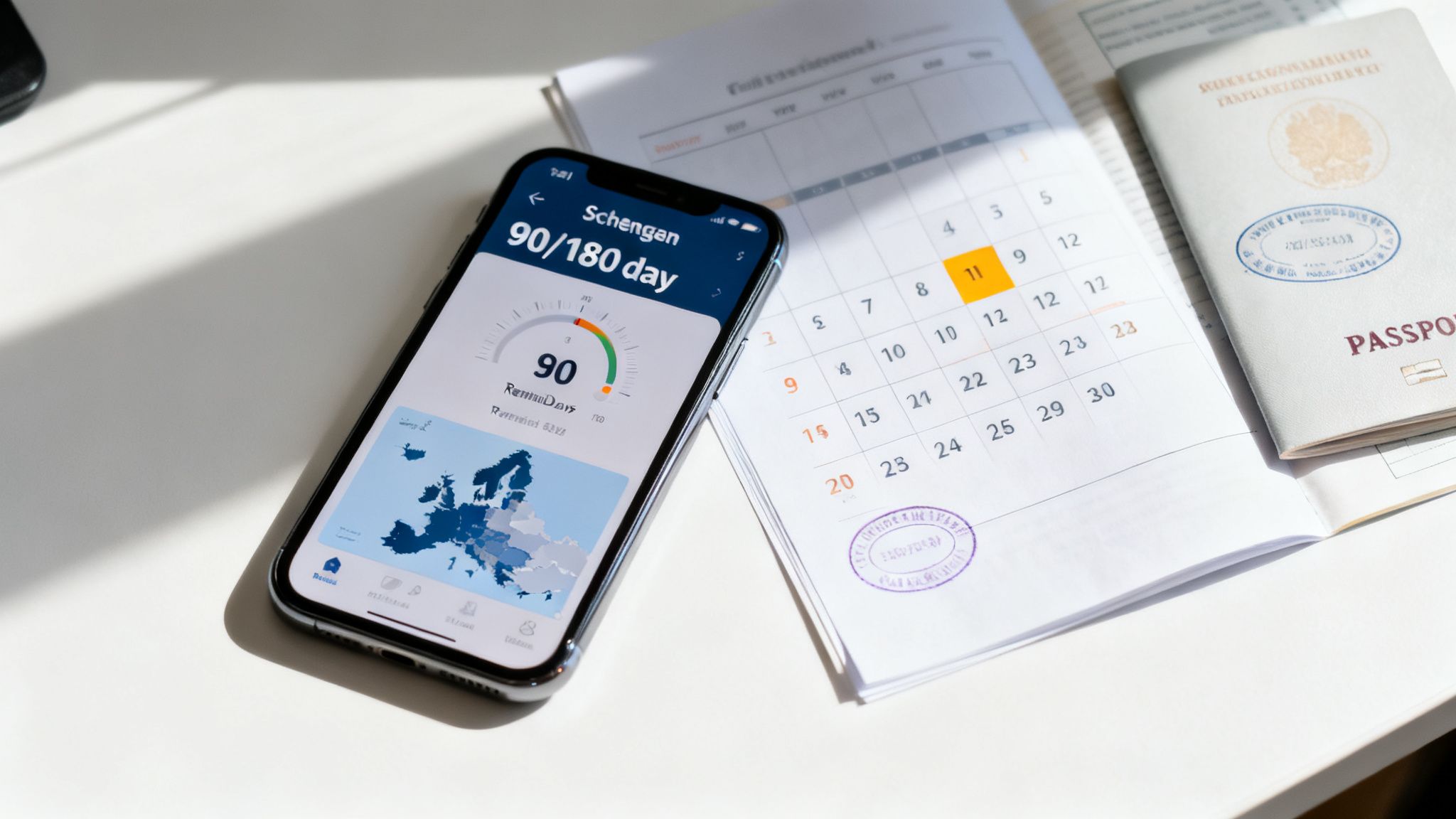
For frequent travelers, a personal map is more than a cool way to look back on trips—it's a critical tool for legal and financial management. Keeping a precise count of days spent in each country is essential for visa rules and tax laws, especially in Europe's Schengen Area. The Schengen Zone’s infamous 90/180-day rule is a rolling window, making manual tracking difficult and risky. One mistake could put your ability to visit 29 European countries at risk.
Automating Schengen Compliance
This is exactly where a smart, privacy-focused travel map shines. An app like DaysAround essentially becomes your personal Schengen calculator. It pulls your travel timeline together securely from your photos, automatically logging your entry and exit dates for every country in the zone.
How DaysAround Can Help
The DaysAround iOS App automatically analyzes your photo library to calculate your stay durations in the Schengen Zone. This gives you a clear, real-time count of how many days you have left. No more guesswork, no spreadsheets, and no risk of manual error. For planning future trips, you can use our free online Schengen Zone Calculator, but for tracking your actual travel history, the DaysAround app automates the work for you right on your device.
A travel map that handles your Schengen calculations automatically isn't just convenient—it's pure peace of mind. When you can see your legal status at a glance, you can stop worrying about the complex visa math and actually enjoy your travels.
Beyond Visas: A Tool for Tax Residency
The need for accurate day-counting doesn't stop with visas. For digital nomads, remote workers, and expats, a detailed travel history is the bedrock of managing tax residency. Many countries use a physical presence test to determine tax obligations, often based on specific thresholds like the 183-day rule. Your personal travel map can double as a powerful tax residency tracker. With DaysAround, you can instantly pull up and export a precise count of your days per country, providing the documentation needed to prove your residency status to tax authorities.
Bringing Your Travel Story to Life
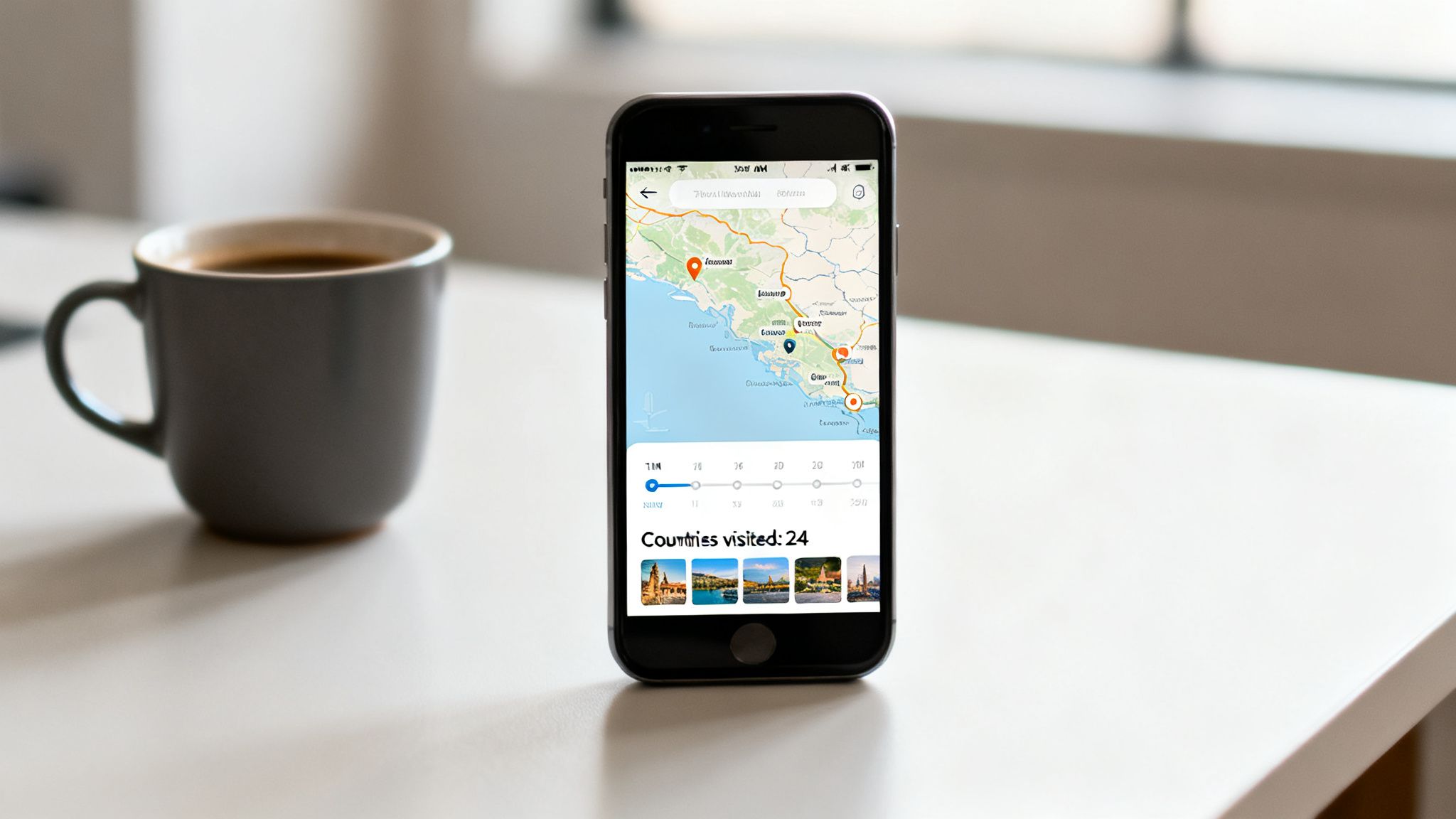
Once your travel history is in place, your map becomes a living document of your adventures. The best tools don't just show you where you've been; they let you interact with the data, customize the view, and turn it into a rich, personal story. It’s less of a map and more of a dynamic journal.
How DaysAround Can Help
Inside the DaysAround iOS app, your map is fully interactive. You can tap on any country to instantly pull up a detailed timeline of your visits, complete with photos from each trip that bring the memories flooding back. This turns your iPhone into an incredibly personal travel log.
Relive Your Journeys Visually
Instead of endlessly scrolling through a camera roll, you get a curated, location-based view of your history. All your key stats are there at a glance:
- Total Countries Visited: Your complete country count, always up to date.
- Continental Breakdown: A quick summary of your travels across the globe.
- Timeline with Photos: Tap a country and see the story of your trips unfold through your own pictures.
This level of interaction makes your map a tool for reflection, not just a simple record. It answers that "where have I been?" question with visual proof and emotional context, all stored securely on your own device.
Share Your Milestones Securely
Sharing travel accomplishments is a huge part of the fun. With solo travel on the rise—a recent study found 59% of travelers have taken at least one trip alone—the need for apps that let you share milestones without oversharing personal data is growing. You can read more about this in an article on the latest travel trends.
Your travel story is personal. The best tools let you share the highlights—like your total country count or a beautiful map visual—without ever revealing the sensitive details of your timeline or location history.
With an app like DaysAround, you can easily export a clean visual of your map or just a summary of your stats. It’s perfect for posting a milestone on social media while ensuring your private data remains just that—private.
Choosing the Right App for Your Travel Map
Picking the right tool to build your personal travel map boils down to a few key factors: privacy, automation, and specific features like visa tracking. If keeping your data locked down is your top priority, look for apps that do all their work on your device with a strict no-account, no-cloud policy.
How DaysAround Can Help
For iPhone users who prioritize privacy, the DaysAround iOS app is the gold standard. It’s built from the ground up for iOS with privacy as its foundation, guaranteeing your travel history never leaves your phone. This gives you a powerful travel mapping tool without the usual privacy sacrifices. Its integrated Schengen 90/180 tracker automatically crunches the numbers based on your travel data, turning your map from a cool visual into a vital legal tool.
Data Source and Privacy Considerations
The data source is a huge factor. Apps that tap into your photo metadata, like DaysAround, strike a fantastic balance between automation and privacy. They can retroactively build your entire travel history from information already on your phone. In contrast, GPS-based apps offer real-time detail but often compromise your location data, while social media check-ins are public and imprecise.
Your personal travel map should work for you, not for data brokers. Choosing an app with on-device processing and no cloud sync ensures your travel story remains yours alone, turning memories into insights without compromising your digital safety.
Travel Map App Feature Comparison
This table breaks down the key differences between the most common types of travel tracking apps.
| Feature | DaysAround App | GPS-Based Trackers | Social Media Check-ins |
|---|---|---|---|
| Privacy Model | On-Device Processing, No Cloud | Server-Side Processing, Data Sync | Public by Default |
| Primary Data Source | Photo Metadata | Live GPS Signal | Manual User Check-in |
| Automation Level | High (Automatic & Retroactive) | High (Real-Time Tracking) | Manual |
| Schengen Tracking | Built-in & Automated | Often Not Included | Not Applicable |
| Account Required | No Account Needed | Account Required | Account Required |
| Offline Functionality | Fully Functional Offline | Limited or No Functionality | Requires Internet |
Ultimately, the best choice depends on your goals. For a private, automated, and legally-compliant travel history, an on-device app that works with your existing data is a powerful and secure option.
FAQ: Your Personal Travel Map Questions Answered
1. What is the most private way to map my travels?
The most private method is to use an app that processes all data directly on your device without requiring an account or cloud sync. The DaysAround for iOS app is built on this principle, using your photo library to build your travel history locally, ensuring your data remains 100% yours.
2. Can I automatically map countries I have already visited?
Yes. Your iPhone automatically embeds location and date metadata into every photo. An app like DaysAround can scan that library and retroactively build your entire travel history, creating a complete countries visited map in minutes without manual entry.
3. How can a travel map help with Schengen visa rules?
A smart travel map app can act as an automated Schengen 90/180 tracker. By analyzing the dates of your photos taken within the Schengen Zone, it calculates your stays against the rolling 180-day window. The DaysAround app has this feature built-in, showing you exactly how many days you have left. For planning, you can use our free Schengen Zone Calculator tool.
4. Is it possible to track my travel history without GPS?
Absolutely. Photo metadata is a reliable and far more private alternative. Every picture on your iPhone is tagged with a date and location, stored securely on your device. An app can read this local data to determine your travel timeline, turning your phone into a powerful travel history app without live location tracking.
5. How do I easily count the countries I have visited?
A good country counter is a core feature of any travel mapping app. Once your past trips are imported from your photos, an app like DaysAround instantly adds up all unique countries you've visited, giving you a grand total and a breakdown by continent.
6. Can I use a travel map for tax residency tracking?
Yes, this is one of the most practical uses. A precise days per country tracker is invaluable for managing tax residency requirements, like the 183-day rule. By keeping an automated log of your time in each location, you can easily export the data needed for tax filings, reducing manual work and the risk of errors.
Sources
- Global Travel Trends 2026: A deep-dive report from Simon-Kucher that confirmed the rise of complex, multi-country trips and the need for private tracking tools.
- The Most Important 2026 Travel Trends You Need To Know: An article from The Travelling Fool highlighting the growth in solo travel and the demand for new, privacy-respecting travel tech.
Ready to build your own private, automated travel map? Download DaysAround from the App Store and see your entire travel history come to life in minutes. Get the app here.