
How to Track States Visited: A Traveler's Modern Guide
The best way to track the states you’ve visited is by using a method that is both accurate and private. You can use physical maps or digital spreadsheets for manual tracking, but an automated app offers a more effortless solution. For international travel, the DaysAround iOS app automatically creates a private travel timeline from your phone's photos, right on your device. While this feature is currently for countries, DaysAround's privacy-first approach provides a clear model for how to best track states visited without sharing your location data.
This guide explores the best methods to create your visited states map, balancing fun, practicality, and personal privacy.
Why Track the U.S. States You've Visited?
Keeping a log of the states you visit is more than a fun hobby; it’s a way to visualize your life's journey and meet practical needs like tax compliance. Whether you're aiming to join the "50 States Club," creating a family travel diary, or managing a digital nomad lifestyle, a reliable tracking system is essential.
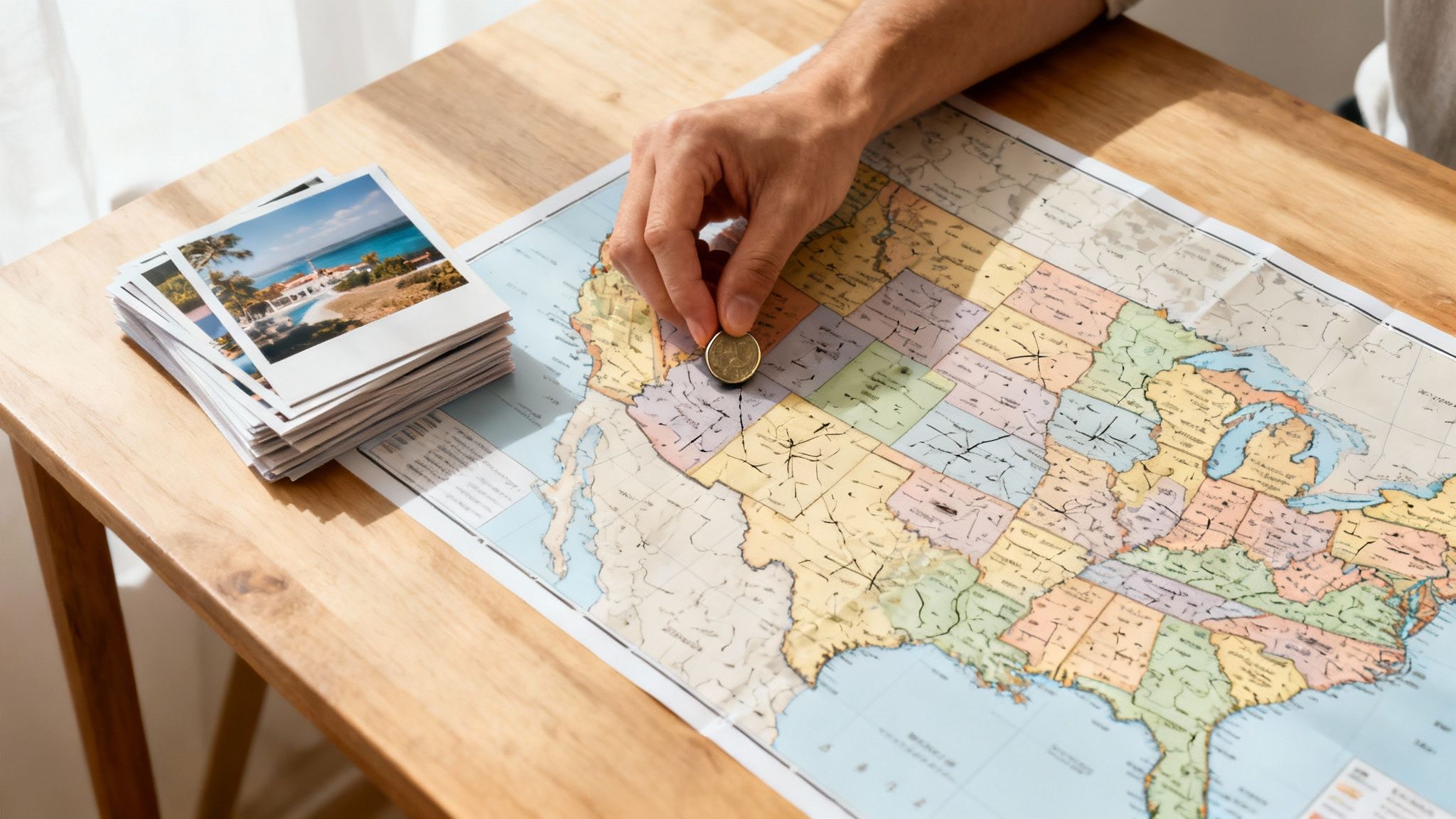
People track their travels for several key reasons:
- For Fun and Personal Goals: The simple joy of filling out a map provides a tangible sense of accomplishment. It turns the challenge to visit all 50 states into an engaging, lifelong quest.
- For Creating a Visual Record: A visited states map acts as a visual diary. It helps you recall family vacations, cross-country moves, and spontaneous weekend getaways, preserving memories for years to come.
- For Practical and Legal Reasons: For remote workers and frequent business travelers, accurately tracking the number of days spent in different states is crucial for tax compliance.
How DaysAround Can Help
DaysAround is designed for travelers who need an accurate, private record of their journeys. Our DaysAround iOS app automatically builds a timeline of the countries you visit by securely analyzing your photo library on your device—no GPS or cloud uploads needed. While we don’t track U.S. states yet, this technology is the perfect solution for creating a private days per state log. If we see enough interest, we plan to build this feature. For now, you can use our privacy-first principles to guide your own tracking.
Manual vs. Automatic Tracking: Which is Right for You?
When you decide to track states visited, your first choice is between manual and automatic methods. Manual tracking involves physical maps or spreadsheets, while automatic tracking uses technology to log your travels for you. Each approach has its pros and cons, especially regarding effort, accuracy, and privacy.
Manual Tracking Methods
Manual methods like scratch-off maps, pushpin boards, and digital spreadsheets are popular for their hands-on nature. They offer a tangible sense of accomplishment as you physically mark off each new state.
- Pros: High privacy (if kept offline), highly customizable, and a satisfying, tactile experience.
- Cons: Requires consistent discipline, prone to human error (forgetting dates or trips), and can become cumbersome to maintain.
Automatic Tracking Methods
Automatic tracking uses apps to create your travel log with minimal effort. However, many apps compromise your privacy by tracking your GPS location and uploading your data to the cloud.
- Pros: Effortless and accurate, requires no manual input, and provides detailed records with exact dates.
- Cons: Many apps have significant privacy risks, sharing or selling your location data.
The Privacy-First Automatic Method (The DaysAround Approach)
A better automatic solution prioritizes privacy. The DaysAround app demonstrates how this works. It scans your photo library’s metadata—privately, on your iPhone—to build a timeline of every country you've visited. This on-device processing means your location history is never shared.
We believe this is the ideal model for a future state tracker. It would combine the effortlessness of automation with the security of a private, offline log.
Here is a comparison of the different tracking styles:
| Feature | Manual Tracking (Spreadsheet/Physical Map) | Typical Automatic Tracking (GPS-based) | The DaysAround Method (Privacy-First) |
|---|---|---|---|
| Effort | High (Requires constant updates) | Low (Runs in the background) | Low (Set it and forget it) |
| Accuracy | Dependant on memory | High (Based on constant GPS) | Very high (Based on photo data) |
| Privacy | High (If offline) | Low (Data often shared or sold) | Extremely High (On-device processing) |
| Battery Drain | None | High (Constant GPS use) | Low (No active tracking) |
Why a Precise State Travel Log Matters
Keeping an accurate count of the states you've visited goes beyond personal satisfaction. For a growing number of digital nomads, remote workers, and frequent travelers, a detailed log is a practical necessity for legal and financial reasons.
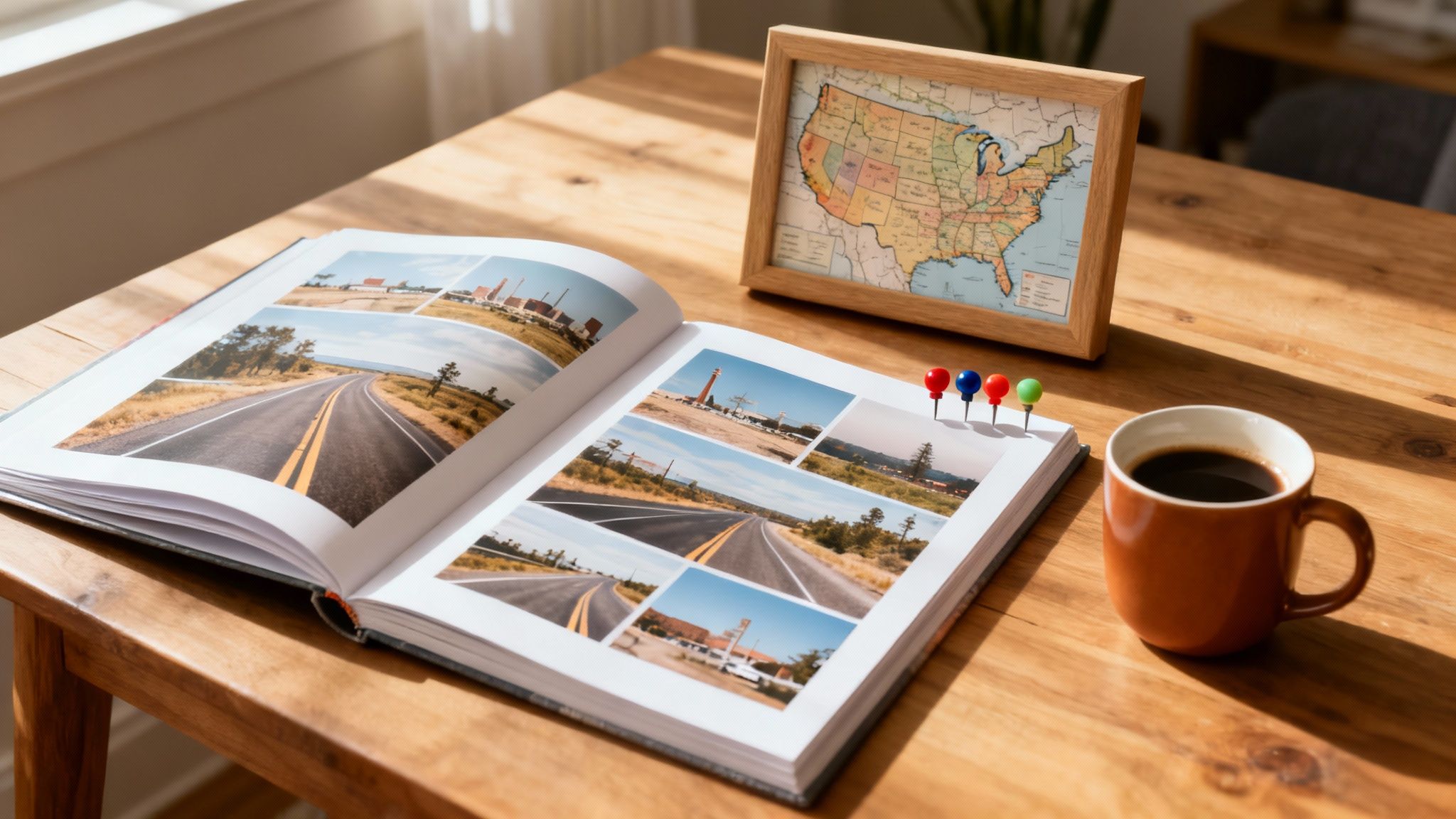
For Tax and Legal Compliance
Your physical location has significant financial implications. Many U.S. states have strict tax residency rules based on the number of days you are physically present. If you spend over a certain threshold—often 183 days—in a state, you may be considered a resident for tax purposes, leading to unexpected tax liabilities.
A verifiable days per state log is your best defense against tax disputes. It provides concrete proof of your whereabouts, helping you manage your tax obligations and comply with state laws.
How DaysAround Can Help
The core technology behind the DaysAround iOS app was built to solve this exact problem for international travelers. It serves as a private tax residency tracker, automatically counting the days spent in each country. This same precise, on-device day-counting is equally critical for domestic travel and state tax compliance. For international travelers managing visa limits, our app automates the 90/180 day rule for the Schengen Area. You can also manually plan trips with our free Schengen Zone Calculator.
For Personal Goals and Memories
Beyond the practicalities, a travel log is a powerful tool for personal growth and memory-keeping.
- Create a Visual Story: Your map becomes a dynamic representation of your life's journey.
- Motivate Future Travel: Seeing the blank spots on your map inspires new adventures.
- Share Your Experiences: A map is a great conversation starter for sharing stories with friends and family.
Taking time for educational insights before visiting popular destinations can make each trip logged on your map even more meaningful. A well-kept log is more than data; it’s a personalized atlas of your life.
How to Get Started with Your Visited States Map
You don’t need to wait for the perfect app to begin mapping your U.S. travels. The best approach is to start by logging your past trips to build a foundational map. The easiest way to do this is by using the travel history already stored in your phone's photo library.
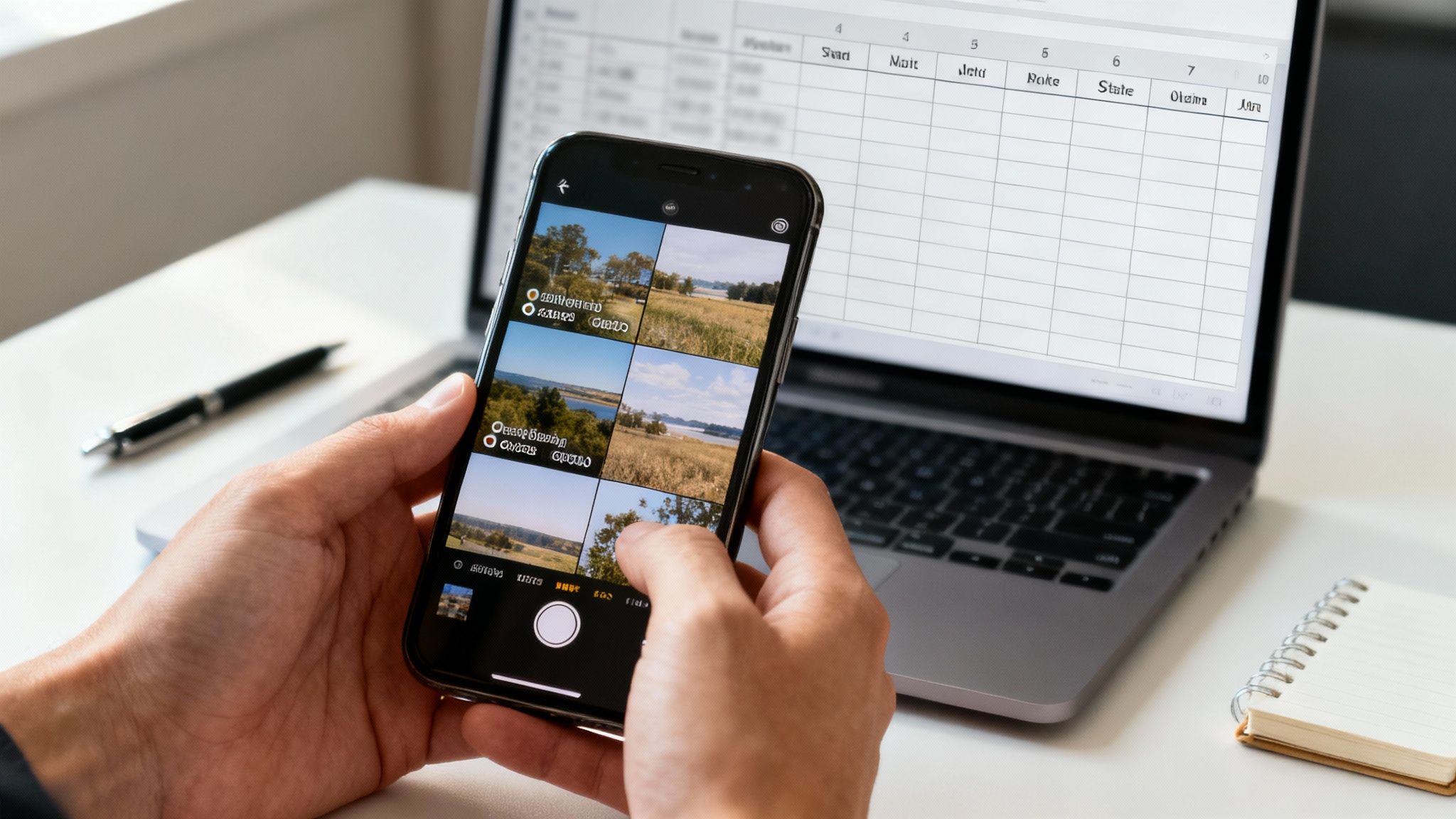
Building Your Initial Map Manually
- Review Your Photo Library: Scroll through your phone's photos. Most smartphones automatically embed location data (geotags) in each picture. This gives you a precise record of where you were and when.
- Check Your Digital Paper Trail: Search old emails for flight or hotel confirmations and review your digital calendar for past trip dates.
- Create a Simple Log: Use a spreadsheet or a notes app to list each state you've identified, along with the dates you were there.
This process gives you a strong starting point. While it's a manual version, it uses the same privacy-first principle as the DaysAround iOS app, which automates this process for creating a countries visited map.
How DaysAround Can Help You Prepare
Although DaysAround currently focuses on international travel, its on-device, photo-based tracking is the perfect model for a future state tracker. By downloading the app now, you can start logging your international journeys automatically and securely. This will familiarize you with how a privacy-first travel log works.
When we introduce state-level tracking, you’ll be ready to seamlessly integrate your U.S. travels into the same secure system. To get started, see our guide on how to set up a private travel history log in 5 minutes.
Frequently Asked Questions (FAQ)
What counts as a 'visited' state?
There is no official rule; it's a personal choice. Some common definitions include:
- Spending the night: Only counting states where you have stayed overnight.
- A meaningful experience: Visiting an attraction, eating a meal, or spending significant time there.
- Driving through: Counting any state you have driven across.
- Airport layover: Counting a state if you've deplaned and walked through its airport.
The key is to choose a rule and apply it consistently to your map.
Is it safe to use apps to track my location?
It depends on the app's privacy policy. Many "free" apps track your location via GPS and sell your data to third parties. A privacy-first app like DaysAround is different. It works entirely on your device by analyzing your photos' metadata and never uploads your location history to the cloud, ensuring your data remains 100% private.
How can I track past trips I don't remember?
Your phone’s photo library is your best resource. Most smartphones automatically geotag photos with the date and location where they were taken. By scrolling through your camera roll, you can reconstruct a detailed timeline of your past travels and discover trips you may have forgotten.
Why is tracking days per state important for taxes?
Many states impose income tax based on residency, which can be established by spending a certain number of days within the state (often 183 days in a year). For remote workers, digital nomads, and frequent travelers, an accurate log of your days in each state provides crucial documentation for tax filings and helps prevent potential tax liabilities and disputes.
Can I use a spreadsheet to track states visited?
Yes, a spreadsheet is a great manual tool. You can create columns for the state, dates of visit, notes, and even expenses. It's private, highly customizable, and completely free. However, it requires discipline to keep it updated consistently.
How can an app automatically track my travel history without GPS?
An app like the DaysAround App uses the existing metadata in your photos. Every photo you take with your smartphone typically contains EXIF data, which includes the date, time, and GPS coordinates where the photo was taken. The app scans this data locally on your device to build a travel timeline without needing to actively track your location in real-time.
Sources
For further reading on travel statistics and residency rules, consult these authoritative sources:
- UN Tourism Data: Provides comprehensive global and national tourism statistics. UN Tourism reports.
- Global Travel Trends: Offers insights into travel patterns and popular destinations. One Step 4Ward Travel Data.
- U.S. Tourism Statistics: A collection of data and trends related to tourism in the United States. RoadGenius Tourism Statistics.