

Travel Map Places Visited: Create a Visual Journey That's Private & Automated
Creating a travel map of places visited is a brilliant way to visualize your adventures, but manual tracking is tedious and often inaccurate. The best way to build your map is with a privacy-first app that does it for you automatically. An app like DaysAround builds a secure, on-device timeline of your travels by intelligently scanning your photos' metadata. It tracks every country you've visited—without using GPS or uploading your sensitive location history to the cloud—giving you a complete and private record of your journey.
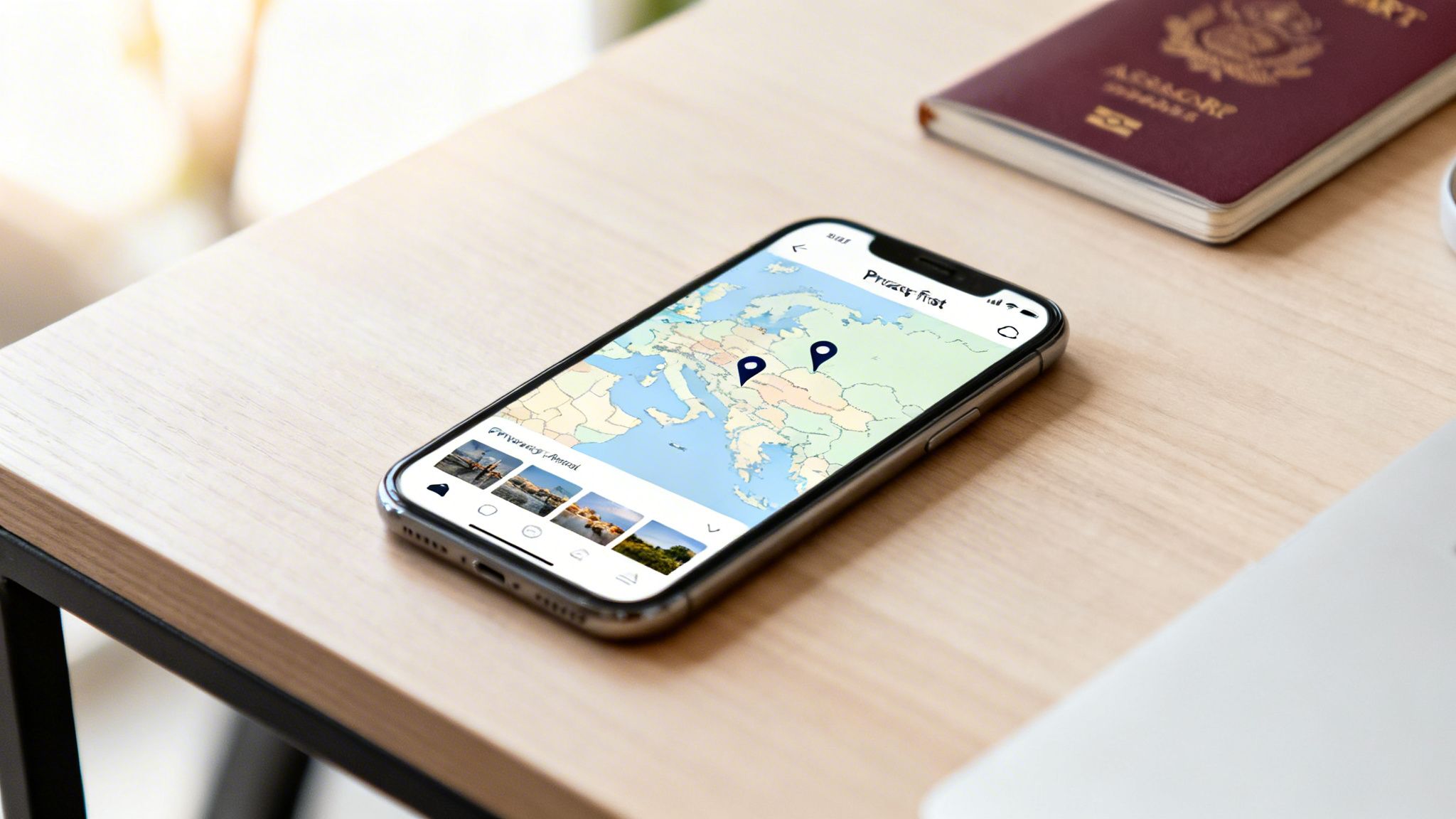
This guide will walk you through the different ways to build and maintain your travel map. We'll cover everything from tracking your country counter to managing complex visa requirements like the Schengen 90/180-day rule, all while keeping your travel history completely private. As global travel continues to grow—with projections showing 1.52 billion international arrivals in 2025—having a reliable tracking system is more than just fun; it's a practical necessity. If you're curious, you can learn more about these global tourism trends and their implications.
Comparing Methods for Creating Your Visited Places Map
There are several ways to create a map of the places you've been. The best method for you depends on your priorities, whether that's privacy, automation, or having a physical memento.
Here's a breakdown of different approaches, highlighting the pros and cons of each for the modern traveler.
| Tracking Method | Privacy Level | Level of Automation | Best For |
|---|---|---|---|
| Automated App (DaysAround) | High (On-Device Processing) | Fully Automatic | Privacy-conscious frequent travelers |
| Manual Online Map Tools | Medium (Requires Account) | Manual Entry | Casual travelers wanting a simple visual |
| Physical Scratch Map | High (Offline) | Manual | Travelers who prefer a physical memento |
| Spreadsheet Tracking | High (Local File) | Fully Manual | Data-driven nomads who need detailed logs |
Each method has its place, but for frequent travelers who value both accuracy and privacy, a dedicated, automated app is the clear winner.
How DaysAround Can Help
DaysAround offers the best of both worlds: complete automation and uncompromising privacy. The iOS app works by analyzing your phone's photo library on-device to build your travel timeline. This means:
- High Privacy: Your location data and travel history never leave your phone.
- Full Automation: Your countries visited map is created and updated automatically, with no manual data entry required.
- Integrated Tools: It functions as a powerful countries visited tracker, an automatic Schengen calculator, and a tax residency tracker, all in one secure app.
Finding the Right Travel Map for Your Style
What's the best way to create a travel map of places visited? The honest answer is: it depends on you. Your personal travel style—whether you're a digital nomad, a casual vacationer, or a privacy-focused explorer—will point you to the perfect tool.
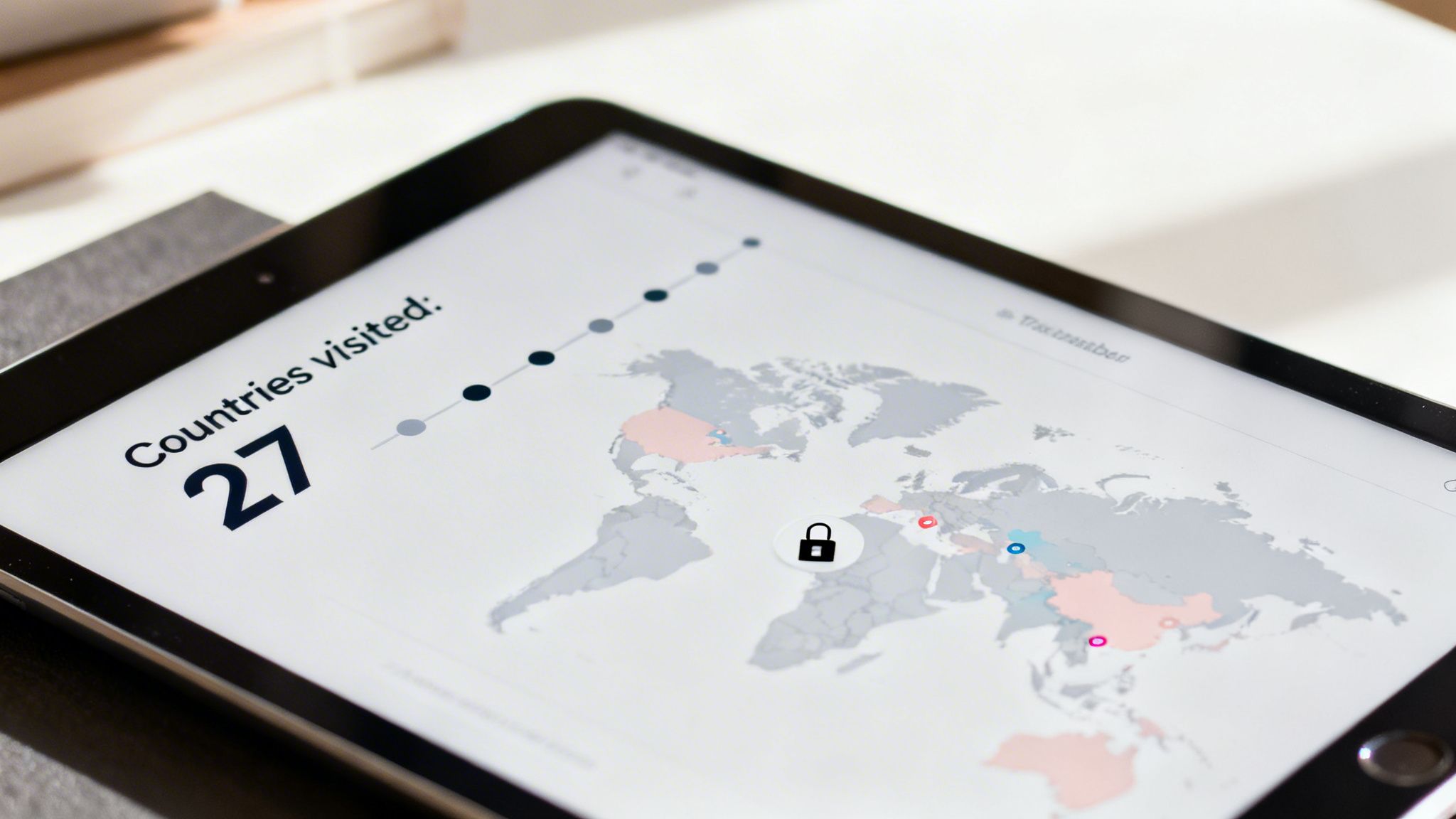
For the Digital Nomad and Frequent Traveler
When you’re constantly on the move, accuracy and automation are essential. Manually logging every border crossing is a recipe for frustration and, worse, mistakes that can have serious consequences with visas or taxes. This is where a privacy-first countries visited tracker becomes a lifesaver.
- Visa Tracking: Automatically calculate how long you've been in places with strict limits, like the Schengen zone, so you don't accidentally overstay.
- Tax Residency: Get a precise log of your days per country, which is crucial for figuring out your tax situation without meticulous spreadsheets.
- Zero-Effort History: Build a complete travel history app right from your existing photo library.
For the Casual Vacationer and Memory Keeper
If you travel a few times a year, your priority might be less about data and more about creating a beautiful memento of your adventures. Online map generators or physical scratch-off maps are great for this, giving you a satisfying visual of how much of the world you've seen. The catch is they lack the rich, detailed data and automation that a dedicated app provides.
For the Privacy-Conscious Traveler
Our location history is incredibly sensitive. Plastering your "where I've been map" on public platforms can broadcast your travel patterns to the world. On-device processing is the solution. Unlike services that sync everything to the cloud, apps that process data locally ensure your travel map and country counter data never leave your phone.
How DaysAround Can Help
DaysAround is designed for all traveler types but excels for those who value privacy and automation.
- For Nomads: The app automatically tracks your days in the Schengen zone, acting as an automated version of our Schengen Zone Calculator Free and providing precise day counts for tax residency purposes.
- For Memory Keepers: It connects your photos to your timeline, turning a simple map into a rich, visual diary of your travels.
- For the Privacy-Conscious: Because all processing happens on your device, your travel timeline is for your eyes only. You get a beautiful map without sacrificing your personal data.
A Smarter, Automated Country Counter That Respects Your Privacy
Manually updating a travel map of places visited is a losing battle for any frequent traveler. It's not just a hassle; it’s bound to be inaccurate. Automation is the only way to keep a reliable record, and modern apps now make this possible without invasive location tracking.
The magic behind a privacy-first app like DaysAround is how it protects your information. Instead of tracking your GPS, it works by securely scanning your phone’s photo library—right on your device. It intelligently pieces together your entire travel history using the location data you’ve already created with your pictures.
How On-Device Photo Analysis Works
The app scans the location and timestamp metadata embedded in your photos to identify border crossings and determine how long you stayed in each country. This is how it builds an incredibly precise country counter and travel timeline. The best part? This all happens locally on your iPhone. Your travel data never leaves your device or gets uploaded to a server.
This on-device approach means your "where have I been map" stays what it should be: a private journal, not a product for sale.
How DaysAround Can Help
The DaysAround iOS app is built on the principle of privacy-first, on-device processing.
- Schengen Zone Compliance: The app automatically calculates your rolling 90/180-day stay, acting as a built-in Schengen 90/180 tracker.
- Tax Residency Monitoring: By keeping an exact count of days per country, the app becomes an essential tax residency tracker.
- Effortless Record-Keeping: Your travel history is always current, providing a trustworthy source for visa applications or just for reminiscing. We have a full guide that explains how to create a visited countries map without giving away your data.
How to Manage Schengen Zone Stays and Other Visa Rules
A detailed travel map of places visited is more than a cool visual; it's an essential tool for legal compliance. For non-EU citizens, the Schengen Area's rolling 90/180-day rule is a constant source of anxiety. Miscalculating your stay can lead to fines, travel bans, or future visa problems.
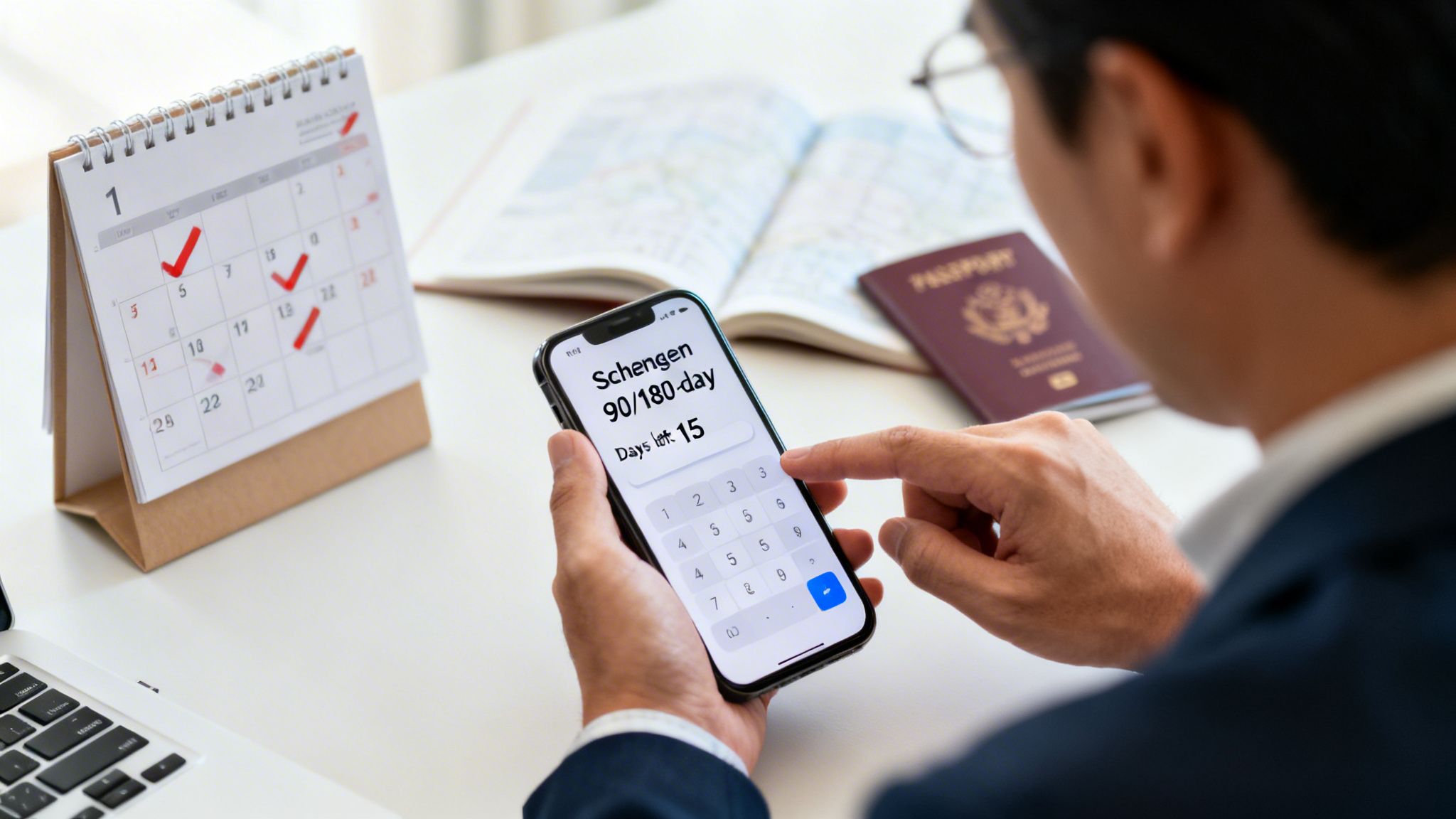
The Headache of the 90/180-Day Rule
The rule states you can be in the Schengen zone for up to 90 days within any 180-day period. The 180-day window is a rolling period that looks back from the current day, which makes manual tracking extremely difficult for frequent travelers. While there are tools to help, their accuracy depends on you remembering every single trip perfectly.
Think of it this way: when you automate the day count, your travel map stops being a reactive record of the past and becomes a proactive tool for your future.
How DaysAround Can Help
DaysAround solves this problem with complete automation.
- Free Online Tool: For quick planning, our Schengen Zone Calculator Free lets you manually enter dates to check your remaining days. It's one of several free utilities we offer on our tools page.
- Automated App: The core DaysAround iOS app takes this a step further. It automatically populates your travel dates from your photo library, giving you a real-time, accurate countdown of your Schengen days. This eliminates manual entry and prevents costly mistakes, especially when moving through popular hubs like France, which is on track to be the most visited country in the world. You can read more about global travel hotspots.
Turning Your Travel Data into a Personal Story
Your travel map of places visited is more than a dataset—it's a visual collection of your life's best chapters. Every pin dropped or country colored in represents a story. The goal is to elevate your map from a simple country counter into a personal, interactive journal that captures your journey.

From Data Points to Memories
The magic happens when you connect raw data to actual memories. A boring list of countries means little, but a map that links to your photos brings that history roaring back to life. This is where an automated tool makes all the difference, transforming abstract data points into tangible memories you can revisit with a tap.
Sharing Your Journey Securely
Sharing your travel stories is half the fun, but you should always be in complete control of what you share. With an automated app, you can easily export high-level stats without revealing sensitive details. This allows you to share fun milestones—like hitting 30 countries—without broadcasting your day-to-day movements.
How DaysAround Can Help
DaysAround turns your travel timeline into a genuine visual narrative.
- Photo Integration: The app automatically connects key photos from your library to each trip, so you can see the exact photo you snapped the day you crossed a new border.
- Secure Sharing: It lets you export just the high-level stats, like your total countries visited, continent breakdowns, or days per country. Your full "where have I been map" stays private on your device, giving you the best of both worlds.
Frequently Asked Questions About Building Your Travel Map
What is the best app for a travel map of places visited?
The best app depends on your priorities. For users who value privacy and automation, DaysAround is a leading choice. It builds your entire travel map on your iPhone using photo metadata, meaning no GPS tracking or cloud uploads are required. This makes it a powerful and private country counter and travel history app.
How can I create a map of all the countries I have visited?
You have several options: a physical scratch map, manual online map generators, or an automated app. For an effortless and precise map, an app like DaysAround is ideal. It automatically builds your countries visited map by scanning your photo library on-device, determining which countries you've been to and for how long.
Is there a free way to track my Schengen days?
Yes. You can use a free online tool like the DaysAround Schengen Zone Calculator. You manually enter your travel dates, and it calculates your remaining stay under the 90/180-day rule. For automated tracking, the DaysAround iOS app integrates this feature and populates the dates for you from your travel history.
How does a countries visited tracker work without GPS?
Privacy-first trackers like DaysAround use the location and date metadata (EXIF data) already embedded in your photos. The app scans this information locally on your device to build your travel timeline. The entire process happens on your phone, so your location history is never uploaded to a server, creating a secure "where have I been map."
Can I use my travel map for tax residency tracking?
Absolutely. A precise travel map is an excellent tool for managing tax residency, which often depends on the exact number of days per country. An app that automatically logs this data, like DaysAround, provides the accurate records you need to comply with international tax laws, acting as an essential tax residency tracker.
What's the difference between a country counter and a travel map?
A country counter is a simple number (e.g., "35 countries visited"). A travel map is the visual representation of those visits on a world map. The best apps, like DaysAround, combine both. You get an accurate, automated country count and see it displayed on a beautiful, interactive map of every place you've visited.
Ready to see your own travel story unfold on a map? DaysAround builds your travel history securely on your iPhone, helps you track Schengen days, and gives you a beautiful visual record of your journey—all without ever uploading your data. Download the DaysAround app today and watch your map come to life.
Sources
- UNWTO World Tourism Barometer: https://www.e-unwto.org/doi/epdf/10.18111/9789284424598
- One Step 4Ward - Most Visited Countries: https://onestep4ward.com/most-visited-countries-in-the-world/
- DaysAround - Create a Visited Countries Map Without Giving Away Your Data: https://daysaround.app/article/how-to-create-a-visited-countries-map-without-giving-away-your-data