

Your Private World Map Track Travel Guide
The best way to create a world map to track your travel is by using an app that builds a secure, on-device timeline of your journeys. Instead of invasive GPS tracking or cloud uploads, a privacy-first app like the DaysAround iOS App can privately analyze your phone's photo library to automatically build your travel history. It identifies border crossings from your photos, creating a complete and interactive map of every country you've visited without your sensitive data ever leaving your device.
This method turns your camera roll into a secure log, offering a simple way to visualize your travels, count the countries you've visited, and even track complex visa rules like the Schengen 90/180-day limit—all automatically and privately.
Your Private, Automated Travel Map
Creating a "where I've been" map is a fantastic way to visualize your journeys, but many travelers are rightly concerned about apps that demand constant GPS access or require uploading location history to the cloud. This privacy trade-off is no longer necessary. A modern, secure approach uses the metadata already stored in your photos to build a detailed travel history without compromising your privacy.
This is the core philosophy of the DaysAround iOS App, which performs all its analysis entirely on your device, ensuring your travel timeline remains completely private.
On-Device Analysis For Maximum Privacy
On-device processing is the key to a private travel map. Your phone automatically embeds metadata like the date, time, and location into every photo file. An app like DaysAround scans this data locally, meaning your photos and their information never leave your iPhone. It intelligently detects border crossings by noting changes in countries between consecutive photos, automatically building your travel history.
This method offers significant advantages over traditional tracking:
- No Cloud Sync: Your travel data remains exclusively on your phone, eliminating the risk of server breaches.
- No GPS Tracking: The app doesn't follow you in real-time, preserving your privacy and battery life.
- No Account Required: You can start immediately without signing up, creating a password, or providing personal details.
- Automatic History: It retroactively builds your travel map from years of photos in your library. You can learn how to instantly turn your travel memories into stats in our guide.
Travel Tracking Methods: A Privacy Comparison
When selecting a travel tracking app, privacy is paramount. The difference between traditional GPS trackers and a modern, on-device approach is stark. DaysAround offers a secure alternative that puts you in control.
| Feature | Traditional GPS Trackers | DaysAround On-Device Photo Analysis |
|---|---|---|
| Data Storage | Cloud-based, often on third-party servers | Exclusively on your device; no cloud sync |
| Location Tracking | Constant background GPS tracking | No GPS used; detects countries from photos |
| Privacy Risk | High risk of data breaches and surveillance | Minimal risk; your data never leaves your phone |
| Account Required | Usually requires an account and personal info | No account or login needed |
| Automation | Automatic but intrusive | Automatic and non-intrusive |
Ultimately, an on-device app like DaysAround provides all the benefits of an automated travel map without forcing you to sacrifice control over your personal data.
Reconstruct Your Travel History Without Sacrificing Privacy
Many people want a "where have I been" map but are hesitant to entrust their location data to a third party. Your photo library already contains everything needed for a private travel log. By scanning photo metadata directly on your device, you can reconstruct every trip you've taken without any cloud uploads.
A privacy-focused travel history app like DaysAround reads the date and location tags embedded in your photos right on your iPhone. When the country code changes between photos—for example, from France to Germany—the app registers the border crossing without needing to track your real-time movements via GPS.
How On-Device Photo Analysis Works
Your camera embeds two key pieces of information into every photo: the date and a location marker. An on-device scan combines these data points into a clear, day-by-day timeline of your travels.
If you took photos in Paris on June 10th and then in Berlin on June 12th, the app detects this change and updates your country counter automatically. This process is precise, private, and doesn't drain your phone's battery with continuous GPS pings.
Key benefits of this approach include:
- Historical Accuracy: Build a complete travel history from years of existing photos.
- Zero Data Exposure: All processing happens locally; your data never reaches an external server.
- Battery Efficiency: The absence of continuous GPS tracking conserves your phone’s power.
- Total Control: You manage your travel log—create, view, or delete it at any time.
From Photos to a Usable Timeline
Instead of manually organizing albums or spreadsheets, your photo library transforms into an organized travel timeline. Your journey unfolds chronologically, letting you focus on the memories, not the data entry. The DaysAround app makes this process seamless.
Every image’s timestamp and location tag becomes a private entry in your personal travel journal. Use it to revisit past adventures, track visa days, or support tax filings—all without sharing a single byte online.
For multi-country European trips, this automated log is invaluable. While you can plan trips using a free tool like the Schengen Zone Calculator, the DaysAround app automates the tracking for you. It calculates your 90/180-day count directly from your photos, ensuring you always know your remaining days in the Schengen Area.
Visualize Your Journeys On An Interactive Map
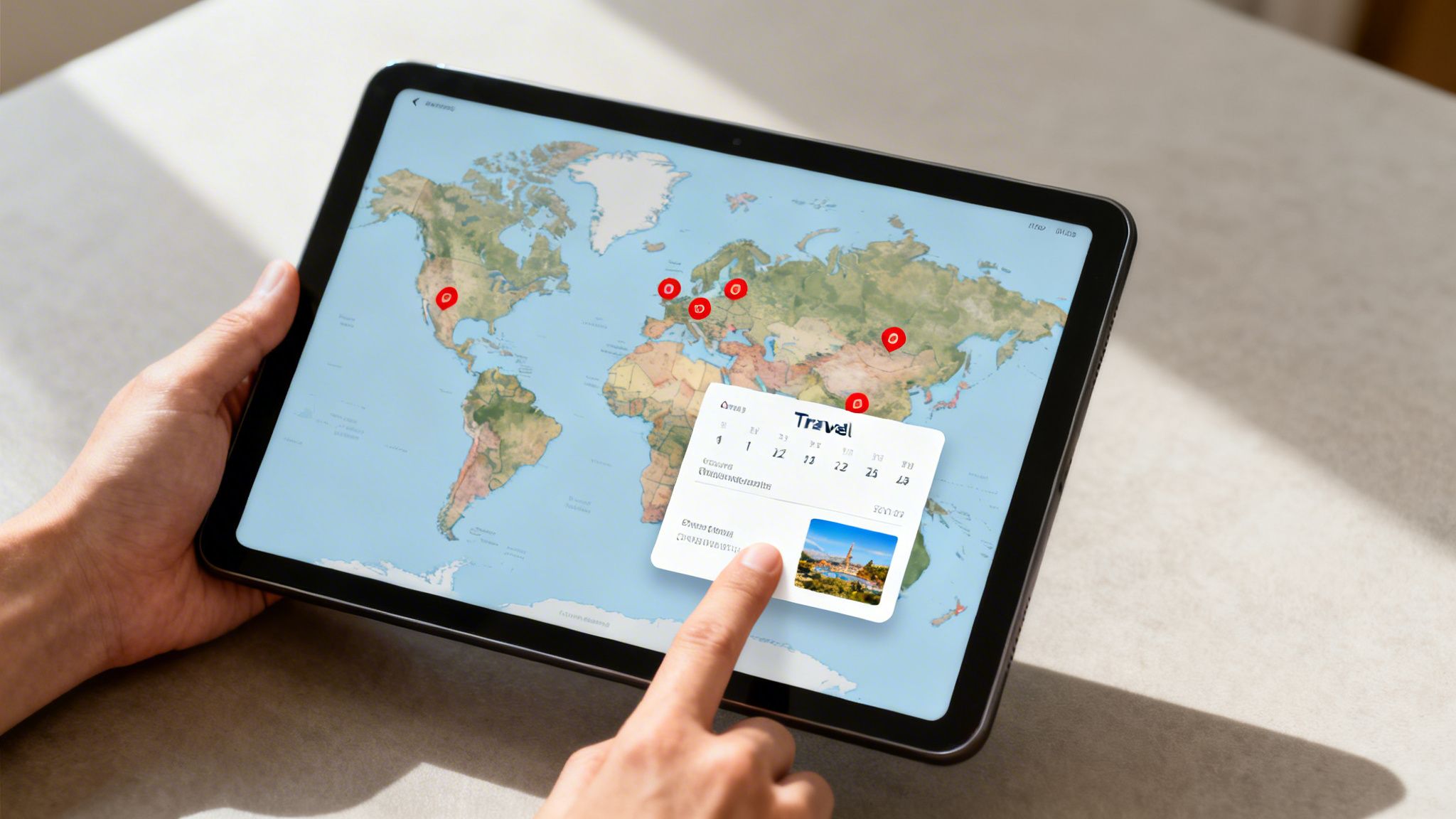
Once your travel history is logged, you can visualize it on an interactive map. Your countries visited map becomes a dynamic, digital scratch map that updates automatically to reflect your global footprint. It's a living record of your adventures, far more powerful than a static wall map. Seeing countries light up on a world map turns a simple list of data points into a tangible story of your travels.
The DaysAround app excels at this, creating a rich visual experience that stays completely private on your device.
Bringing Your Travel Timeline To Life
Using an on-device app like the DaysAround iOS App, your world map populates automatically based on your photo timeline. Any country where you've taken a picture is highlighted, painting an accurate and complete picture of where you’ve been. This goes beyond a simple country counter to create an interactive experience.
You can dig into your history with features like:
- Interactive Tapping: Tap any visited country to see the exact dates you were there.
- Photo Integration: Jump directly from the map to the photos you took on that trip, connecting the memory to the location.
- Geographic Insights: See at a glance which continents you've visited most and which parts of the world await.
This visual breakdown helps you see patterns in your travels. It’s your personal dashboard of global experiences, all securely stored on your phone.
Planning Future Adventures
Your interactive map is not just a record of the past; it’s a tool for planning what's next. Seeing your visited countries laid out can spark ideas for exploring neighboring nations or a new continent. For instance, you might see that France welcomes over 82.6 million visitors annually and decide to explore its less-crowded neighbors. You can discover more insights about the world's most visited countries on onestep4ward.com.
The map inside the DaysAround app helps you strategize these future trips without uploading personal data. By understanding where you've been, you can make smarter decisions about where to go next, turning your travel history into a blueprint for future adventures.
Manage Schengen Stays and Tax Residency Days
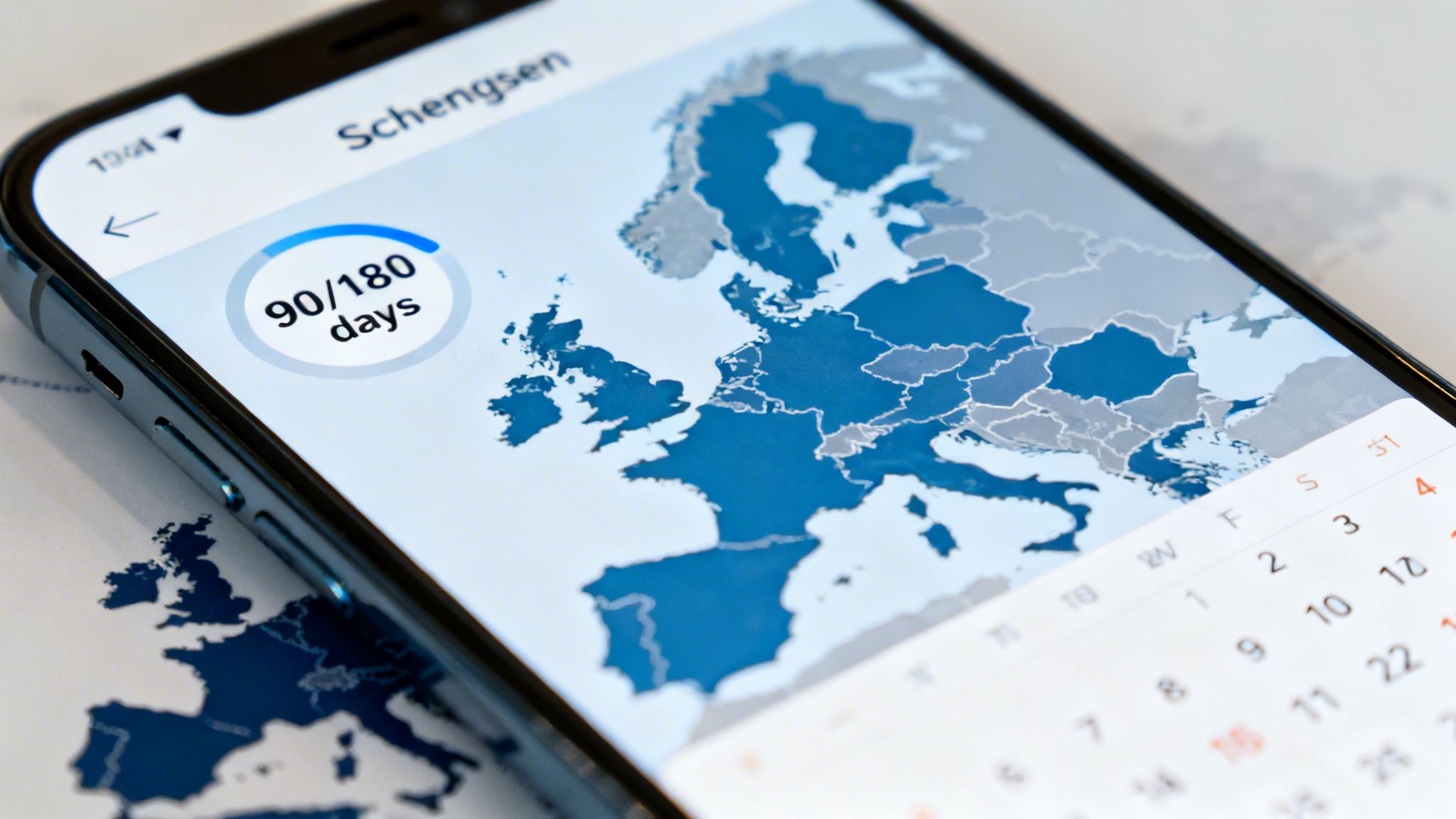
For digital nomads, frequent flyers, and remote workers, a world map track travel system is an essential tool for legal compliance. Manually counting days for visas or tax residency is tedious and prone to costly errors, especially with regulations like the Schengen Area's rolling 90/180-day rule. A miscalculation can lead to fines, entry bans, or unexpected tax liabilities.
While a free tool like our Schengen Zone Calculator is excellent for planning, an automated, private tracker that logs your actual stays is far more reliable. The DaysAround iOS App provides this functionality automatically and securely.
Automate Your Schengen 90/180 Rule Tracking
Staying compliant in the Schengen Zone requires constant monitoring of the rolling 180-day window. An app like DaysAround for iOS handles this complex calculation for you automatically and privately, using your photo timeline to log your days inside and outside the zone.
This on-device Schengen 90/180 tracker provides a real-time dashboard showing exactly how many days you have left. Key benefits include:
- No More Mental Math: The app manages the rolling calculation, eliminating the risk of human error.
- Completely Private: Entry and exit dates are determined on your phone. Your travel data is never shared.
- Always Up-to-Date: Your day count updates automatically as you take new photos, with no manual entry required.
By turning your photo library into a secure travel log, you get a powerful compliance tool that works in the background, giving you peace of mind about your visa status.
Simplify Tax Residency And Day Counting
Beyond visa rules, knowing your exact physical location is critical for tax residency. Many countries use a "days per country" test to determine tax obligations, and the burden of proof is on you. Piecing this together from old flight receipts is a massive headache.
An automated tax residency tracker like DaysAround gives you a secure, on-device record of your whereabouts. The app can generate an exportable log of the days spent in each country, all derived from your photo metadata. This data is invaluable for tax filings or legal inquiries. With global travel patterns constantly changing—Asia and the Pacific have already reached 91% of pre-pandemic arrivals—a reliable, private record of your movements is more important than ever. You can read a full analysis of global tourism recovery on france24.com.
Export And Analyze Your Travel Statistics Securely

Your travel history is a valuable source of personal data. While visualizing your countries visited map is rewarding, the real power lies in analyzing the numbers to understand your travel habits. A truly private countries visited tracker must give you complete ownership of this information, including the ability to export it.
An easy export feature turns a visual map into a practical tool for life management, allowing you to run custom analyses or import your travel log into other software without ever uploading your private history to a server. The DaysAround app is built with this principle in mind.
Your Data, Your Control
The core principle of a secure travel tracker is that you—and only you—control your data. When using a tool like the DaysAround iOS App, all information is generated and stored exclusively on your device.
Because everything happens locally, exporting your stats is simple and secure. The app provides a clean export feature that packages key metrics for your review:
- Total Countries Visited: A straightforward count for your records.
- Days Per Country: A detailed breakdown essential for tax and visa compliance.
- Continent Breakdowns: See at a glance which corners of the globe you visit most often.
Key takeaway: By keeping your travel history off the cloud, you eliminate the risk of your personal data being exposed in a corporate data breach. You control if, when, and how your information is shared.
From Personal Insights to Global Trends
Analyzing your travel patterns can reveal fascinating insights, such as changes in your average trip length or seasonal travel habits. These personal stats tell the story of your life's journey.
This personal story is part of a larger global trend, with international tourist arrivals expected to reach a record 1.52 billion soon. Having a private record of your place in this movement is powerful. You can read more about this worldwide travel milestone on traveltradejournal.com. DaysAround ensures your data remains your own, allowing you to reflect on your journey without feeding it into someone else's database.
Frequently Asked Questions
What's the best way to track travels without sacrificing privacy?
The most secure method is to use an app that processes all data directly on your device. The DaysAround iOS App uses your photo library to build a travel history without GPS, cloud sync, or requiring an account, ensuring your location data never leaves your phone.
Can I automatically create a map of my past travels?
Yes. If you have photos from previous trips on your phone, an app like DaysAround can analyze them to retroactively build a complete "where I've been" map. It pulls dates and locations from photo metadata, turning your library into a detailed and automatic travel log.
How does a Schengen tracker work without constant GPS?
A privacy-focused Schengen tracker logs your entry and exit dates for countries in the Schengen Zone using your photos. The DaysAround app detects when you're in the zone based on photo locations and applies the rolling 90/180-day rule to provide an accurate count of your remaining days, all without real-time tracking.
Is an automated travel history useful for tax purposes?
Absolutely. Many countries base tax residency on the number of days you are physically present. A travel history app like DaysAround provides a day-by-day record and allows you to export this data, creating a verifiable document for tax filings without sharing your location history with a third party.
Does the travel tracking app need to be online to work?
No. A key benefit of an on-device app like DaysAround is that it works completely offline. Since all analysis uses the photos already on your phone, you don't need a Wi-Fi or data connection, making it a perfect country counter for remote travel.
How can I share my travel map if all the data is private?
Privacy is the default, but you can still share your accomplishments. Apps like DaysAround allow you to export your stats and a visual map. This puts you in control: your data lives on your device, and you decide if and when to share it.
What is the Schengen 90/180 rule?
The rule allows non-EU visitors to stay in the Schengen Area for up to 90 days within any 180-day period. It's a "rolling" window, which makes manual tracking difficult. For planning, you can use a free Schengen Zone Calculator, while the DaysAround app tracks it automatically from your travel history.
What is the best app for a countries visited map?
The best app is one that is automatic, private, and accurate. The DaysAround app for iOS is a strong choice as it creates your countries visited map automatically from your photos, works entirely on your device to protect your privacy, and requires no manual data entry.