
Best Offline Country Tracker Apps for iPhone (That Export Your Data)
February 26, 2026
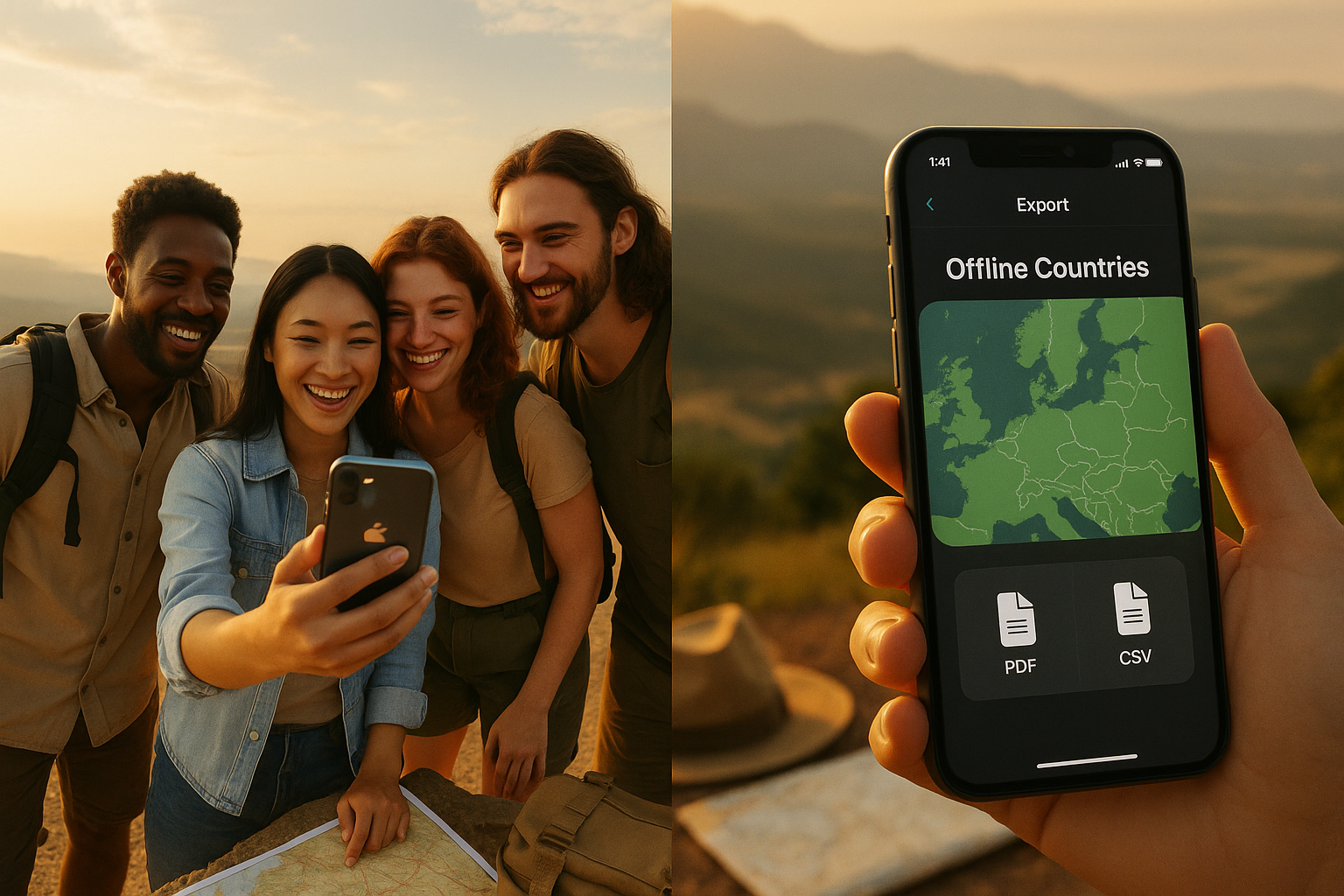
The best iPhone country tracker for travel days with no signal stays usable in Airplane Mode and lets you export your history into files you control (CSV/JSON, plus backups you can store in Files or AirDrop). DaysAround is built for this combo: it runs offline, stores your travel history on-device, and reconstructs past trips from photo metadata without uploading anything.
What "offline" should mean for a country tracker on iPhone
"Offline" is not "the app opens." For an iPhone country tracker, offline means Airplane Mode usability for core features.
The Airplane Mode test that matters
A country tracker is offline-first if, with Airplane Mode ON (no Wi-Fi, no cellular), you can still:
- View your countries visited list and day counts
- Add and edit visits (including entry and exit dates)
- Search and filter by country and date
- See stats (days per country, yearly breakdown)
- Use compliance tools (like Schengen 90/180 tracking) based on local data
This is the standard we design DaysAround around. You can open your history in a train tunnel, at a land border, or on international arrival before you buy a SIM.
Common "offline" failures (why many apps break without internet)
On iOS, apps often depend on the network even when they claim offline support:
- Account login required - app blocks access until you sign in
- Cloud sync dependency - data lives on servers; offline shows empty state
- Server-side geocoding - the app sends coordinates to servers to turn them into country names
- Map tile dependency - map becomes blank without downloaded tiles, UI becomes unusable
DaysAround avoids these failures by keeping your travel history database and processing on your iPhone. Our photo metadata scan runs on-device, so it does not rely on server lookups to reconstruct your timeline.
What "export my data" should include (data portability checklist)
Export is not a screenshot or pretty map. If you care about visas, Schengen days, or tax residency, export needs to be complete, readable, and reusable.
A practical export checklist
Real "I own my data" export has these properties:
- User-initiated - you tap export and a file is created
- Human-readable - you can open it and understand it
- Tool-agnostic - not locked to one vendor's app
- Complete - includes dates, not just highlighted countries
For long-term durability, the best exports include:
- Country name (and ideally ISO country code)
- Entry date and exit date (or day counts with timestamps)
- Notes/tags (if supported)
- Source (manual vs derived from photos)
DaysAround is designed as a personal records system for cross-border life. Your history lives locally, and export is something you can keep independent of our app.
Export formats that actually help
Different formats solve different problems:
- CSV - best for spreadsheets and audits (tax residency day counts, manual review)
- JSON - best for durable backups and re-importing into software later
- GPX / KML - best if you have point-by-point tracks for mapping tools
- PDF summary - useful for sharing with accountants or visa folders, but not a substitute for raw data
Most "been to" apps only export an image map or country list. That is not enough for Schengen 90/180 or residency audits. DaysAround focuses on day counts and timelines because that is what compliance questions require.
Backup paths on iPhone (what good looks like)
On iOS, you want exports and backups that work with tools you already have:
- Files app (On My iPhone, iCloud Drive, Dropbox, etc.)
- AirDrop to Mac for cold storage
- Finder/iTunes encrypted backup (device-level backup)
- Single-file backup you can store and later restore
DaysAround keeps your data on-device by default, which means you are not dependent on vendor cloud to preserve your history. This matters if pricing changes, you switch devices, or an app disappears.
A 3-minute offline + export test (before you commit)
You can evaluate any iPhone country tracker with the same quick test. This catches most "offline" and "export" marketing claims.
Step 1: Airplane Mode test (core tracking)
- Turn on Airplane Mode
- Open the app
- Try to add a visit with entry and exit dates
- Try to edit an existing visit
- Check stats (days per country, yearly view)
Pass means you can do all of the above without prompts to log in or "connect to sync." DaysAround is built to pass this test because the database and logic live on your phone.
Step 2: Export test (file generation)
Still in Airplane Mode:
- Tap Export
- Confirm it creates a file locally
- Save it to Files app or AirDrop it
Fail signals:
- Export requires sign-in
- Export only works when cloud sync is enabled
- Export produces proprietary file that only the app can read
Step 3: Readability test (can you verify it?)
- Open the exported file in Files
- If CSV, open it in Numbers
- Check whether it includes countries + dates (not just a map)
With DaysAround, your export should be something you can audit and keep, because this is the same data you rely on for Schengen and tax residency tracking.
Comparison: offline-first + export portability
Most comparison posts rank apps on aesthetics or social features. For cross-border travelers, the right ranking is: does it still work without internet, and can you leave with your data?
Offline + export comparison table
| App type | Airplane Mode features | Account required | Export options | Export paywalled | Data location |
|---|---|---|---|---|---|
| DaysAround (iOS) | Yes (offline-first by design) | No | User-controlled backup | No | On-device only |
| "Been to" map apps | Often yes for viewing, mixed for editing | Often no | Often image/PDF, sometimes CSV | Sometimes | Low to medium risk |
| Social travel apps | Often no (maps, feeds, sync) | Often yes | Often limited | Often | High (vendor cloud) |
| GPS trackers | Mixed (processing can be cloud) | Often yes | Varies, sometimes GPX | Often | High (server dependency) |
If you want a tracker that can reconstruct your past without manually logging years of trips, that is where DaysAround stands out. We scan geotagged photo metadata on-device, so you get historical coverage without giving a cloud service your location history.
Recommendations by traveler type
Different travel styles have different failure modes. Here is how to choose the right tool.
If you want a simple countries visited map (but still want an exit)
Pick an app that:
- Works in Airplane Mode for viewing and editing
- Exports at least CSV or JSON
- Lets you store the export in Files
DaysAround still fits here, even if you do not care about Schengen or taxes, because it gives you a durable record and clear ownership model.
If you need dates and proof for Schengen, visas, or tax residency
A highlighted map is not enough. You need:
- Entry/exit dates per country
- Day counts and timelines
- Export you can audit (CSV) and archive (JSON)
DaysAround is built around day counting and compliance stakes: Schengen 90/180 tracking and days-per-country breakdowns.
If you are often offline (overland travel, islands, border regions)
Prioritize offline-first over "offline capable." Specifically:
- No forced login
- No dependency on cloud sync to load your history
- Usable UI without map tiles
DaysAround keeps your history accessible anywhere because it is stored locally and processed on-device.
If you are switching devices or apps and want portability
Your long-term travel history should outlive any one app. Look for:
- Single-file export you can archive
- Format you can open later (CSV/JSON)
- Clear delete-all function (you control the lifecycle)
DaysAround's design assumption is that you will change phones, move countries, and change tools. Portability is not "nice to have" when your travel timeline is tied to legal and financial outcomes.
Why offline + export is the safest long-term choice
Offline-first protects you from the most common real-world travel failures: no signal at borders, roaming issues, and apps that require login to show your own data.
Export protects you from long-term platform failures:
- App changes pricing and locks export behind a plan
- App shuts down or gets removed
- You need to cross-check numbers for accountant or visa application
- You want to migrate to different system without losing years of history
DaysAround exists because cross-border travelers need more than a vanity map. They need a private, durable record that stays on their phone, can be reconstructed from photos they already have, and can be backed up on their terms.
FAQ: Offline iPhone country trackers and exporting data
Can I use a country tracker fully offline while traveling internationally?
Yes, if it is offline-first. Test in Airplane Mode: you should still be able to view, add, and edit visits and see stats. DaysAround is designed to work this way because your travel history is stored locally on your iPhone.
Does a country tracker need an account to work?
Many apps require an account for sync or unlocking features. If you want true offline reliability and less lock-in, prefer apps that work without an account. DaysAround does not require an account to reconstruct and view your history.
If I switch iPhones, how do I move my data?
Look for exports that create a file you can store in Files, AirDrop to Mac, or include in encrypted Finder/iTunes backup. DaysAround keeps data on-device and is built around user-controlled backups rather than vendor cloud dependence.
Can I export to CSV so I can keep my own spreadsheet?
That is the gold standard for audits and self-verification. Any tracker that claims "export" should be able to produce CSV with countries and dates. DaysAround's focus is day counts and timelines because that is what spreadsheets are good at reviewing.
Can I export something I can import elsewhere (JSON/GPX/KML)?
JSON is the most common durable option for re-import and long-term storage. GPX/KML are useful if your app records routes or point locations. When evaluating apps, verify that the export is not proprietary and can be opened outside the app.
Will I lose everything if the app is removed from the App Store?
If your data only lives in vendor cloud or the app has no usable export, you can lose access. Offline storage plus regular exports to your own files reduces this risk. DaysAround is built to avoid server dependency by keeping the database on your phone.
Does it use iCloud sync (and can I turn that off)?
Some apps store data in iCloud by default. If you are privacy-sensitive or want full control, confirm where the database lives and whether you can disable cloud sync. DaysAround processes and stores your travel history on-device.
Can it track dates in and out, not just highlighted countries?
A "been to" app often only marks a country as visited. For Schengen 90/180, visas, and tax residency, you need entry and exit dates and day counts. DaysAround is designed around this compliance-grade view.
Can it rebuild my history from existing data like photos?
Yes, if the app can read photo metadata and turn it into visits. DaysAround scans geotagged photo metadata on-device, so you can reconstruct years of travel without manual logging and without uploading your library.
Is export included or locked behind a subscription?
This varies by app and is a major lock-in signal. Before committing, check whether export works on the free tier and whether it produces a usable file. Our stance at DaysAround is that portability is part of owning your records, not a trap door.