
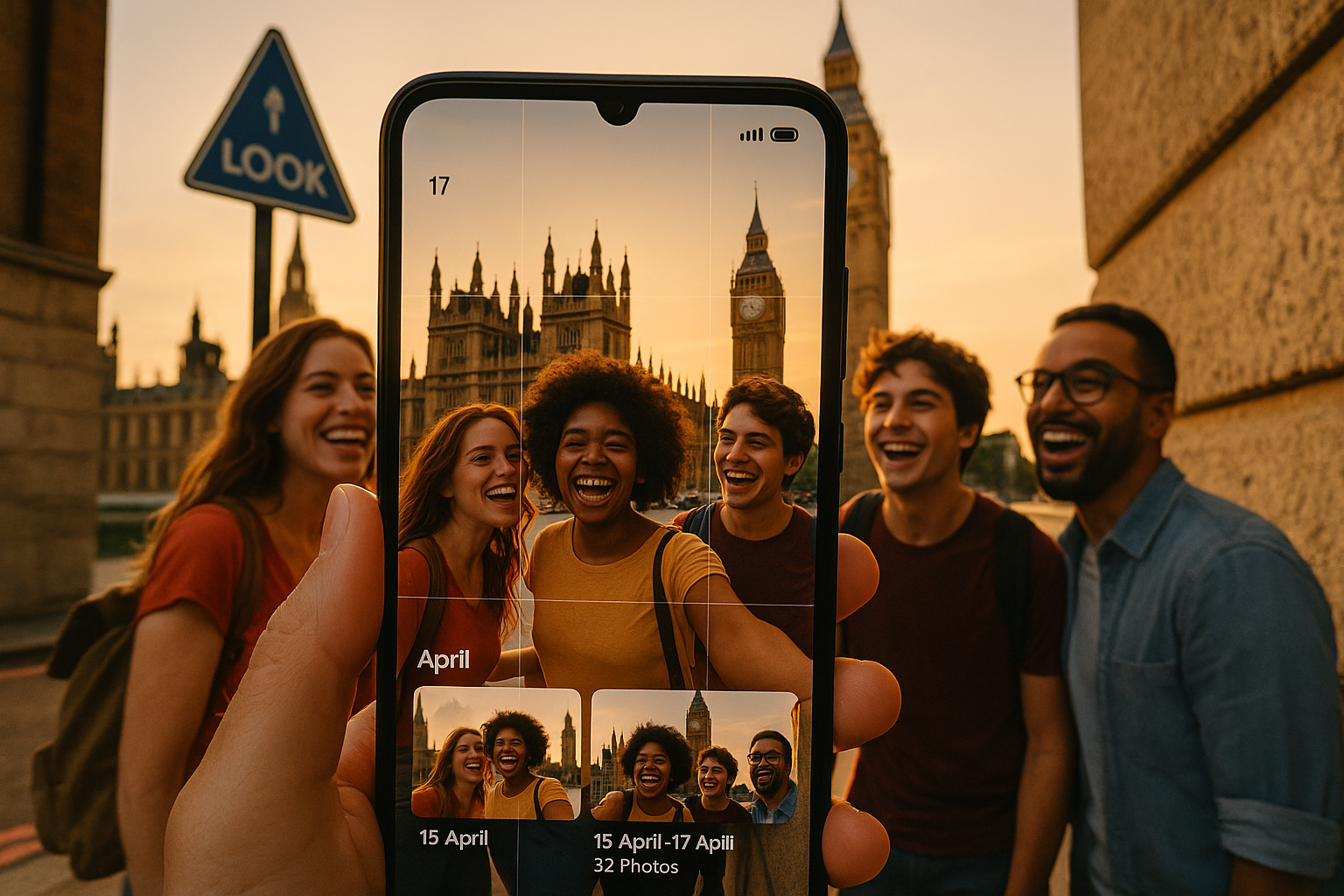
No GPS in Your iPhone Photos? You Can Still Rebuild Your Travel History
March 17, 2026
Location Services was off. Your iPhone photos have no GPS coordinates. Most country tracker apps are useless now, right?
Wrong. You can still rebuild a solid travel timeline using what your photos actually contain: timestamps, clusters, and patterns. The key is accepting you'll need to confirm countries manually — but doing it smart.
DaysAround handles this reality. It scans photo metadata on your iPhone (no uploads), groups your history by time, and lets you confirm countries without turning your library into someone else's cloud dataset.
Why your iPhone photos have no GPS coordinates
Two iPhone settings control photo geotags. If either was off when you took the photo, you get no latitude/longitude in the file:
- Location Services off: Settings → Privacy & Security → Location Services
- Camera location access off: Settings → Privacy & Security → Location Services → Camera (set to Never)
No coordinates means no automatic country lookup. That's just physics.
You probably have mixed GPS data
Even location-friendly users end up with patchy libraries:
- Indoor photos where GPS signal is weak
- Airplane mode blocking location updates
- Low Power Mode limiting background location
- You changed Camera permissions mid-trip
Mixed libraries are normal. DaysAround uses geotagged photos where available, then handles gaps with manual confirmation.
What signals still exist without GPS
No GPS doesn't mean no data. You lose automatic country detection but keep the building blocks for reconstruction.
Timestamps are your foundation
iPhone photos almost always contain capture date/time, even without location. This shows:
- Travel windows: "March 3-10 cluster"
- Real stays vs transit: 180 photos over 6 days vs 3 photos in one afternoon
- History going back years as far as your camera roll goes
DaysAround starts with timestamps because they're reliable. We build chronological travel logs without needing cloud location histories.
Photo clusters reveal trips
Consecutive days of photos create natural groupings:
- Dense clusters suggest real stays
- Sparse photos suggest short stops
- Photo gaps need manual confirmation (home base or just not photographing?)
This turns country reconstruction from automatic to assisted.
Albums provide context clues
Albums don't replace GPS but speed up confirmation:
- Trip albums you created ("Japan 2019")
- Shared albums from friends
- Screenshots mixed into travel dates (boarding passes, hotel confirmations)
DaysAround's on-device scanning uses album context without uploading your library.
The realistic workflow: assisted reconstruction
When GPS is missing, honest apps offer assisted reconstruction instead of fake automation.
Step 1: Scan metadata on-device
Extract what exists:
- Timestamps from all photos
- GPS coordinates where available
- Clustering signals from photo density
DaysAround does this locally. Nothing leaves your phone. No account required.
Step 2: Group into trip date ranges
Turn photo clusters into recognizable chunks:
- "2018-06-02 to 2018-06-09"
- "2021-11-14 to 2022-02-01"
Most people can recognize their big travel windows from photo patterns alone.
Step 3: Confirm countries manually
Provide the missing fact: where you were during each date range.
Do this efficiently:
- Label by trip, not individual photos
- Start with longest stays (they contain most of your days)
- Use the smallest number of edits that yields accuracy
You confirm countries without creating a cloud trail of your movements.
Step 4: Fill photo-sparse gaps
Some trips have few photos. Some people don't photograph much.
Add manual entries for missing periods. Keep it simple and honest.
Step 5: Use the clean log for compliance
Once you have countries + dates:
- Schengen 90/180 tracking: Check visa compliance with DaysAround's calculator
- Tax residency math: See days per country for 183-day rules
This produces a compliance-grade travel log you control.
How much manual work to expect
Expectations matter. Manual confirmation isn't failure — it's the accurate outcome when GPS is missing.
Best case: Clear photo clusters
Rebuild years of history with a handful of date-range confirmations and minor boundary fixes.
Worst case: Sparse photos plus time issues
More work when you rarely photograph, had wrong phone time, or imported photos with altered dates.
Minimize manual updates
- Start with big trips (multi-week stays carry most days)
- Add high-risk regions (Schengen entries/exits)
- Fill short trips last
DaysAround focuses on "confirm the ranges that matter" not "log every border crossing forever."
Privacy reality: how other apps handle missing GPS
If a tracker must "figure out" locations without GPS, it often means your photos get processed on servers.
What to avoid
- Uploading photo libraries for analysis
- Accounts tying identity to movement history
- Analytics SDKs collecting behavioral data
What to look for
- On-device processing (no cloud upload)
- No account required
- Minimal permissions
- Strong manual editing for incomplete metadata
DaysAround's architecture prevents us from seeing your travel history because we never receive it.
DaysAround when photos lack GPS
DaysAround is most powerful with geotagged photos because we can reconstruct countries automatically. When your photos have no GPS, we still help by:
- Scanning your library on-device for timestamps and existing geotags
- Organizing history around date clusters
- Letting you manually confirm countries for date ranges
- Producing clean output for Schengen and tax planning
This isn't magic. It's the fastest privacy-first path from incomplete metadata to compliance-grade travel logs.
FAQ
Do country trackers work without GPS in photos?
They work in assisted mode. Without GPS coordinates, apps can't automatically identify countries. Good trackers group by dates and let you confirm countries manually.
Can I rebuild travel maps from timestamps only?
Yes, with manual confirmation. Timestamps show travel windows and clusters. You label those date ranges with correct countries to build your map.
What if my iPhone time was wrong while traveling?
You can still rebuild history but expect some off-by-one-day errors near flights and timezone changes. Fix boundaries during date-range editing.
Does photo scanning leak data to developers?
Depends on the app. Some upload photos for server processing. DaysAround scans on-device — photos and metadata stay on your iPhone.
How much manual work is realistic after years without Location Services?
Expect manual labeling by trip or date range. Start with trips that matter most (long stays, Schengen entries, high-tax countries) and build incrementally.
Can I export results for visa or tax proof?
You need structured country-by-date history you control. DaysAround produces clean travel logs and country day counts for Schengen compliance and tax residency tracking.