
27 Things to Track in a Life in Weeks Grid (Without the Theater)
April 14, 2026
A life in weeks grid only works if it changes what you do next. Track signals that explain your seasons and prove progress. Skip anything that turns into "I tracked a lot" instead of "I shipped."
FocusNinja is like an accountability coach for your week. Pick one thing. Track wins. Get a weekly verdict.
The point (and the trap)
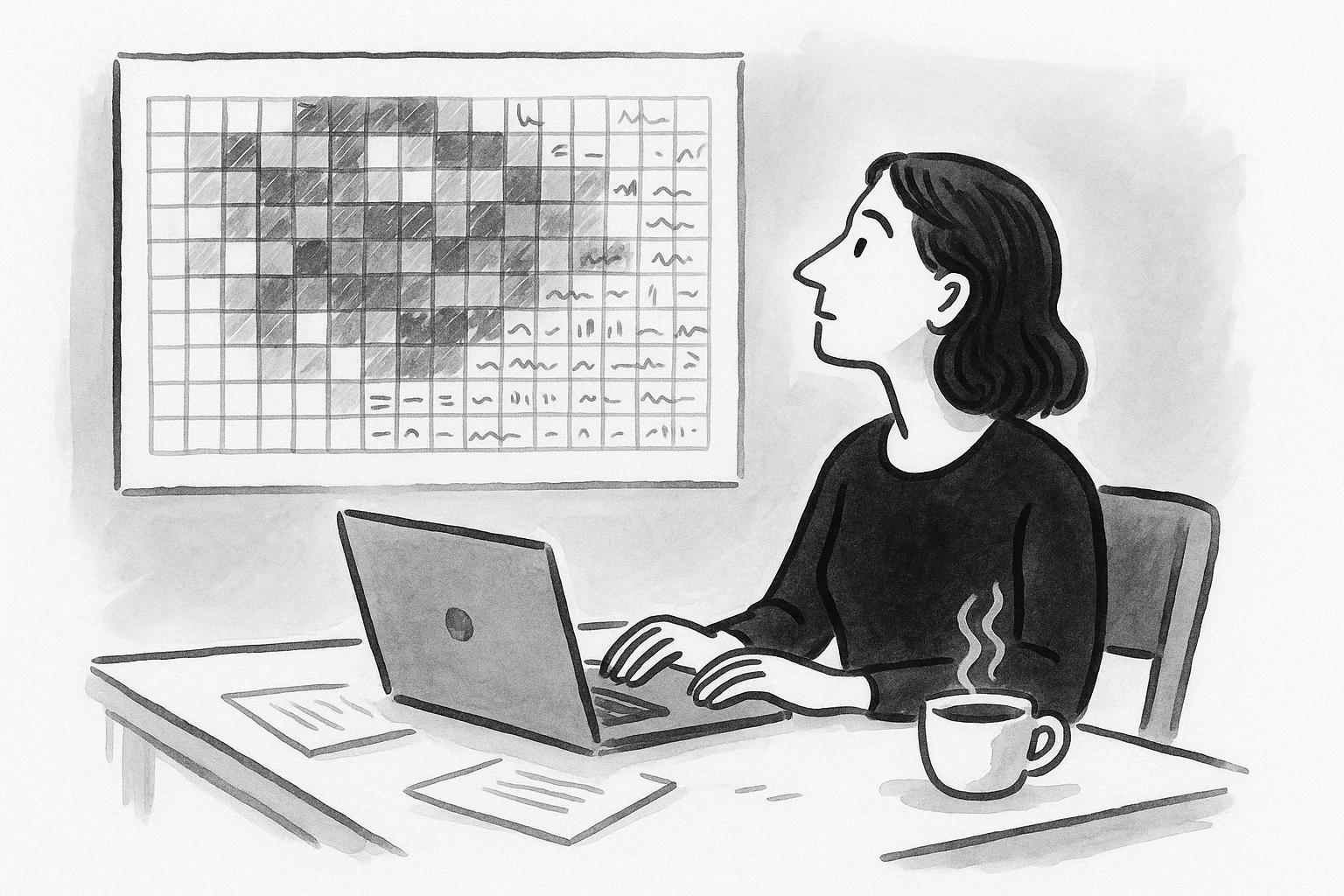
A standard life in weeks grid assumes about 90 years, which is 4,680 weeks. That sounds like a lot until you remember many weeks aren't really "free weeks" because of kids, caregiving, health, job changes, and recovery seasons.
The grid works because it reduces time blindness. You can see seasons instead of isolated days.
The trap is turning the grid into a second job. That's productivity theater. Busy isn't progress. Shipped is progress.
Use the grid as radar. Use FocusNinja as the flight plan: Morning Anchor. Midweek Pulse. Weekly Review.
Track signals, not noise
A "signal" is something you can review quickly that changes decisions. A "noise" metric makes you feel busy or guilty without changing what you ship.
The 3-question filter
Before adding any track, ask:
- Can I review this in 10 minutes per week? If not, it will die.
- Will this change what I do next week? If it doesn't create a decision, it's decoration.
- Does it measure an outcome or a constraint? Outcomes: shipped artifacts, revenue milestones. Constraints: energy, sleep, caregiving load.
This maps to FocusNinja's execution loop. You set a North Star and choose the week's intention. You log wins as evidence. The AI coach uses wins to give sharper feedback.
4 types of tracks
Different things belong on the grid for different reasons. Mixing them causes bloat.
| Track type | Frequency | Purpose | Example | FocusNinja support |
|---|---|---|---|---|
| Milestones | Rare | Record permanent changes | "First $10k MRR month" | Weekly Review captures milestone and cause |
| Themes and seasons | Weekly to quarterly | Explain why weeks differ | "Newborn season" | Weekly intention stays realistic |
| Health markers | Weekly summaries | Track inputs without streaks | "2 strength sessions/week" | Morning Anchor ties day to doable plan |
| Shipped artifacts | Weekly | Proof you moved forward | "Shipped onboarding v2" | One Thing plus wins log = Shipped verdict |
Your grid is context. Your weekly shipped artifact is the unit of truth. A week is a unit of execution. Drift kills weeks.
27 trackable things
This is a menu, not a checklist. Default to 1–3 active tracks in a season.
A) Milestones (rare, high signal)
These are the "pins" in your grid. They make your story legible.
- First paying customer - The week you proved someone will pay
- Revenue steps ($1k, $10k, $50k month) - Use steps that match your stage
- First profitable month - A clean constraint shift
- Launch week - Mark what shipped, not tasks done
- Funding event or bootstrap decision - Major strategy locks
- First hire or manager role - "I became a manager" matters in tiny teams
- Relocation week - Moves your constraints
- Major health event - Surgery, diagnosis, rehab start
- Family milestones - Marriage, divorce, new child
B) Themes and seasons (prevents false guilt)
Themes make your grid honest. They tell you which weeks were for building and which were for surviving.
- Year theme - One phrase: "Stabilize," "Deep craft," "Distribution"
- Quarterly bet - One outcome you'll be judged on
- Constraint season - "Caregiving," "Low runway," "Immigration paperwork"
- Burnout risk - Low/medium/high weekly label
- Focus window - "0–5 hours," "5–10," "10+" deep work capacity
- Sales vs build mode - If you do founder-led sales, this matters
- Identity season - "I ship weekly," "I talk to customers weekly"
C) Health markers (weekly summaries only)
Don't turn your grid into a habit tracker.
- Strength sessions per week - 0, 1, 2, 3+
- Cardio minutes - Bands: 0–30, 30–90, 90+
- Sleep consistency - "<6.5 hours," "6.5–7.5," "7.5+"
- Alcohol-free weeks - Simple binary
- Therapy attendance - Checkmark for the week
- Pain level - Low/medium/high band
- Energy score - One number, 1–5
D) Shipped artifacts (the anti-theater core)
If you track only one thing, track shipped artifacts.
- Weekly shipped artifact - "Shipped pricing page," "Published email sequence"
- Revenue outcomes - "Closed 2 deals," "Raised prices"
- Distribution artifact - "Shipped demo video," "Published founder letter"
- Kill list items - Projects you deliberately killed
Bring these into FocusNinja as wins. Log wins. The coach uses wins as evidence.
How many things to track
More tracking doesn't mean more control. It usually means abandonment.
The FocusNinja default: 3 tracks max
- 1 theme (yearly or seasonal)
- 1 bet (quarterly)
- 1 shipped artifact (weekly)
Everything else is log-only milestones.
When to add a temporary track
Add one temporary track for 4 weeks if:
- It's a constraint you're actively fixing
- You can state the decision it will drive
Then remove it. The goal isn't a perfect dashboard. The goal is a shipped week.
What not to track
These create productivity theater fast:
- Daily micro-habits - Supplements, perfect routines, meditation streaks
- Motion metrics without outcomes - Meetings attended, hours worked, messages sent
- Too many categories - More than 3 active tracks kills review habits
- Anything you won't review weekly - Review cadence beats granularity
The minimal set we recommend
If you want your tracker to make you ship:
1 yearly theme
Mark weeks with a light color. One phrase only.
1 quarterly bet
Mark the quarter boundary. Write the bet in the margin.
1 weekly shipped artifact
Put a dot on weeks you shipped. Write one line in your wins log.
Then run the loop:
- Morning Anchor: What is today in service of the weekly artifact?
- Midweek Pulse: Drifting or on track?
- Weekly Review: Verdict. Shipped, Wasted, or Enjoyed.
Make the grid make you braver
A life in weeks grid should remove ambiguity. It should make tradeoffs obvious. It should help you say "no" faster and ship the one thing that matters.
Start with 2–3 tracks for 4 weeks. Track one theme, one bet, one shipped artifact. If your grid doesn't change what you ship this week, it's decoration.
FocusNinja turns the grid into weekly output by holding you accountable to wins and giving you a weekly verdict.
FAQ
What should I track in a life in weeks tracker? Track one theme, one quarterly bet, one weekly shipped artifact. Add log-only milestones when they happen.
Should I track habits or outcomes? Track outcomes by default. Track habits only as weekly summaries when they clearly drive execution.
How many categories at once? Keep 1–3 active tracks. More becomes maintenance work.
Best tracks for founders? Shipped product artifacts, revenue milestones, launches, customer outcomes, constraint seasons.
How to track burnout or caregiving seasons? Use theme tags and constraint bands. Explain capacity so you set realistic weekly bets.
What about blank weeks? Blank weeks are data. Either constraint season or drift. FocusNinja's Midweek Pulse catches drift before weeks go blank.
Missed updating for a month? Don't backfill details. Log major milestones and restart with next Weekly Review.
Track business progress without obsessing over revenue? Track revenue as milestones (first $X month) and weekly shipped artifacts as leading indicators.
Keep it meaningful after initial motivation? Tie to weekly accountability. FocusNinja keeps it alive with Morning Anchor, Midweek Pulse, Weekly Review.